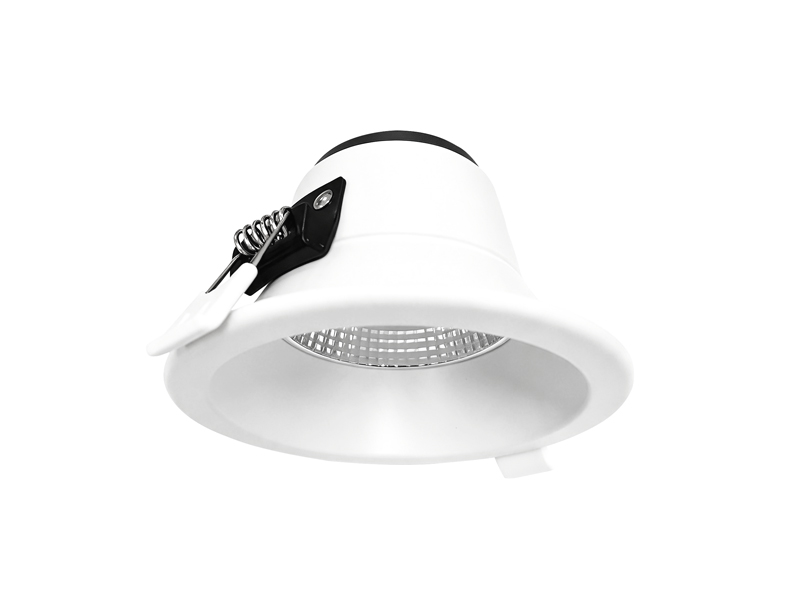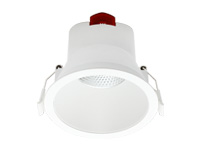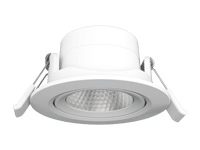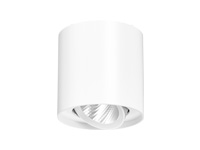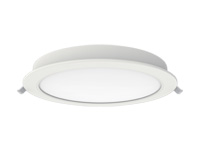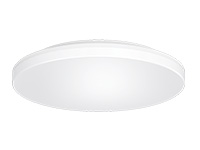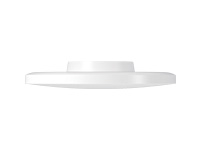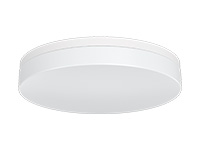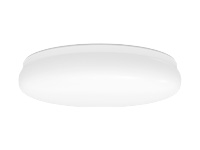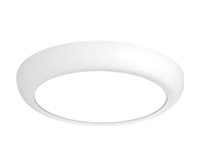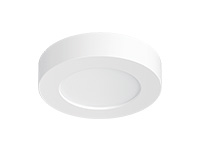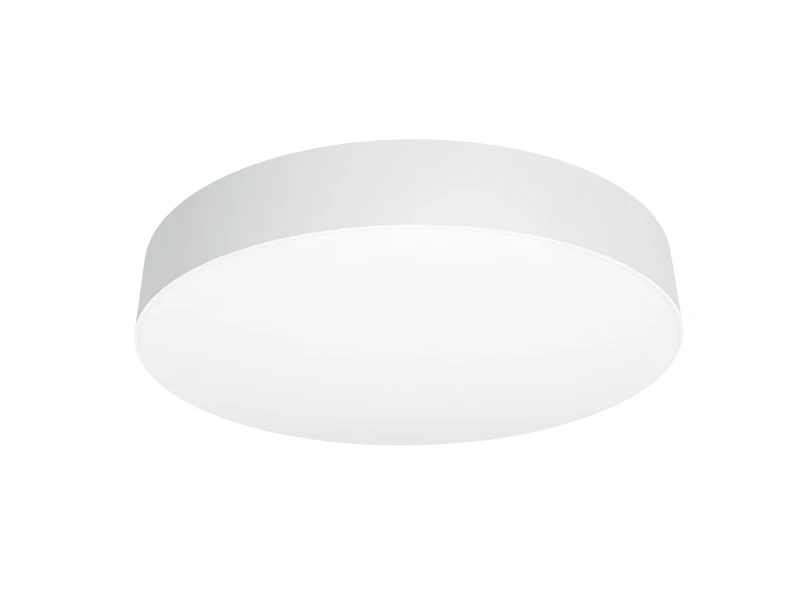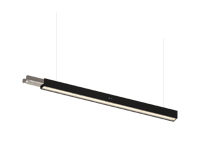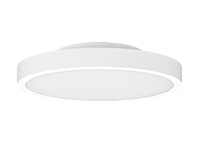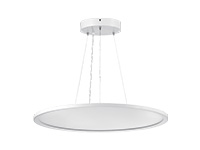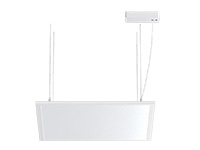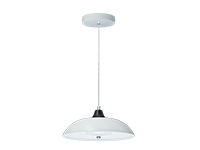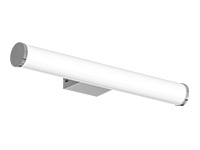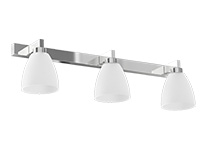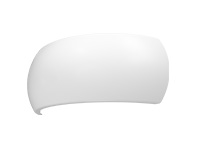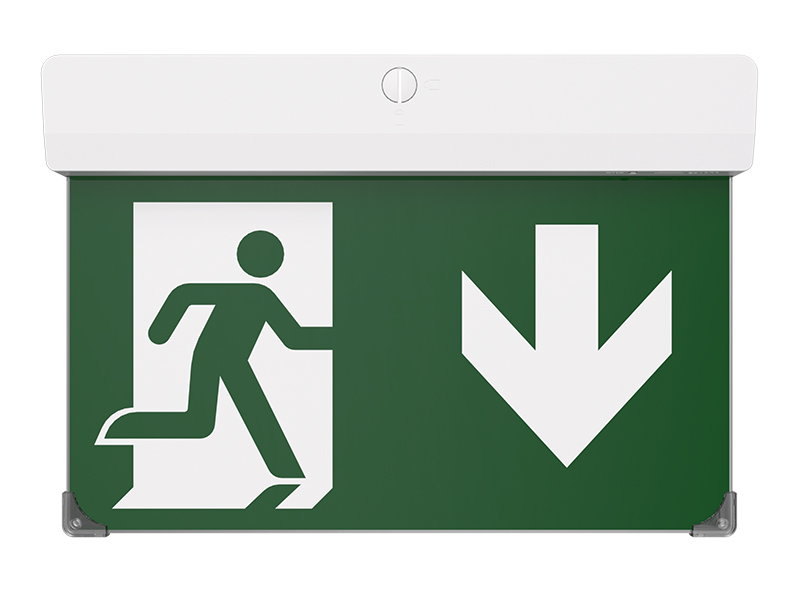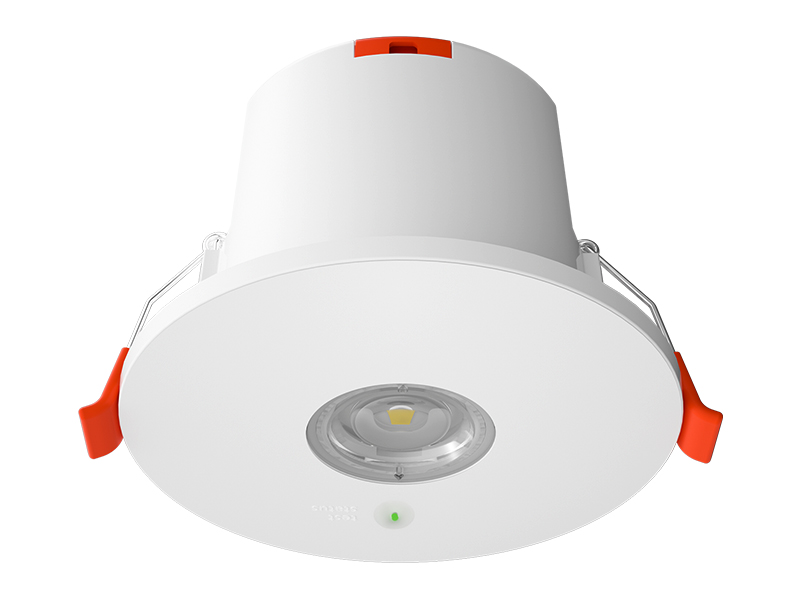

Evaluate a box type fitting through its own documented function, mounting details and emergency performance. At IMIGY Lighting, we distinguish that category from Voyager Emergency Blade Exit Sign and Guard Fit Emergency Downlight. Voyager is a blade exit sign and Guard Fit is an emergency downlight; neither is presented as a box type product. Their mounting options can help the project assess fixed direction and illumination tasks separately.
Commercial exits can involve wall surfaces, suspended ceilings, restricted voids and changing approach views. A housing outline alone cannot resolve those conditions. Our guide to a Box type emergency light begins by identifying what the proposed product must do, then examining the support and complete installation. We use our Voyager and Guard Fit documentation to explain two confirmed fixed product roles, while keeping any unverified box type fitting outside their model specifications.
Confirm whether the task is exit identification, emergency illumination or another defined function. Obtain the actual product's dimensions, mounting arrangement and relevant performance information before choosing the installation detail. Review the support and access separately from sign visibility or light distribution. An Emergency light fixture that appears physically convenient still needs the appropriate assessment for the function it is expected to perform.
Start with the exit drawing and identify the intended contribution of each device. A visible legend conveys information, while a downlight illuminates assessed surfaces. Some other product may combine functions, but that must be confirmed by its own documentation rather than inferred from a box shaped housing. Keep the specification attached to the model that actually provides the stated function.
Next, inspect the intended mounting surface and available space. Record the construction, ceiling void, obstructions and access for the complete assembly. A recessed arrangement and a surface mounted arrangement can require different installation details even where the visible position is similar. Confirm the approved accessories and instructions rather than improvising a support because the fitting appears to fit the opening.
Check the relationship with the exit approach and adjacent door operation. A mechanically achievable position may still conceal a sign or place the useful light away from the intended surfaces. Resolve these questions with the relevant product data and project assessment. Moving a fitting to solve a physical conflict should trigger a review of any affected visibility or coverage assumptions.
Our Voyager Emergency Blade Exit Sign offers the mounting options listed below. Select the actual arrangement according to the support and the relevant approach view, with the required accessories identified. The range of options gives the project alternatives to examine; it does not establish that the same parts or installation method apply to every ceiling, wall or track location.
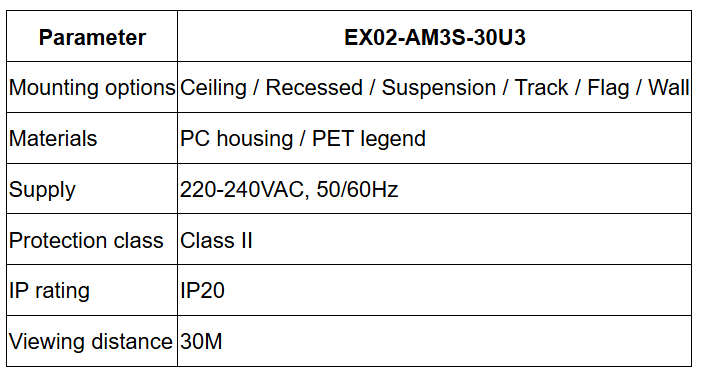
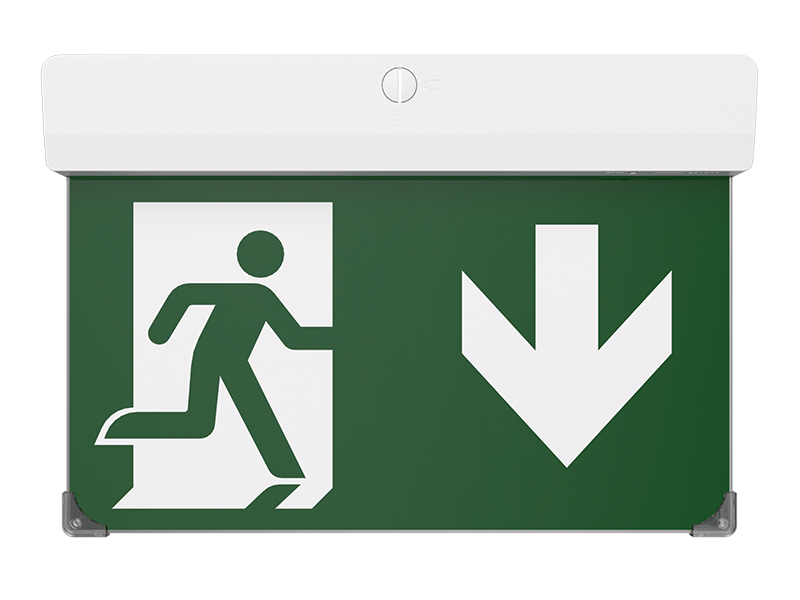
The listed viewing distance belongs to the sign and cannot replace an approach inspection. Check the approved legend and arrow against the route, then assess whether architectural features or an open door affect the view. The protection class and IP rating describe separate product characteristics; keep them attached to the actual installation and do not use either as a substitute for mounting instructions.
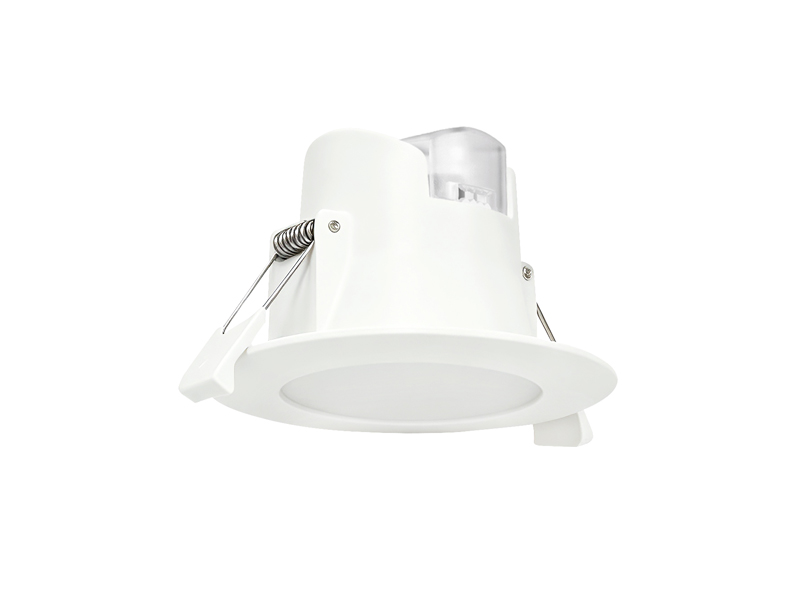
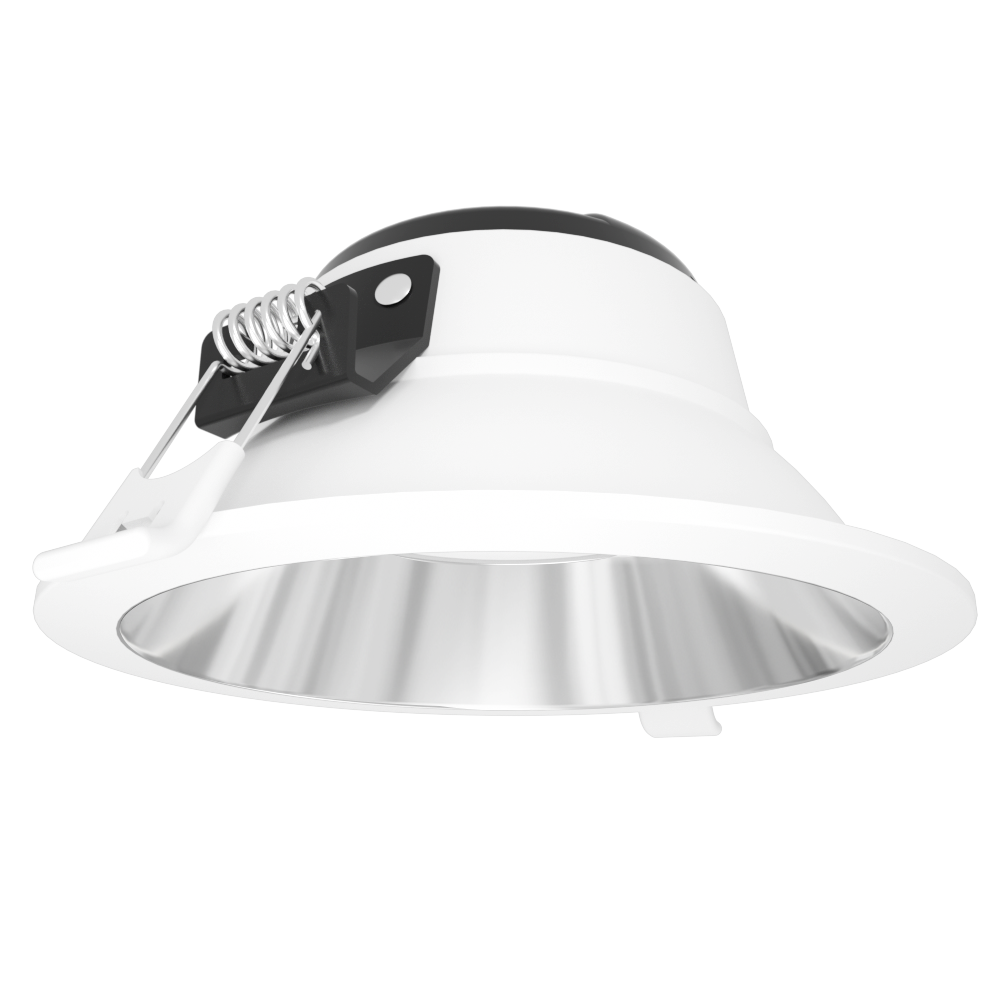
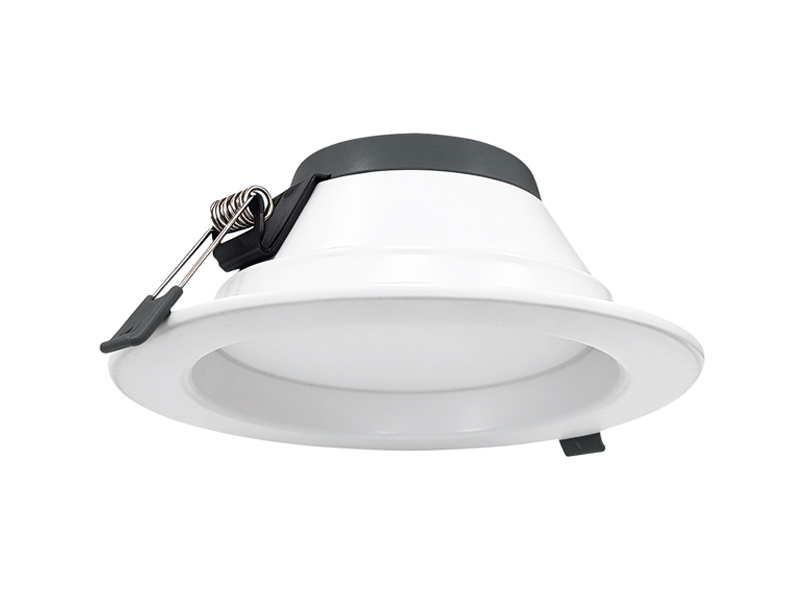
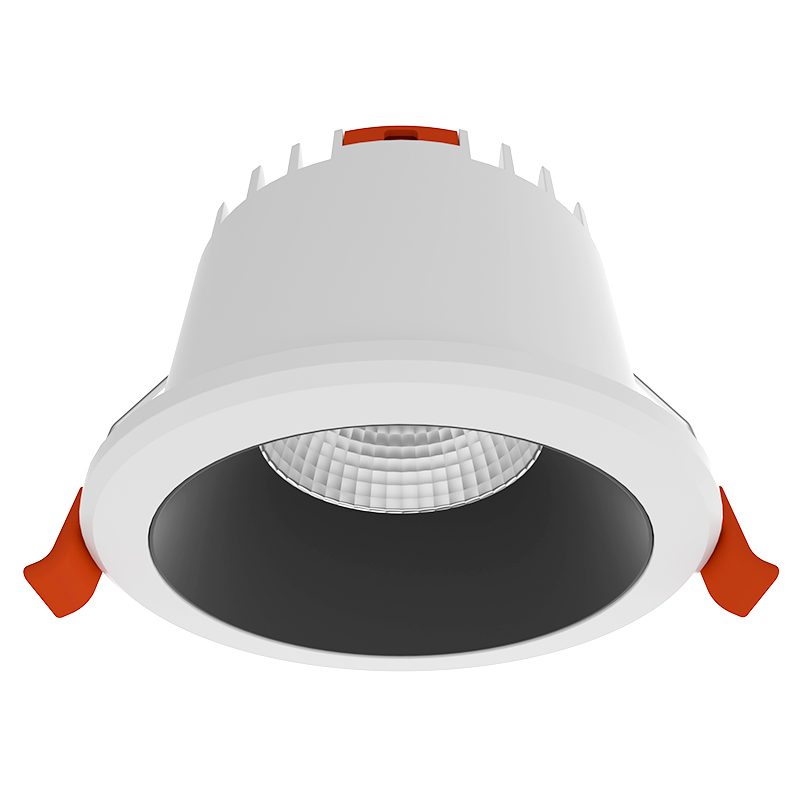
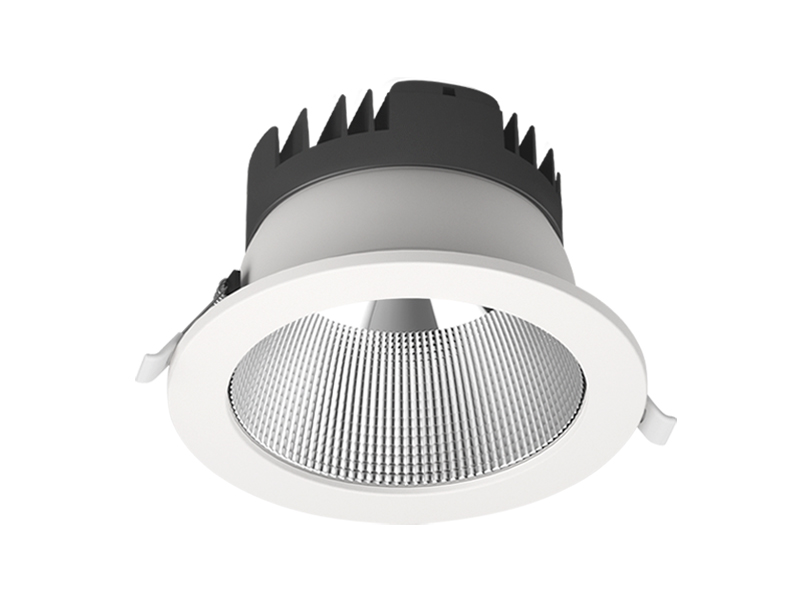
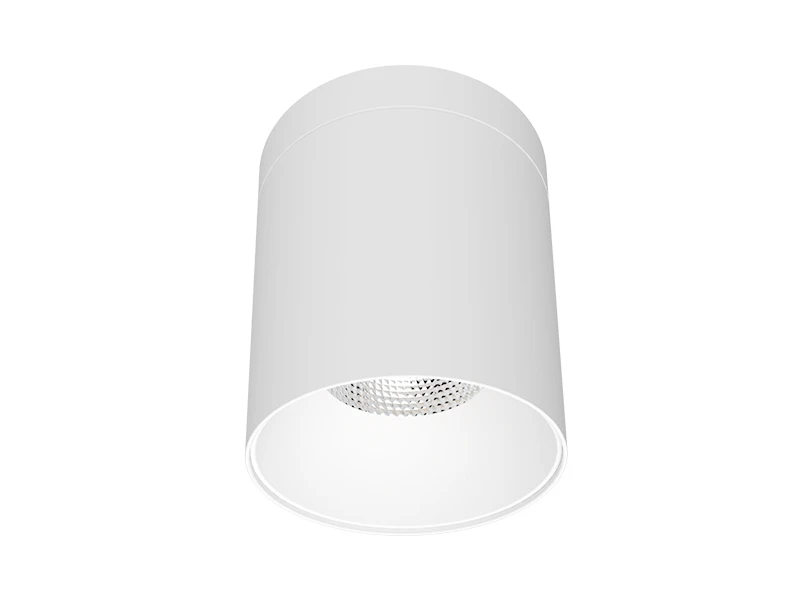
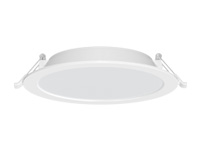
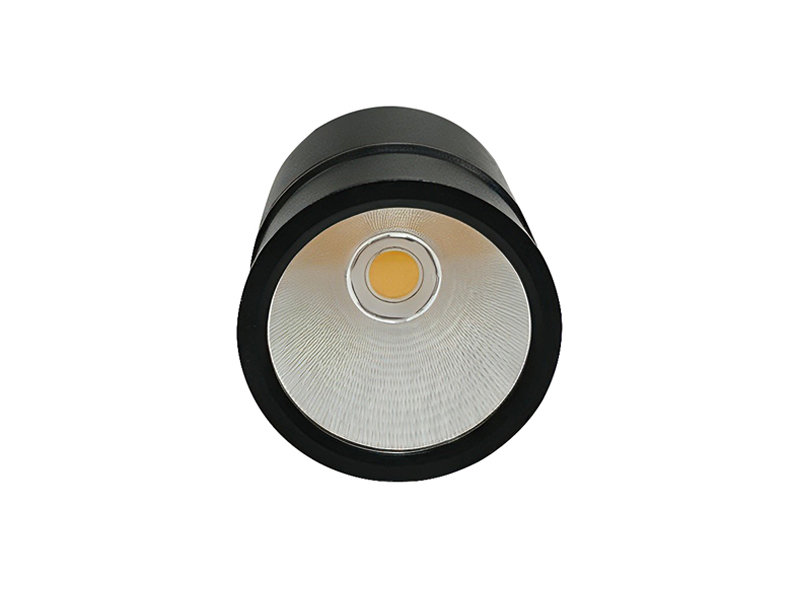
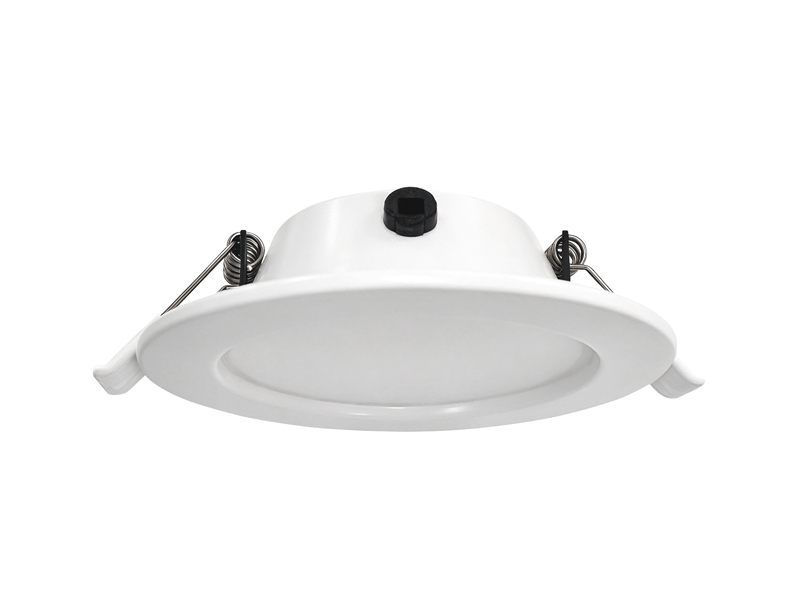
Guard Fit Emergency Downlight provides surface mounted and recessed options. Confirm the complete components and ceiling requirements for the chosen method before approving the installation detail. Select the round or oval lens independently, so the emergency coverage assessment corresponds to the optic being supplied rather than to the shape of the visible fitting alone.
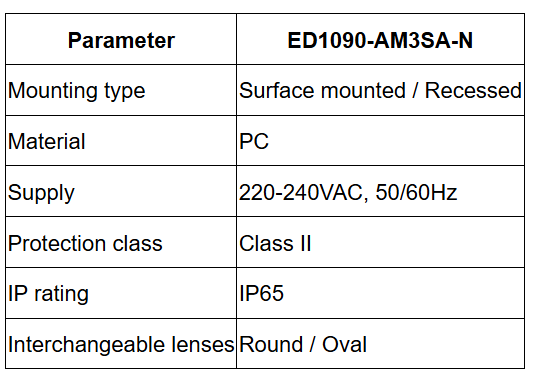
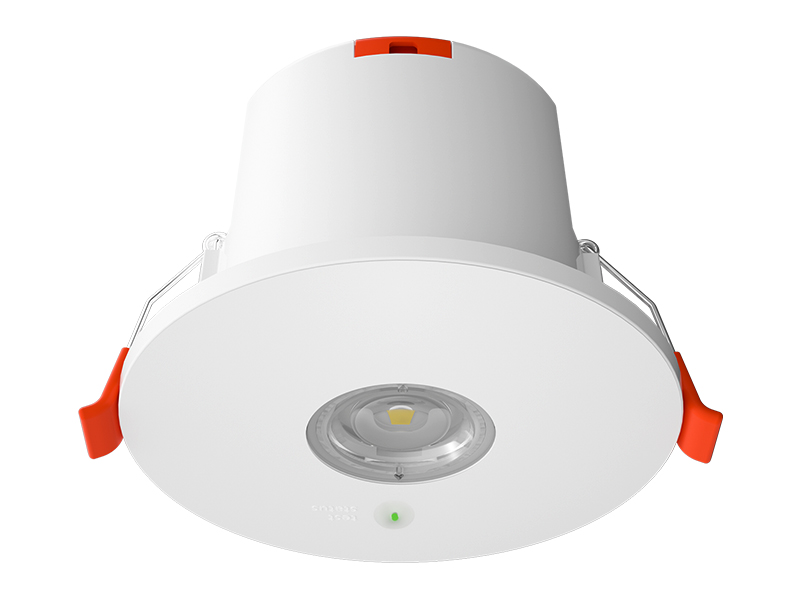
The source associates the round lens with open areas and the oval lens with corridors. That functional guidance does not establish universal spacing or prove coverage at every mounting height. Use the relevant emergency photometric information and project geometry. Keep the approved mounting method, lens and position together in the fixture schedule so later changes can be identified accurately.
Before installation, coordinate the mounting detail with the current exit and ceiling drawings. Confirm that the selected accessories, electrical arrangement and maintenance access correspond to the supplied unit. Qualified personnel should follow the relevant instructions for electrical and installation work. A completed physical fit should then be checked against the accepted visibility or emergency illumination assessment for that location.
A Round emergency light describes a shape, while a Rechargeable emergency light identifies a battery related characteristic. Neither term establishes the right mounting arrangement. A Portable emergency light belongs to another use category and should not be inferred from a rechargeable battery or a convenient housing. Where a box type product remains under consideration, obtain its own verified information rather than transferring parameters from Voyager or Guard Fit.
Keep the final installation detail linked to the product schedule and current exit drawing. A later replacement team should be able to identify the accepted accessory arrangement and the function served at that position. If the support, door operation or ceiling changes, review the affected detail rather than treating an unchanged product code as proof that the original mounting decision remains suitable.
At IMIGY Lighting, we recommend matching each confirmed product to its specific role at the exit. Share the support construction, available ceiling space and approach conditions before finalising the mounting choice. A useful installation record preserves the model, accessories, location, legend or lens and the assessment it supports, giving the project a clear basis for acceptance and for reviewing future changes to the commercial building exit. Record the revised decision with the affected position and its supporting assessment.
Q: Can a blade exit sign be treated as a box type emergency fitting because both are installed near an exit?
A: No. The location does not make the product categories or functions identical. Voyager is documented as a blade exit sign. Assess a proposed box type fitting through its own information, and confirm whether it provides the required identification, illumination or other function before considering a substitution.
Q: Does choosing surface mounting remove the need to survey the ceiling or support?
A: No. The complete fitting still needs a suitable support, connection arrangement and accessible installation. Review the manufacturer's instructions and the actual construction. Surface mounting changes the detail; it does not establish that every available surface can accept the product or preserve the required sign view and light distribution.
Q: What should be reviewed if the installer moves the fitting to avoid a structural obstruction?
A: Update the mounting and position record, then check the affected approach view or emergency coverage. A physically workable alternative may change the assumptions used for the original design. Confirm the revised arrangement through the project's approval process rather than retaining the old assessment without checking its relevance.
It is recommended that you upgrade the latest browser
 Chrome
 Firefox
 Edge