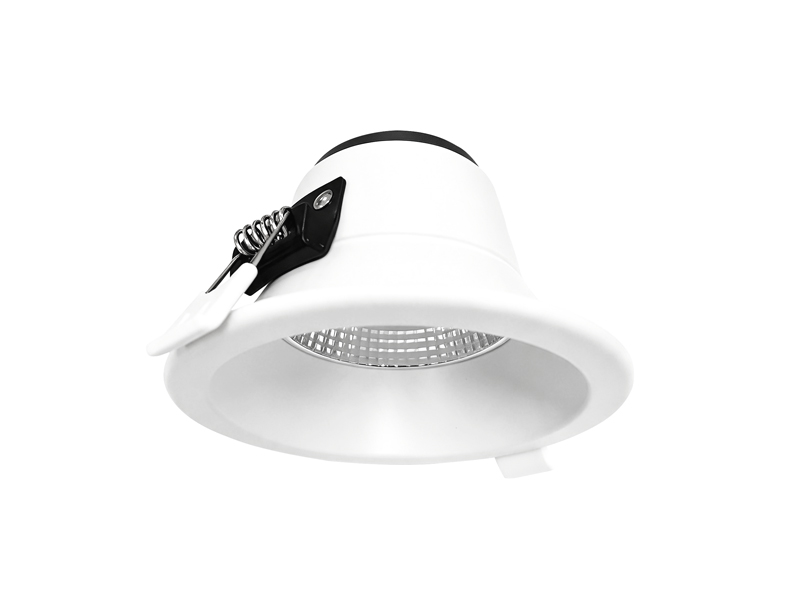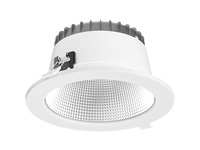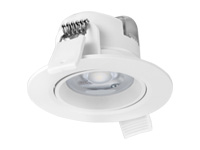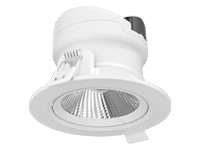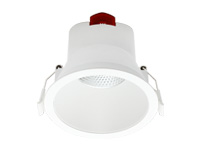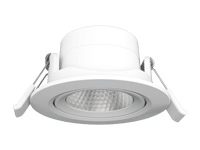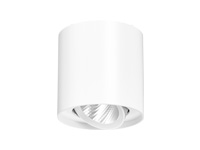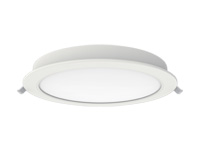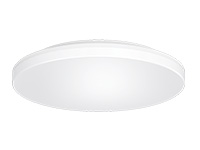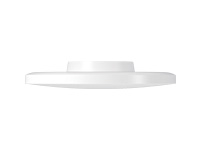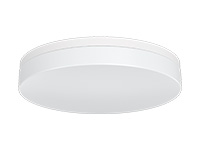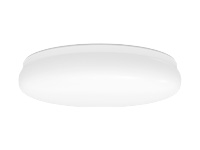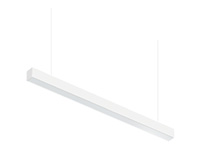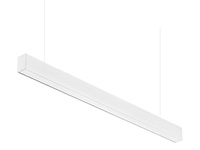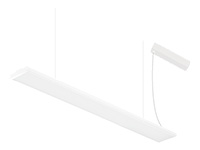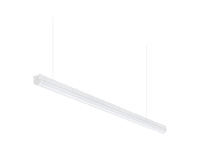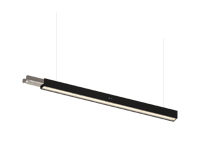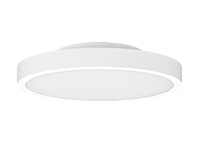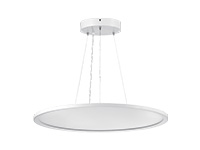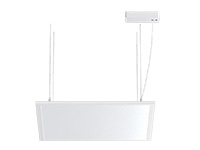

An outage changes what a building needs from its lighting. A familiar room may lose its normal illumination, while people still need to recognise the route ahead and identify the intended exit. At IMIGY Lighting, we begin selection by separating those tasks. Our Guard Fit Emergency Downlight and Voyager Emergency Blade Exit Sign perform different roles within that discussion. Choosing an LED emergency light should connect a confirmed configuration to its assigned purpose, rather than treating every illuminated emergency product as an equivalent replacement.
Define whether the position needs illumination, an exit indication or both. Then check the selected product’s emergency performance, mounting arrangement, environment and test configuration. Guard Fit provides an emergency downlight option; Voyager provides a blade exit sign. Their listed duration is useful product information, but it does not by itself demonstrate that a proposed building layout has been adequately illuminated or correctly signposted.
Start with the task at each location. Keep sign visibility separate from light distribution. Match figures to the actual ordered variant, especially where the source lists several output or battery options. Review mounting and access before approving the configuration, and retain a record of the accepted test arrangement.
A ceiling plan is a useful starting point, but a fixture symbol alone does not explain what people must be able to recognise when normal lighting is unavailable. Mark the relevant routes, changes in direction and decision points for the project review. Distinguish locations requiring illumination from locations where a sign communicates direction. This helps the design team evaluate how the two functions work together.
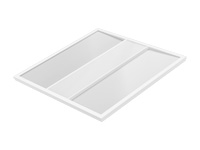
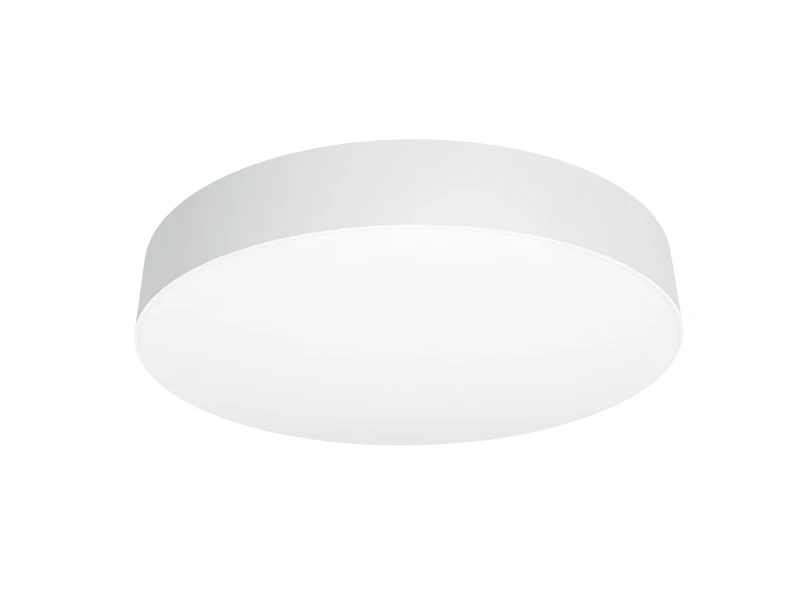
A Square emergency light may be requested for a particular ceiling appearance, while a Round emergency light may suit another architectural arrangement. Shape remains only one selection consideration. It does not establish distribution, duration, environmental suitability or installation compatibility. The Guard Fit and Voyager examples here should be evaluated by their documented functions; neither is presented as a confirmed square housing model.
Likewise, the presence of a battery does not settle the complete selection. Confirm the operating and testing configuration intended for the actual unit. A product range may list alternatives without making every alternative available simultaneously in one supplied fixture. Keep those distinctions visible when reviewing the enquiry and the proposed order.
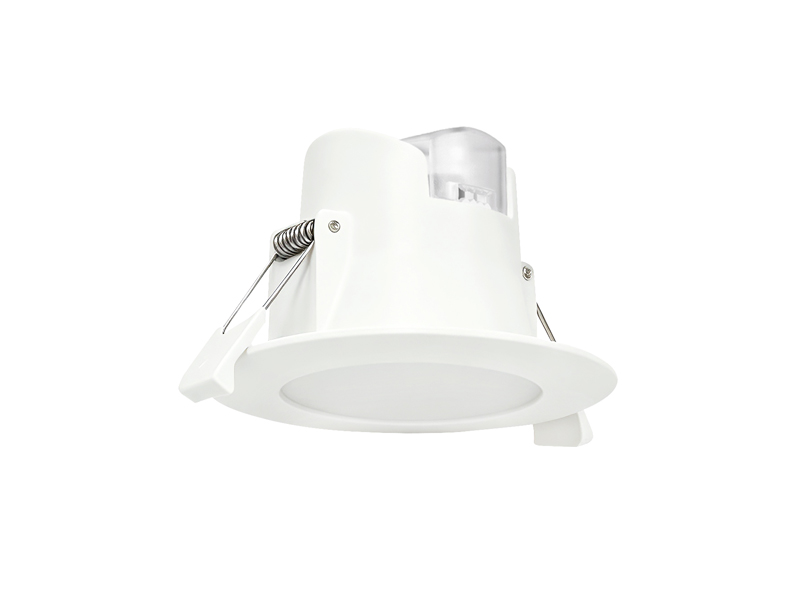
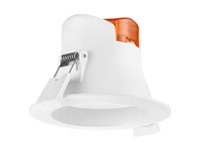
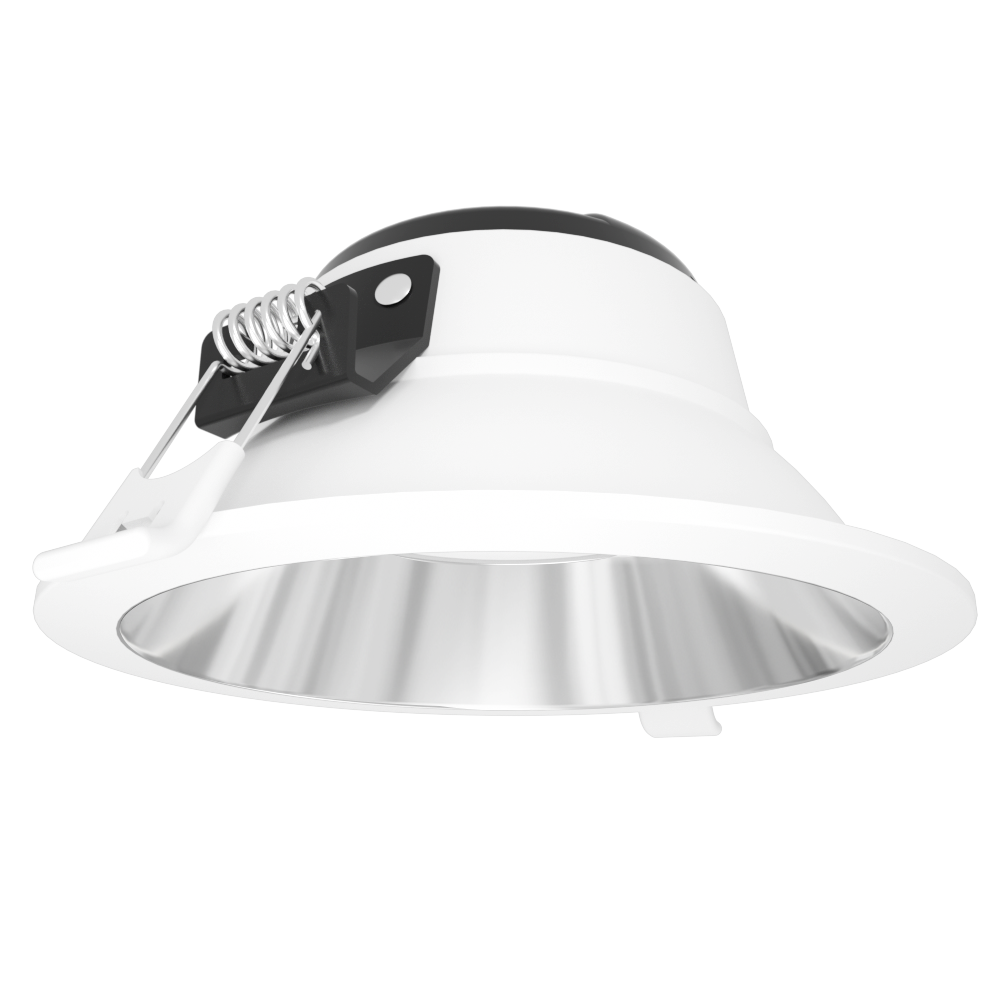
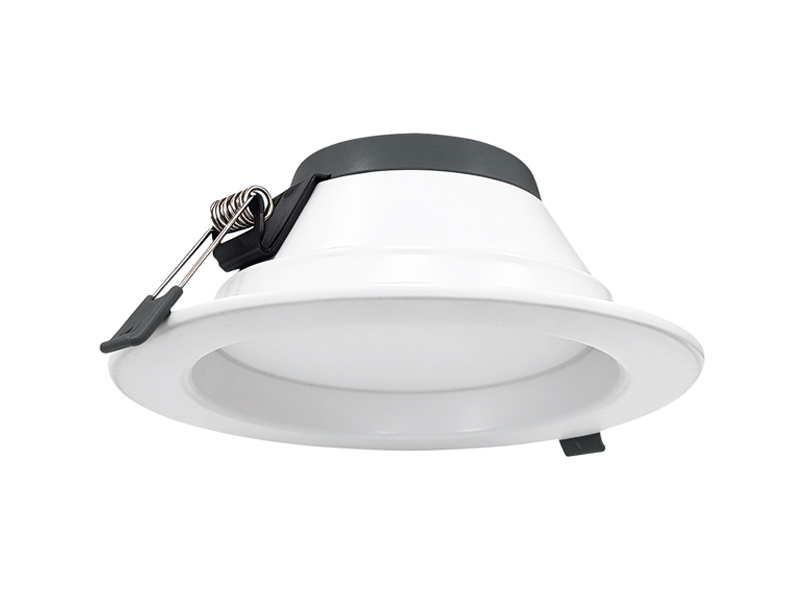
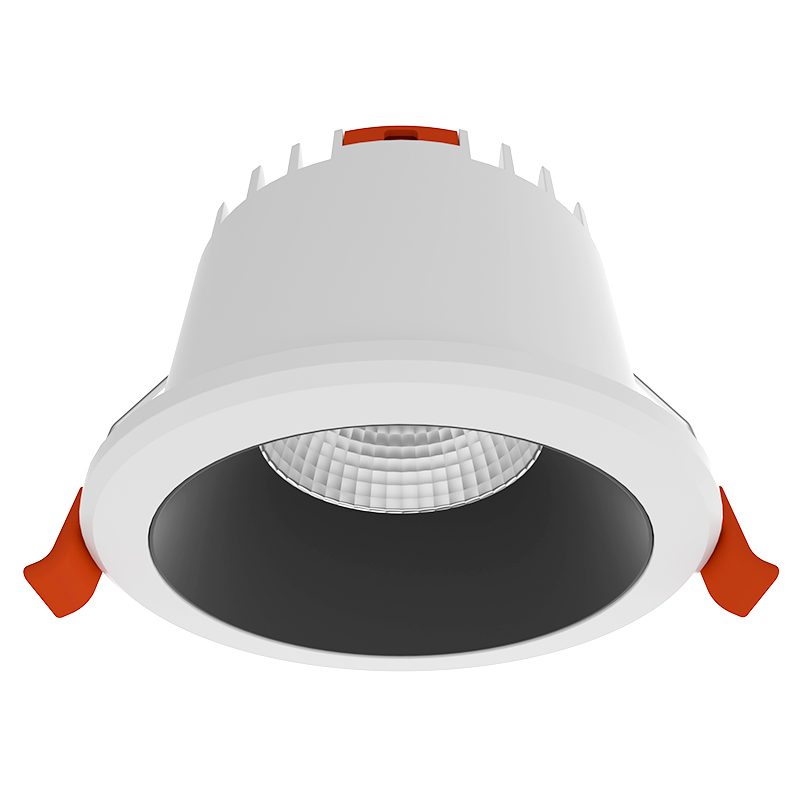
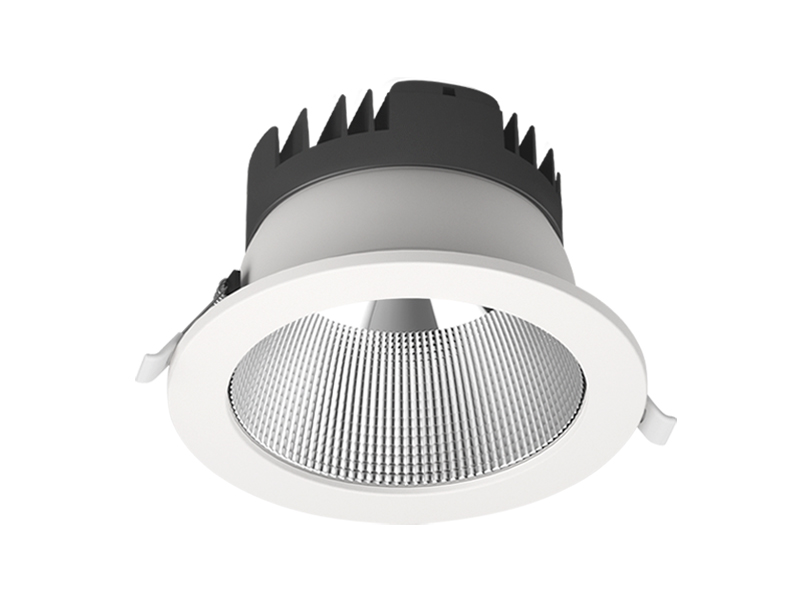
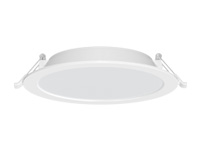
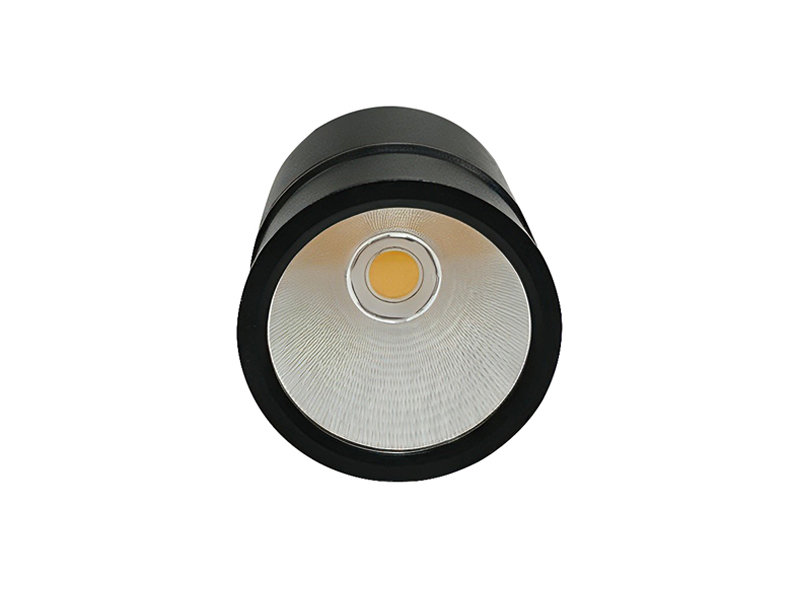
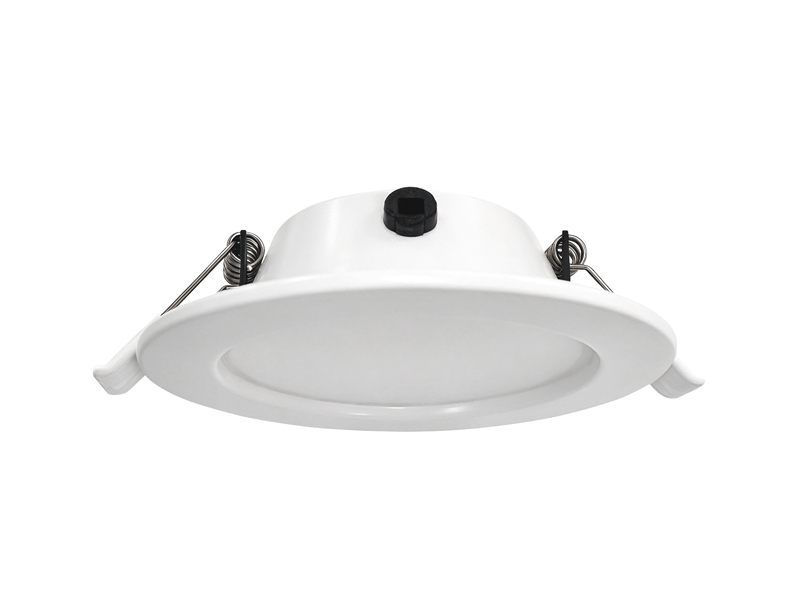
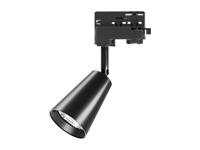
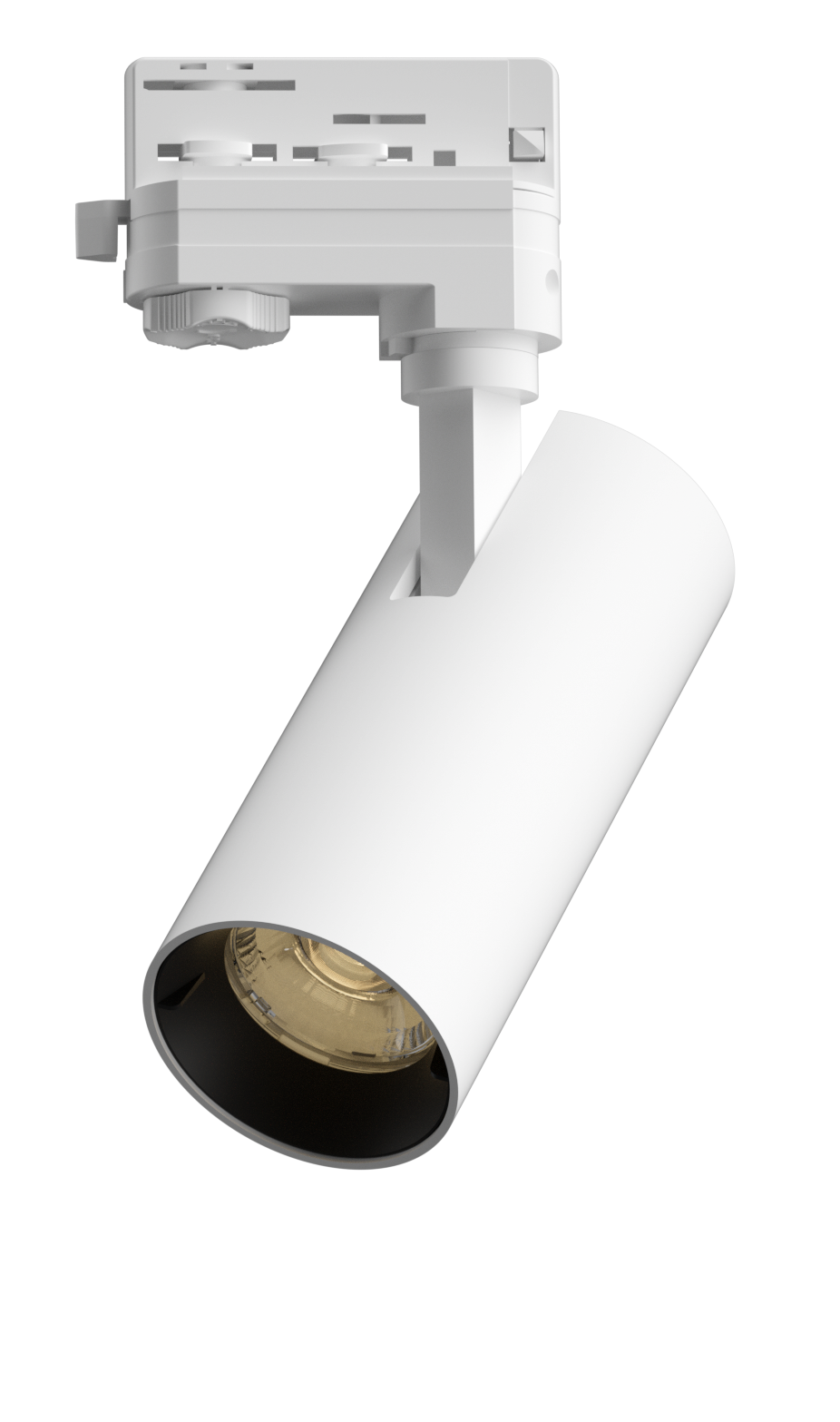
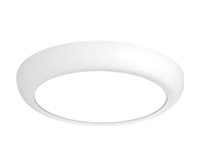
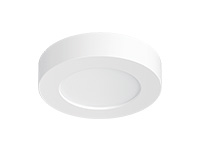
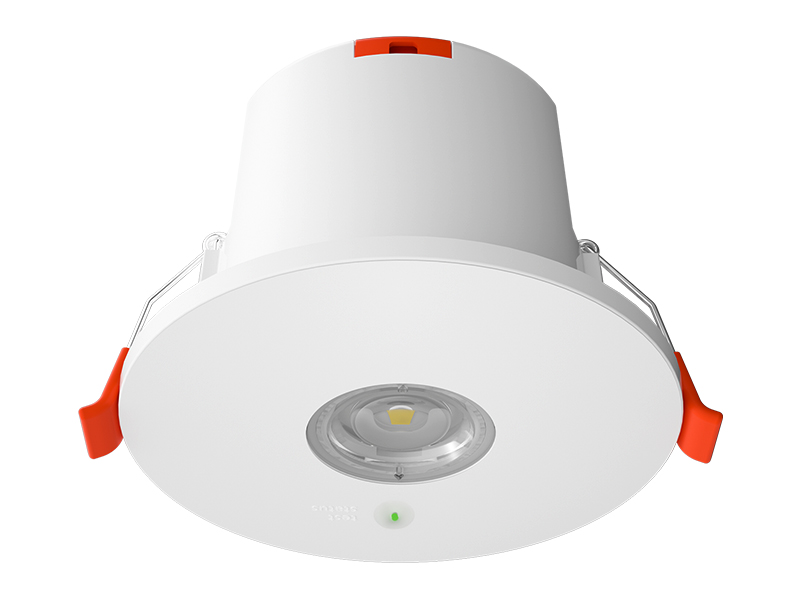
Our Guard Fit Emergency Downlight uses a compact design with interchangeable round and oval lenses. The source describes the round lens for open areas and the oval lens for corridors. That provides a basis for discussing the intended distribution, rather than selecting a lens solely by appearance.
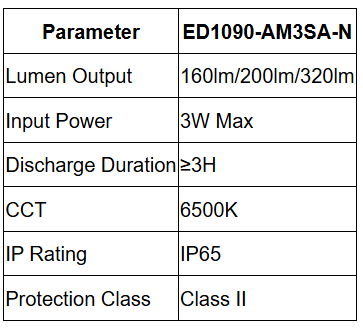

The multiple lumen figures are listed options, not a promise that every unit delivers all outputs. Confirm the actual configuration and its supporting information before using a value in the project assessment. The listed duration also needs to remain attached to the selected configuration and documented conditions.
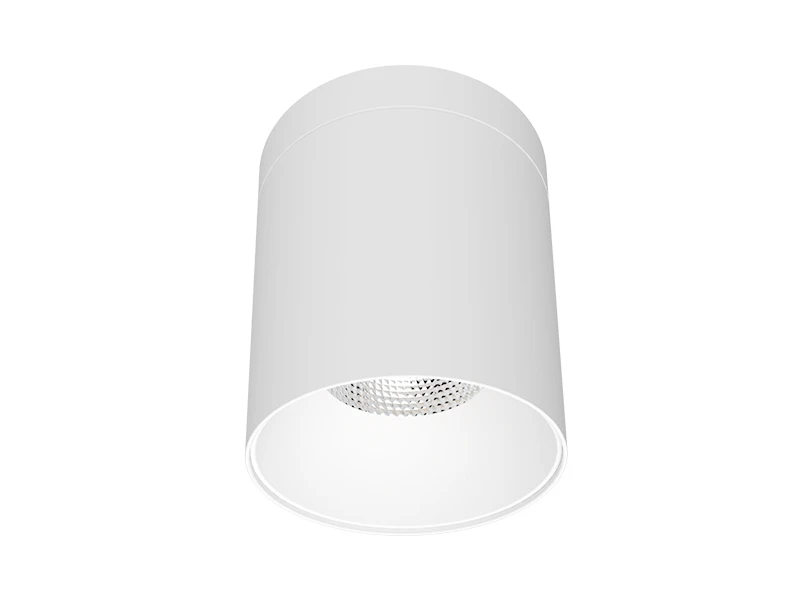
Guard Fit offers surface and recessed mounting choices. Confirm which arrangement is required, together with the available space and access to components. Its protection rating is another selection input; it does not replace assessment of the actual exposure conditions. An Emergency light fixture should be chosen as a complete installation, including the lens, electrical arrangement and testing provisions.
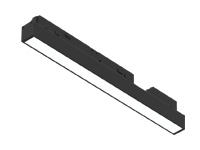
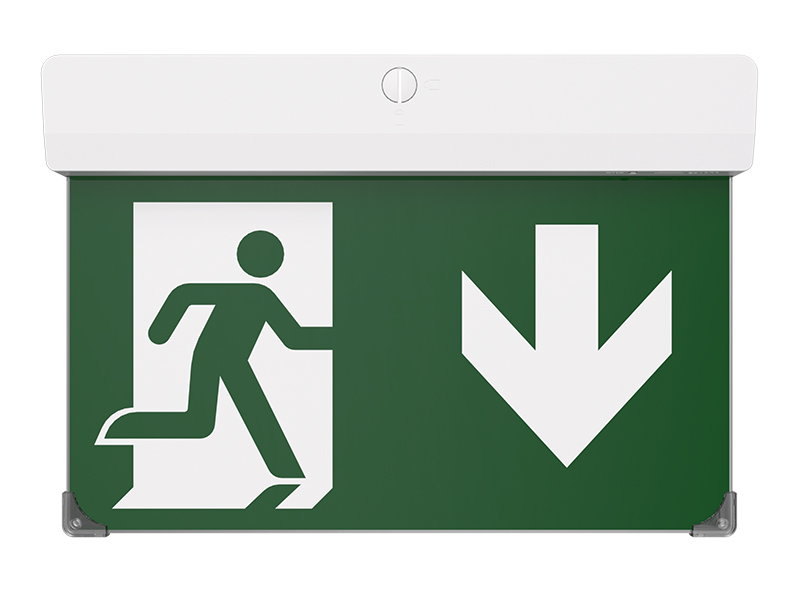
Our Voyager Emergency Blade Exit Sign provides an illuminated legend rather than the same lighting function as a downlight. Its role is to make the intended exit indication visible from the relevant approach. Review the sign face, orientation and possible obstructions as part of that task.
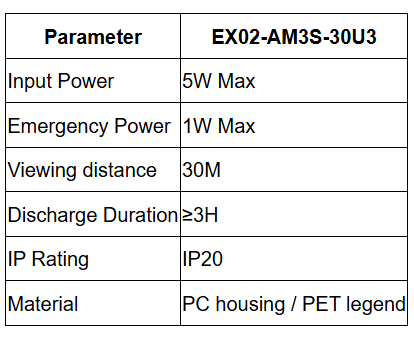

The listed viewing distance is a product figure to assess against the actual approach, not a guarantee of visibility through obstacles or from every angle. Check where a person first needs the information and whether doors, furnishings or other signs interrupt that view. Confirm the required mounting arrangement rather than assuming one supplied accessory set covers all options.
Voyager and Guard Fit therefore complement different parts of the discussion. A visible legend does not establish illumination across the surrounding route, and a bright downlight does not communicate the same directional message. Keeping these responsibilities separate makes it easier to identify missing information in the proposed layout.
At IMIGY Lighting, we recommend a selection record that identifies the purpose, model and configuration at each position. For a Rechargeable emergency light, include the relevant battery and test details in that confirmation rather than relying only on the appearance of the luminaire. Where the source provides several options, resolve the intended combination before placing it into the final schedule.
Review a representative installation with the project team, checking illumination and sign visibility as separate observations. Keep any unresolved performance or mounting question attached to its location. Our Guard Fit and Voyager products provide specific starting points for this work; a considered selection connects their documented capabilities to the building’s requirements and leaves a clear basis for checking the delivered arrangement.
Keep illumination and sign decisions identifiable in the same project record. For each proposed position, explain which function is being provided and which product information supports it. If a different model or option is later suggested, compare the changed configuration with that record rather than accepting a familiar appearance. This is particularly useful where a drawing uses similar symbols for products with different roles. A short explanation beside the selected configuration can prevent the sign's visibility figure from being mistaken for a downlight coverage claim during a later review.
Keep these roles explicit throughout the review.
Q: Can an illuminated exit sign replace the emergency downlight beside it if the sign remains clearly visible?
A: Visibility of the sign does not establish illumination of the surrounding area. The two products have different functions and should be assessed separately. Review what the location needs, then confirm the relevant distribution and the approach view. Do not remove one function simply because the other product appears bright.
Q: Is the listed discharge duration enough information to confirm that a product suits our building?
A: Duration is one part of the assessment. The selected unit also needs an appropriate function, distribution or sign view, mounting arrangement and environmental fit. Confirm which configuration the figure applies to and retain the relevant documentation. A duration statement alone does not demonstrate that the complete proposed layout is suitable.
Q: What should we resolve when a product sheet lists several output levels or testing methods?
A: Identify the actual option being supplied and the information supporting it. Do not assume that several listed values describe simultaneous performance or that every testing method is included in every unit. Record the confirmed combination so the ordered product, installation and later checks refer to the same configuration.
It is recommended that you upgrade the latest browser
 Chrome
 Firefox
 Edge