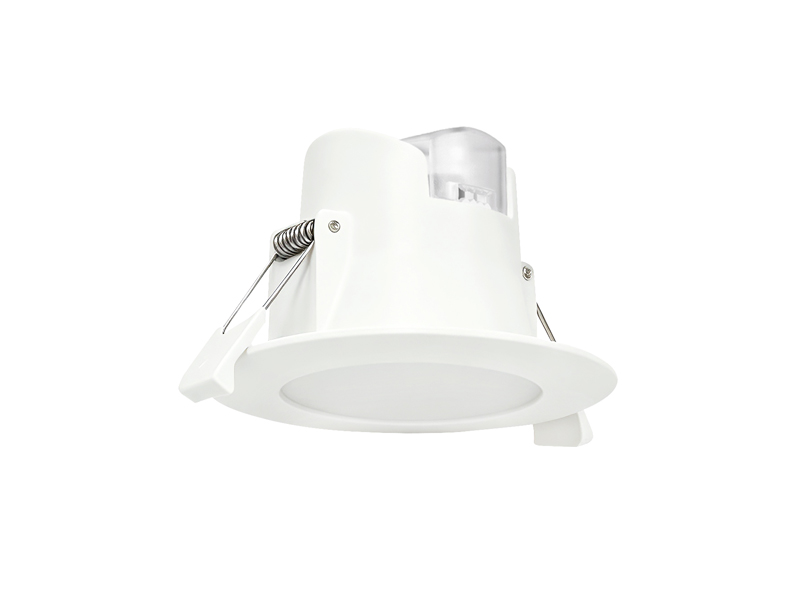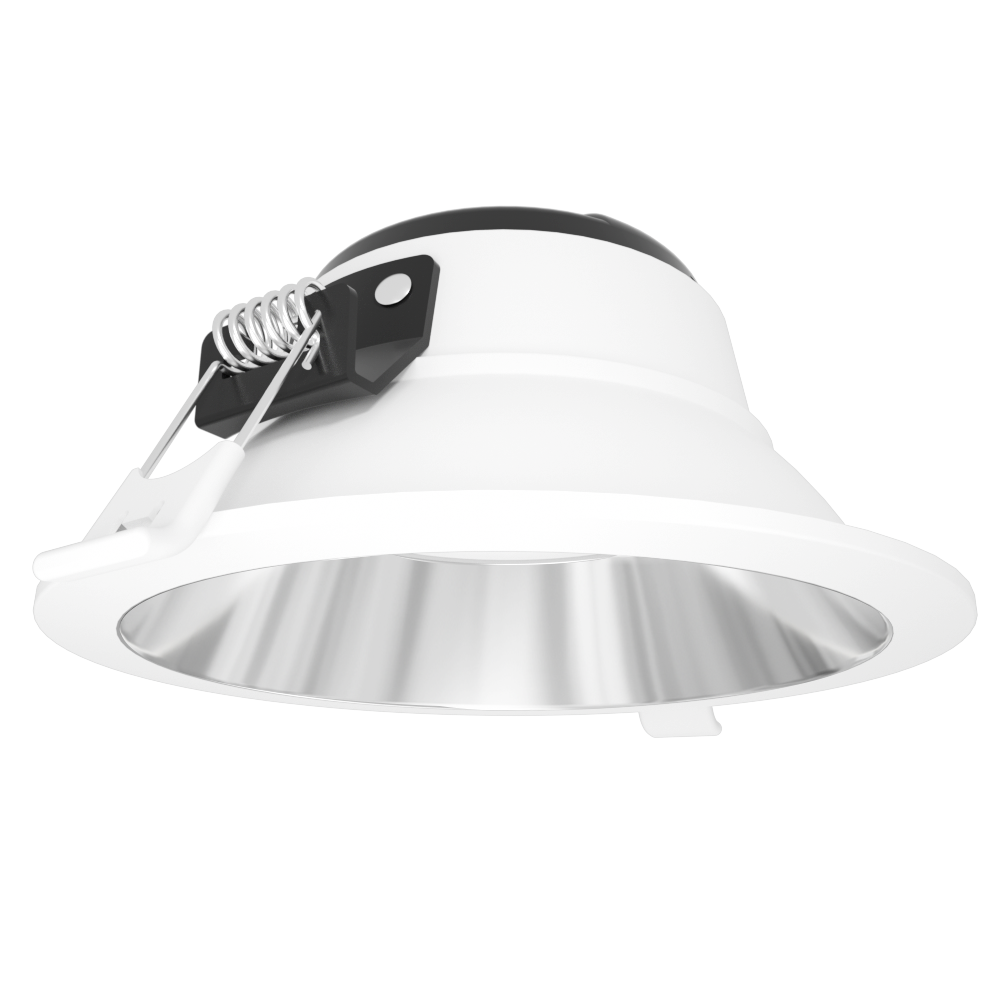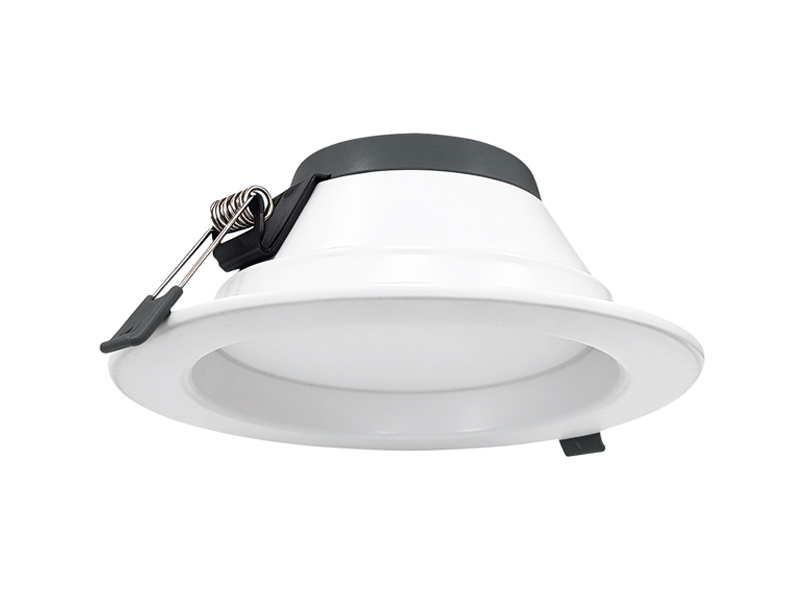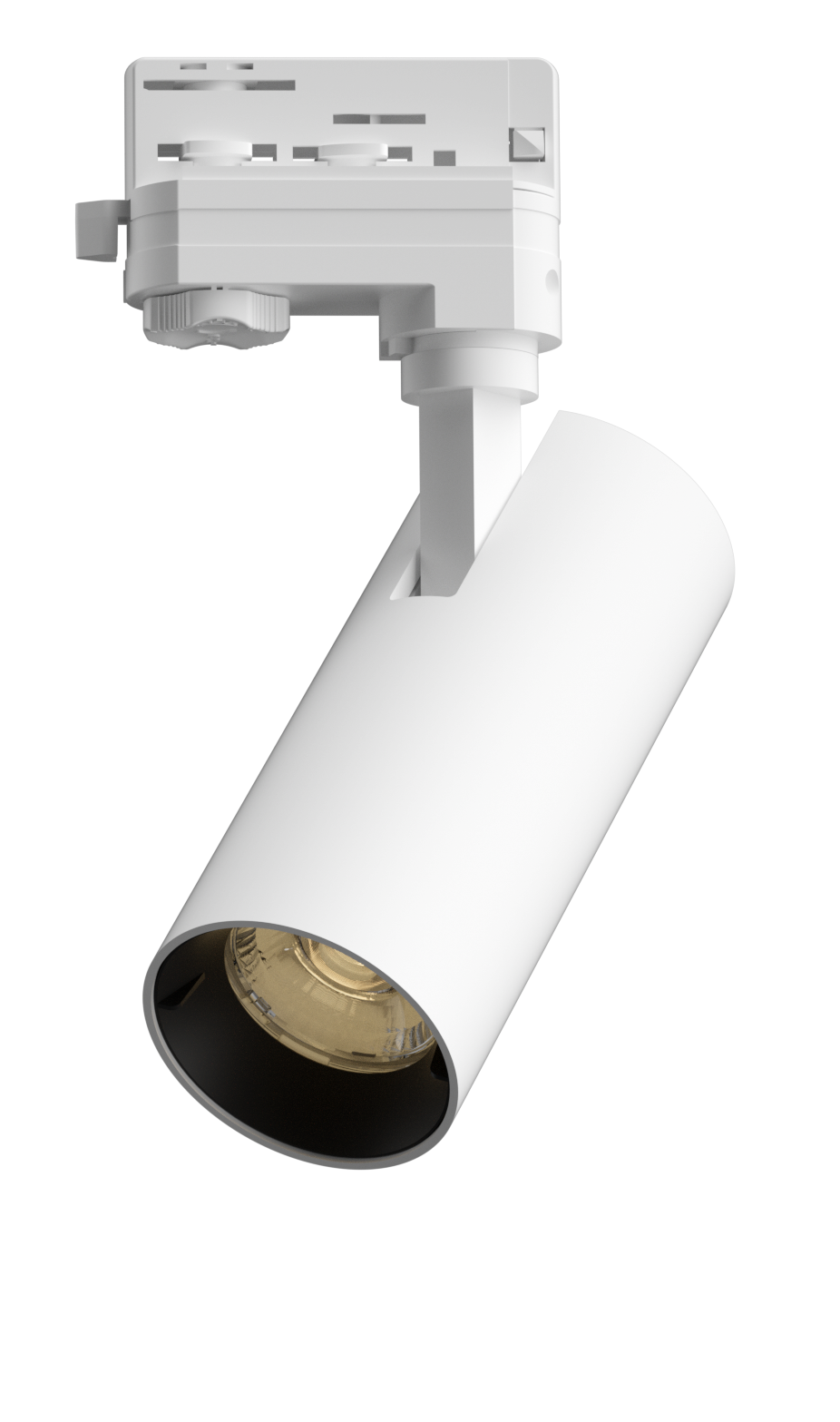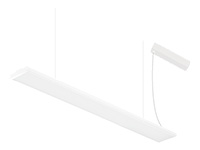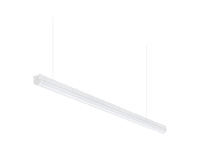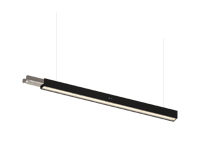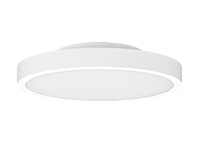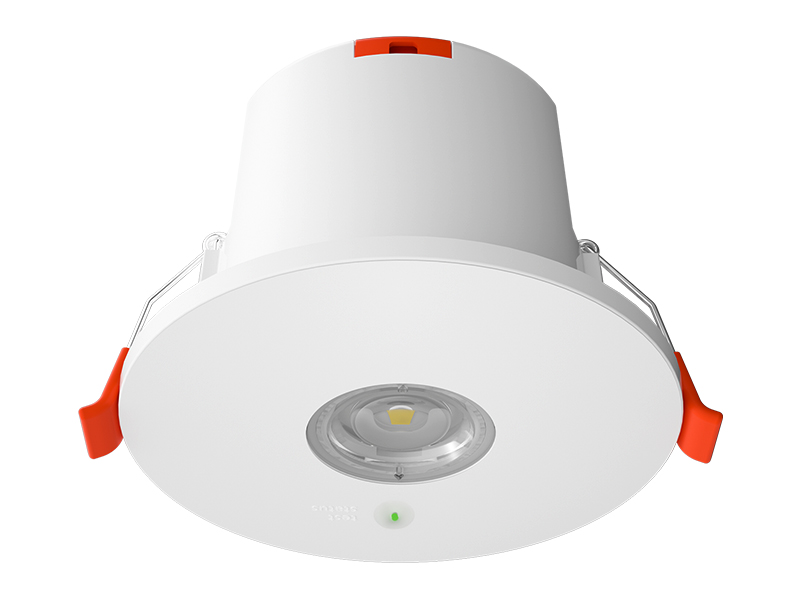

A shorter observed operating period deserves investigation, but it is not enough on its own to identify the component responsible. At IMIGY Lighting, we recommend starting with the circumstances of the observation and the exact product configuration. Our Guard Fit Emergency Downlight and Voyager Emergency Blade Exit Sign provide documented battery, charging and testing information that can support that review. For a Rechargeable emergency light, useful maintenance begins with a reliable record, rather than repeated discharge attempts or an assumed battery replacement that has not been matched to the product.
Identify the actual unit and distinguish an outage observation from a controlled test. Record the preceding supply conditions, the test method and any configuration changes, then compare the findings with the relevant product instructions. Do not assume that a shorter runtime proves battery failure or that a larger capacity battery is an approved remedy. Where the result is unsatisfactory, arrange assessment against the confirmed product configuration and service information.
Keep charging and discharge figures attached to the correct version. Guard Fit lists several battery capacities; Voyager lists a specific battery entry. These are not interchangeable choices. Confirm the actual testing configuration, preserve observations and use product specific service guidance before changing components or returning a unit to its intended role.
Start with the event record. Was the observation made during an actual loss of supply, a planned test or another operating condition? Note when the unit stopped providing its expected function and whether other relevant symptoms were observed. Record what is known without filling missing details with assumptions. An incomplete account can make two different events appear directly comparable when they were not.
Next, identify the installed configuration. An LED emergency light may have a particular battery, emergency output and test version that differs from another unit with a similar housing. Check the model and the supporting records before comparing results. Note any changes to components or settings since the last accepted observation so the review can address the actual arrangement.
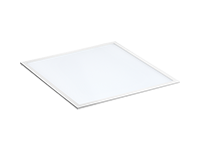
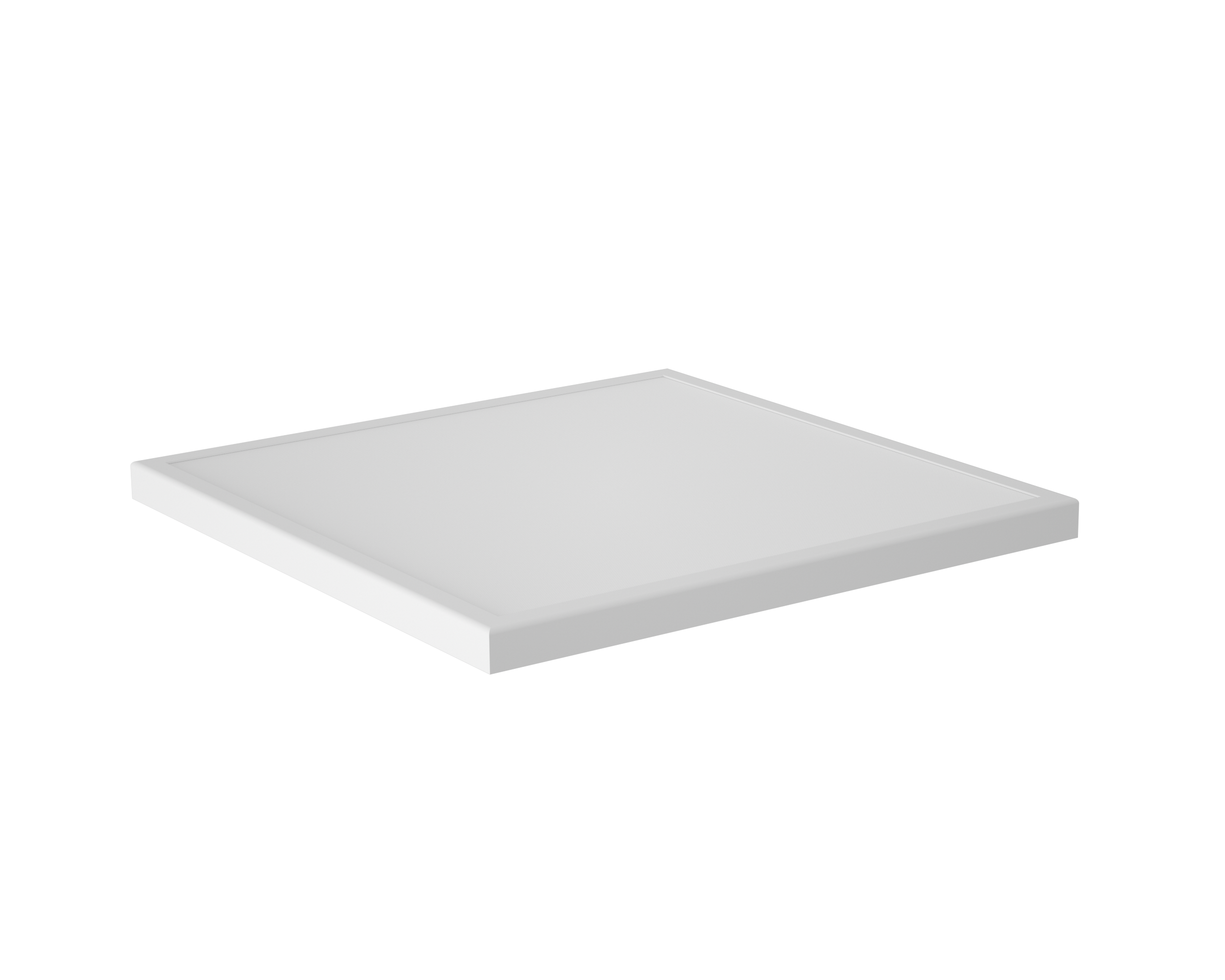
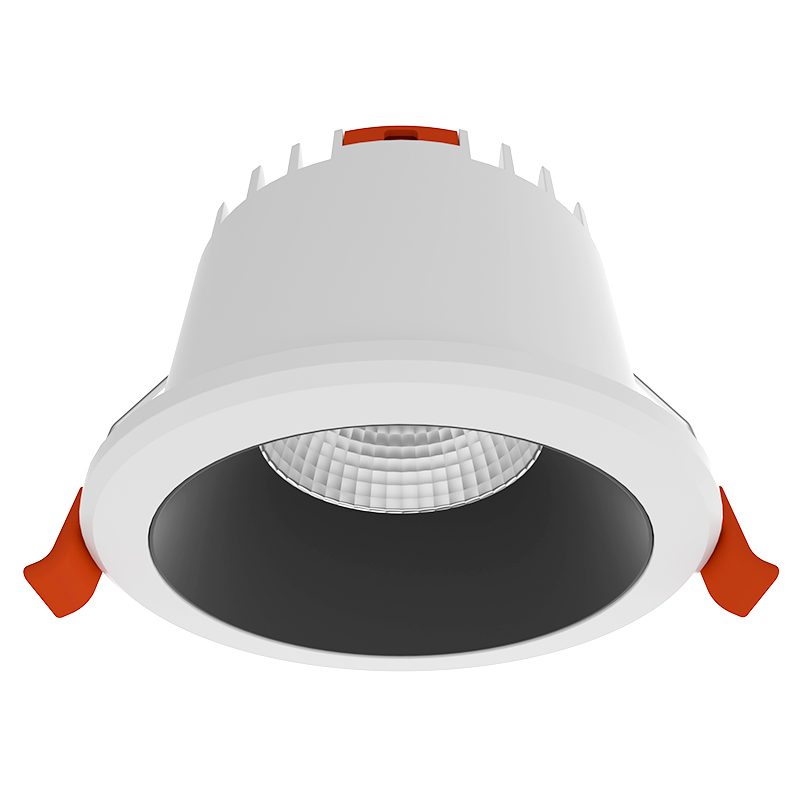
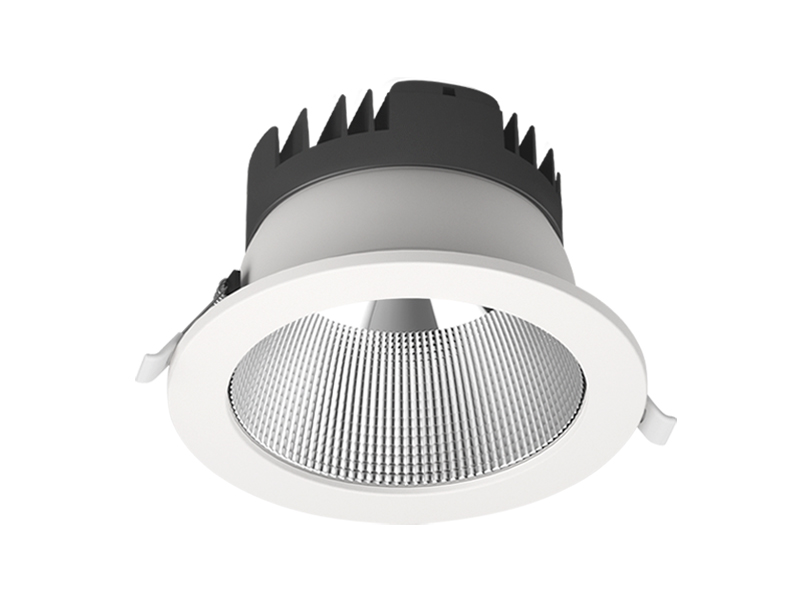
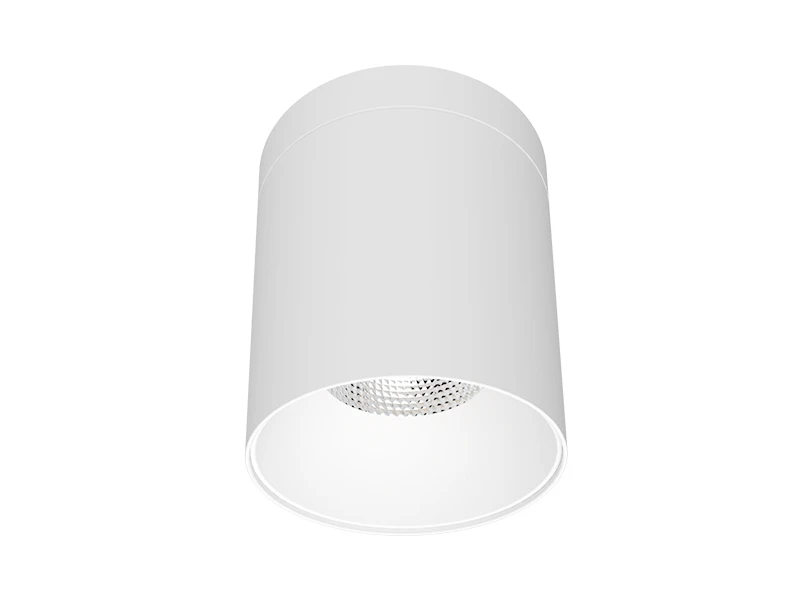
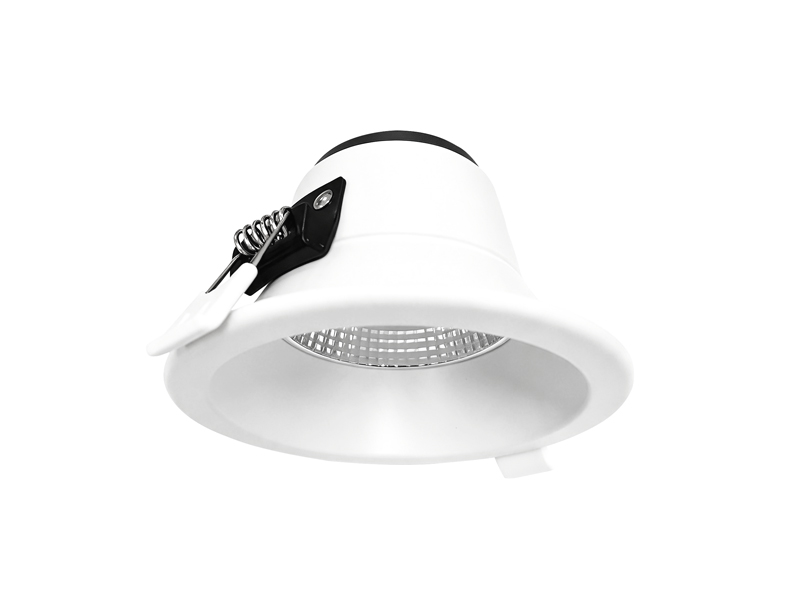
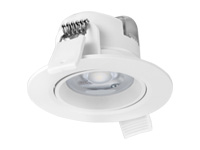
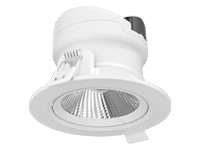
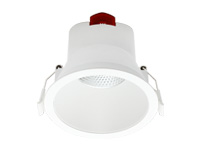
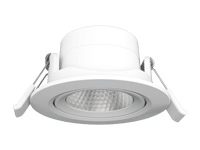
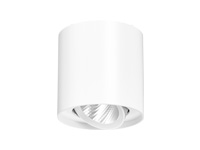
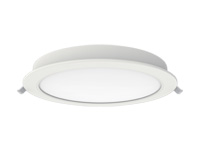
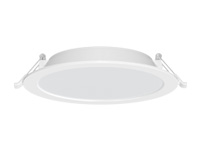
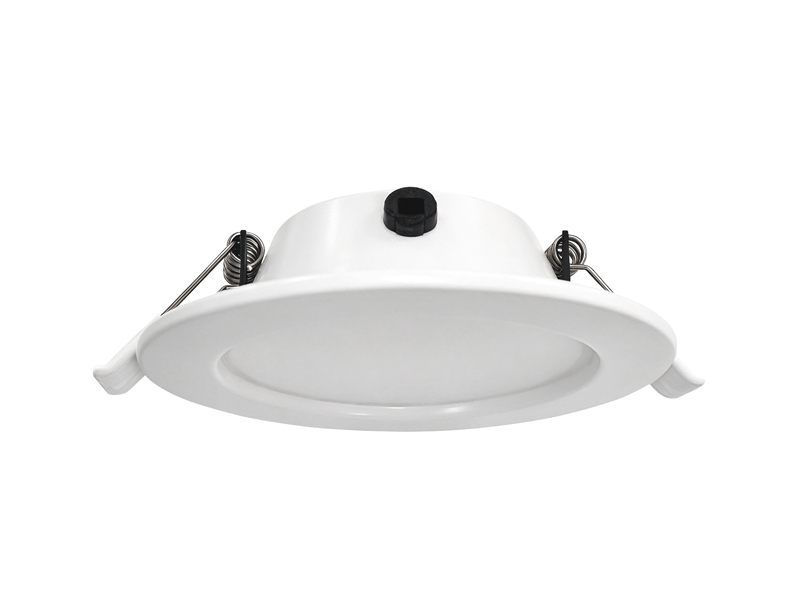
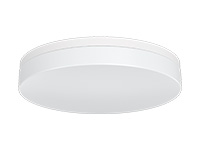
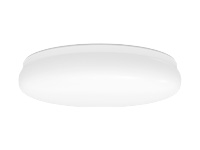
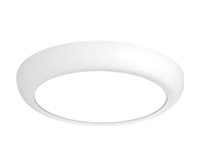
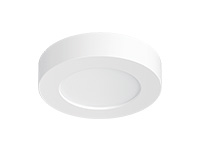
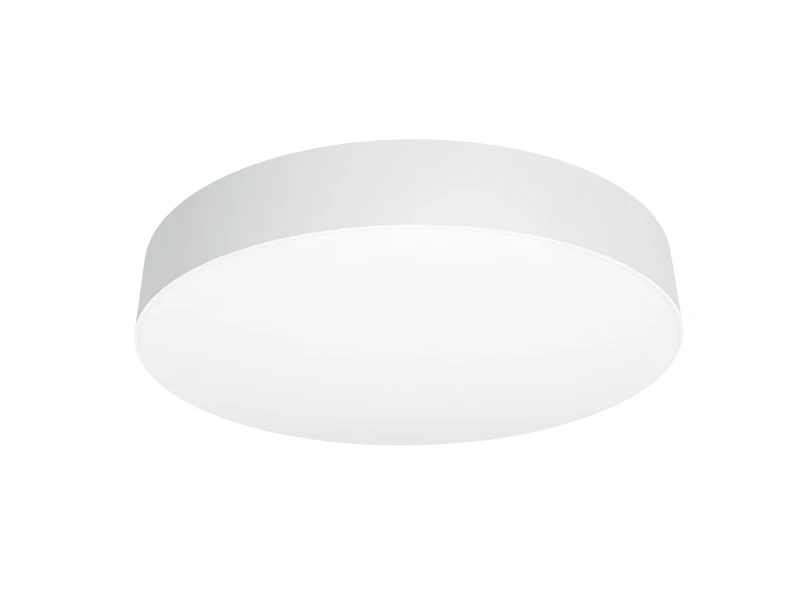
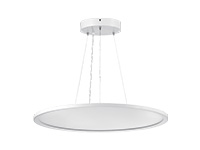
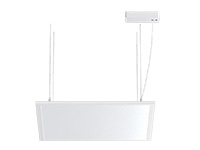
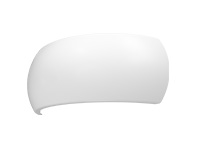
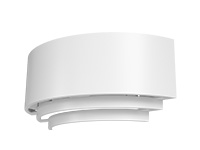
The visible outline does not identify the cause. A Square emergency light and a Round emergency light both require configuration specific investigation; shape does not establish battery condition or charging behaviour. Likewise, a sign remaining illuminated and a downlight continuing to provide its expected function are different observations. Describe the symptom in relation to the product’s assigned task.
Our Guard Fit Emergency Downlight source lists several battery capacities alongside emergency power alternatives. Confirm the installed combination before interpreting the observed operating period or considering a service action.
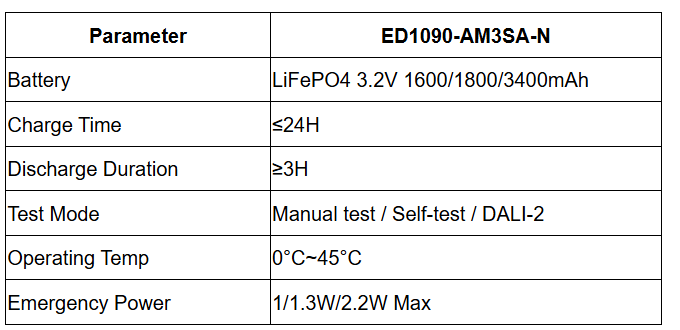

The listed capacities do not authorise substitution between versions. Battery suitability depends on the approved combination with the charging arrangement and related components. Do not infer that a larger number will restore performance or extend the accepted duration. A proposed replacement needs the relevant product specific confirmation.
The charging figure also should not be turned into a recovery promise. Record whether the supply conditions preceding the observation were consistent with the relevant instructions, and refer any unresolved question for assessment. The listed operating temperature range is another condition to check against the installation; it does not diagnose a fault or establish the cause of a particular runtime change.
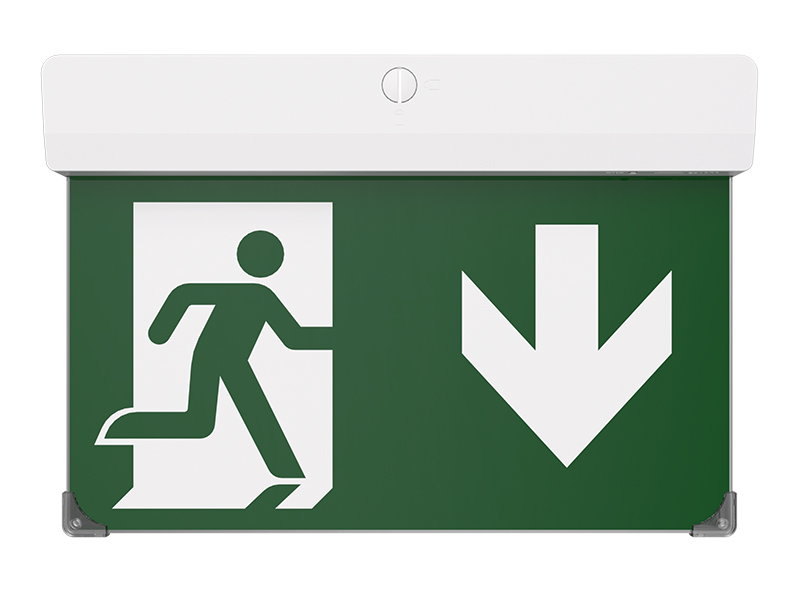
Our Voyager Emergency Blade Exit Sign has its own battery and emergency power information. Its role is to present an exit legend, so the maintenance record should describe that function rather than borrowing a downlight’s output expectations.
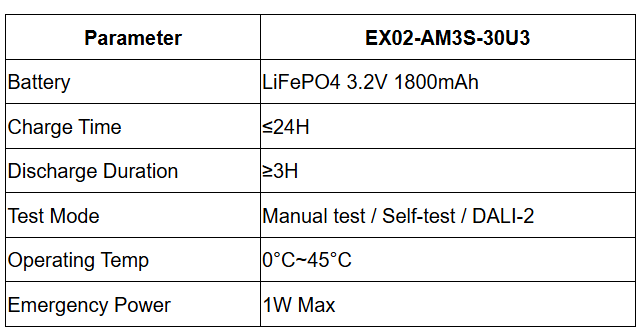

Do not transfer Guard Fit’s battery alternatives into the Voyager configuration. Confirm the supplied test method and the relevant service instructions for the actual sign. The listed testing options do not establish that every installed unit reports faults in the same way or uses the same interface.
Where the observed period is shorter than expected, preserve the event details and the configuration record for assessment. Changing components or repeatedly initiating discharges without the relevant procedure can make the original conditions harder to establish. The source information does not provide a universal reset, recovery cycle or battery change method, so those actions should follow the applicable product guidance rather than an improvised sequence.
At IMIGY Lighting, we recommend treating an Emergency light fixture with an unresolved runtime concern as a specific service issue, not a general instruction to replace every similar battery. Record the finding, the confirmed configuration, any approved action and the subsequent verification required by the relevant product guidance. This keeps the maintenance history useful when the same unit is reviewed again.
Guard Fit and Voyager offer documented starting points for identifying the relevant battery and test arrangement. Their source figures help frame the enquiry; they do not replace diagnosis or demonstrate the current condition of an installed unit. A clear record and an appropriate follow up give the project team a stronger basis for deciding what needs attention and whether the intended function has been verified after the work.
For several affected units, compare the records without assuming a shared cause. Similar symptoms may have occurred under different conditions or in different configurations. Keep each unit identifiable, and note which observations have been confirmed rather than treating an unverified report as a measurement. A grouped review can still be useful, provided the service decision remains connected to the actual unit and its documented arrangement.
Keep the original concern visible until the relevant follow up has been completed and its findings are recorded.
Q: Does a shorter operating period automatically mean that the battery needs to be replaced?
A: The observation alone does not identify the cause. Confirm the unit, preceding conditions and test method before drawing that conclusion. Preserve any relevant symptoms and changes, then arrange assessment using the appropriate product guidance. Avoid presenting a battery replacement as a proven solution before the configuration and finding have been reviewed.
Q: Can we choose the largest battery capacity listed for Guard Fit to improve the result?
A: The capacity list does not establish interchangeability. Confirm the approved battery and its relationship with the charging arrangement and other components for the actual unit. A different capacity is not automatically compatible, and the source does not support a promise that it will deliver a particular improvement.
Q: What should be recorded after an approved service action rather than simply noting that the light turns on?
A: Record the action, components or configuration involved and the verification performed under the relevant procedure. Turning on confirms only that an observed response occurred at that moment. The review should address the original runtime concern and the product’s intended function, with the conditions and result documented for future reference.
It is recommended that you upgrade the latest browser
 Chrome
 Firefox
 Edge