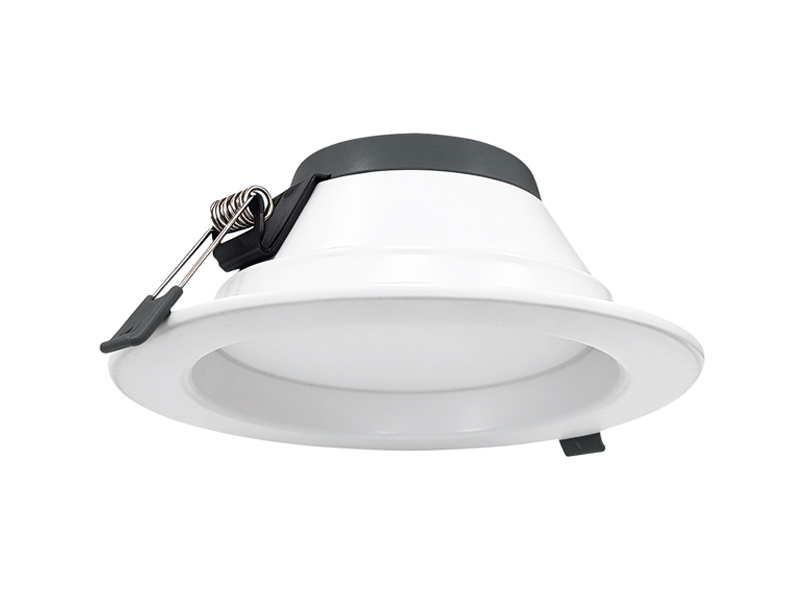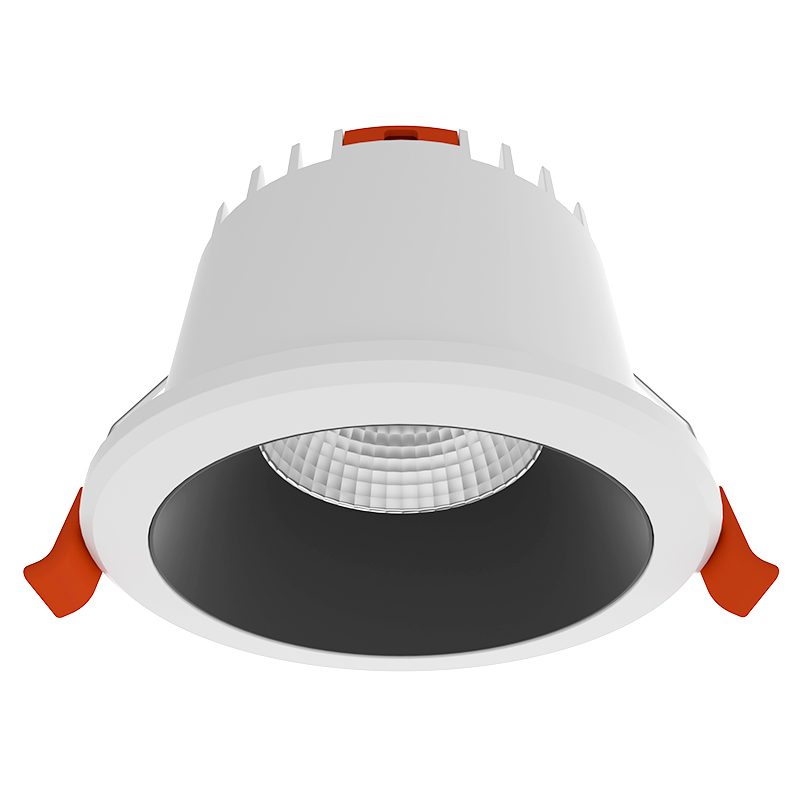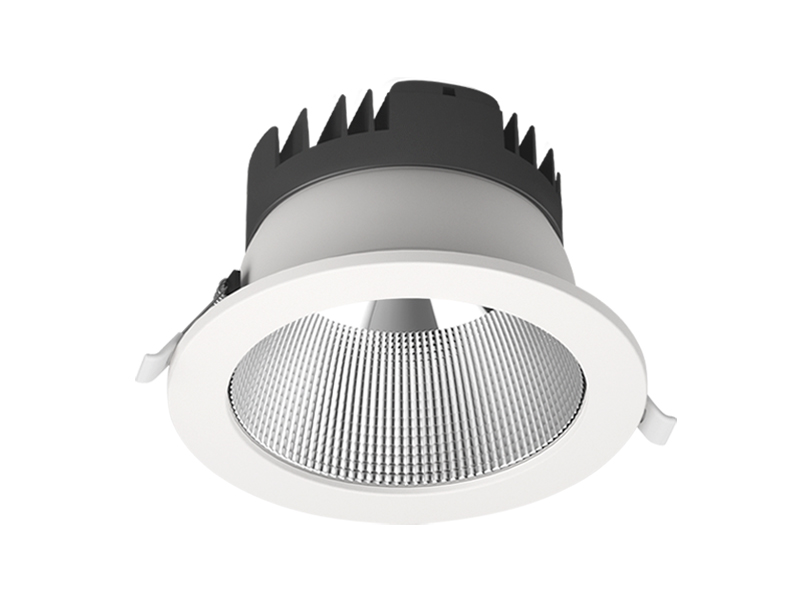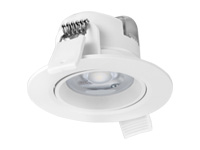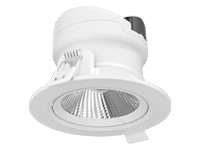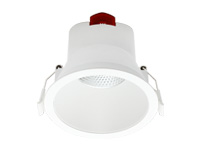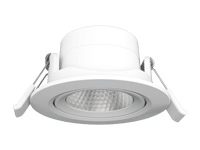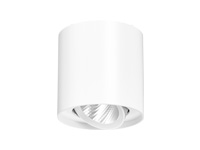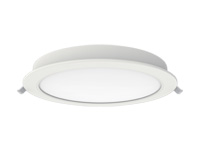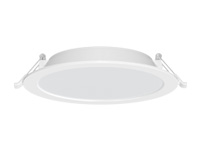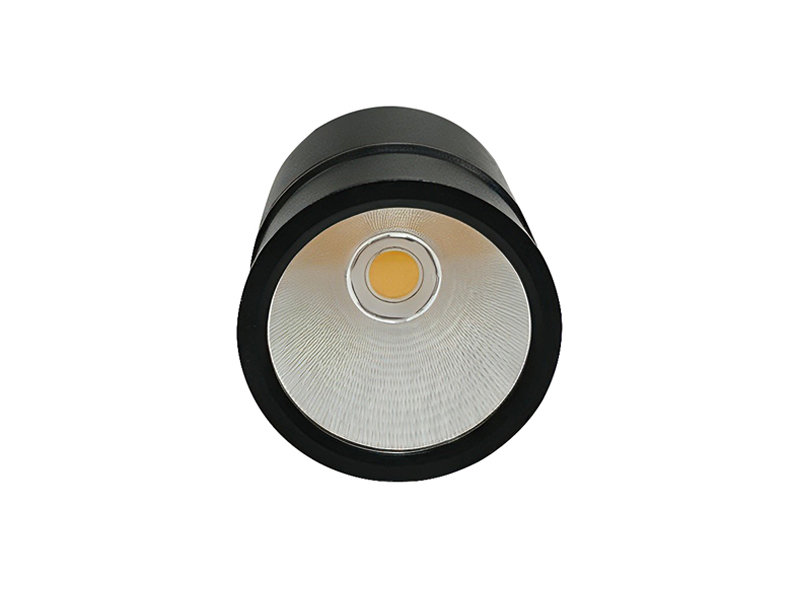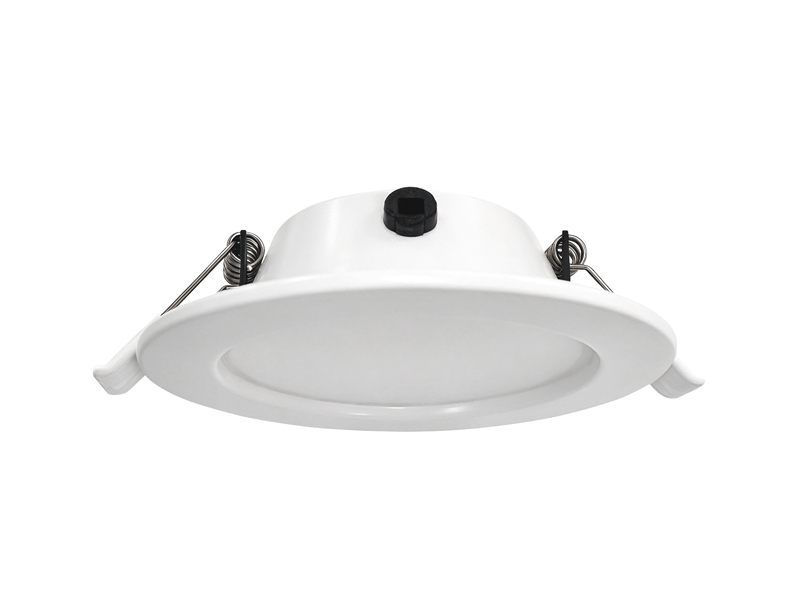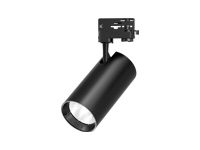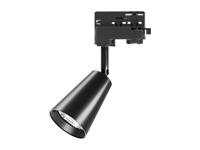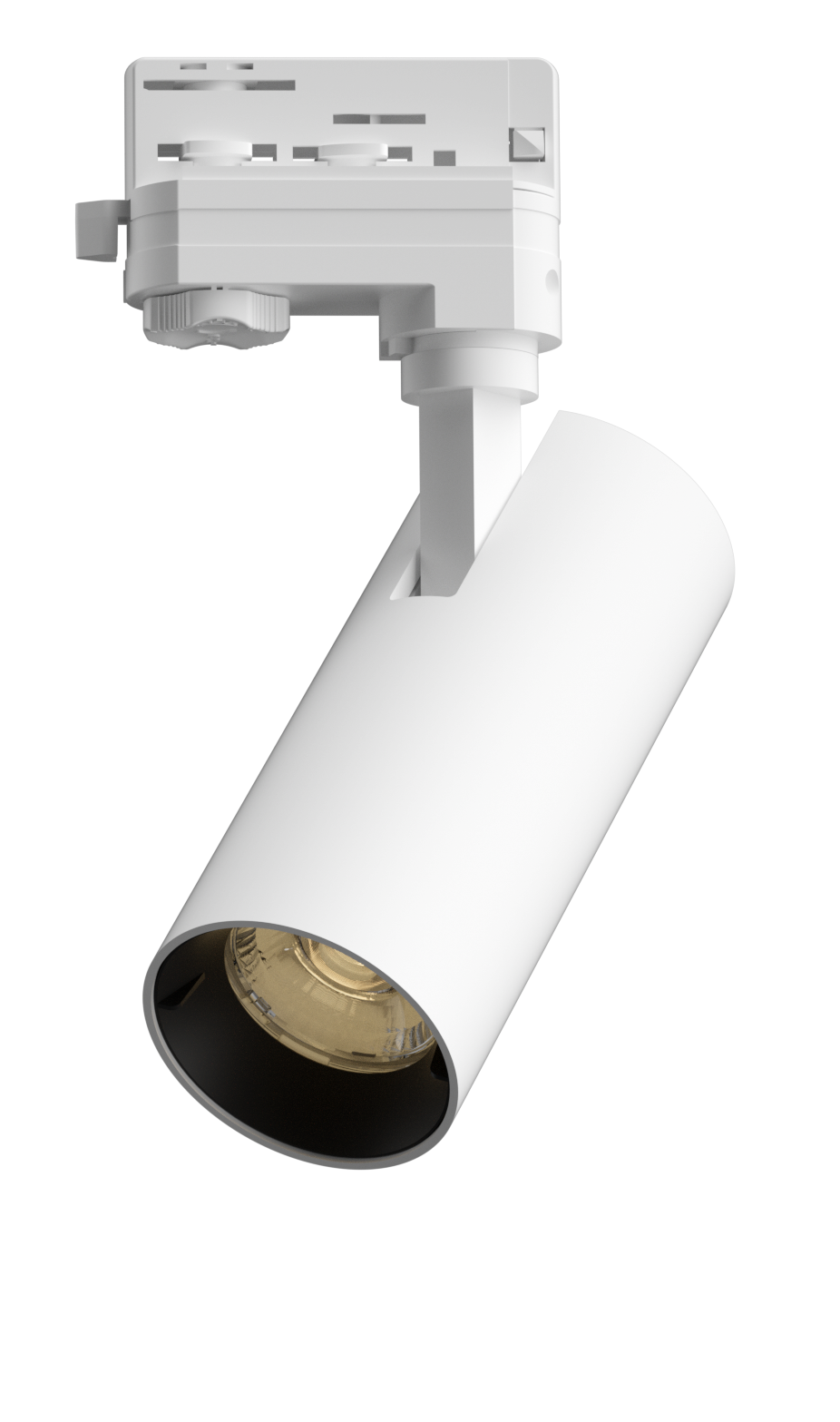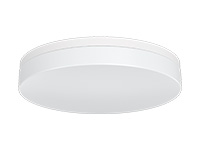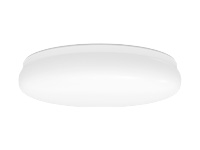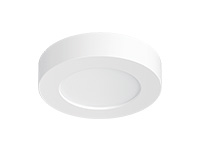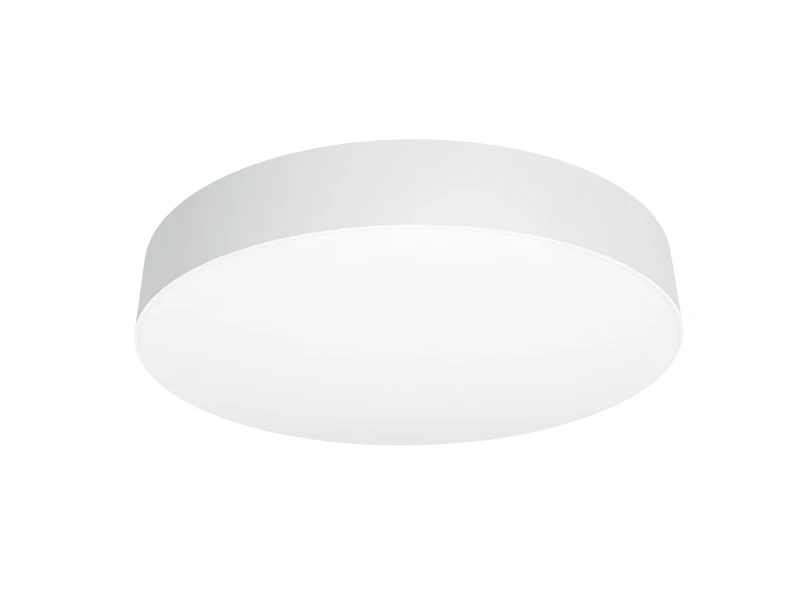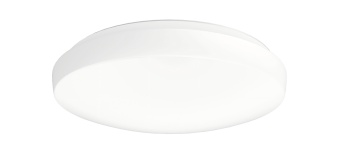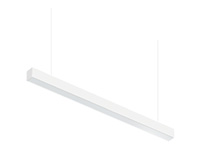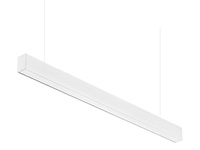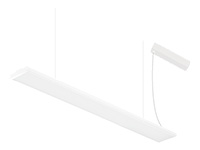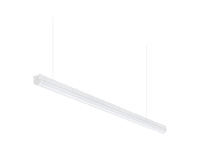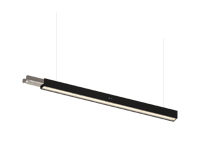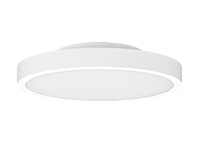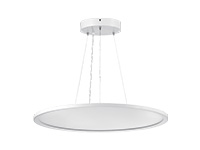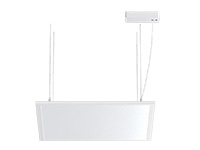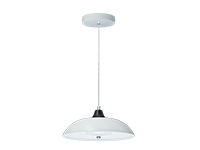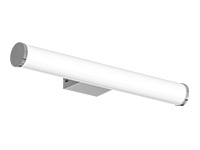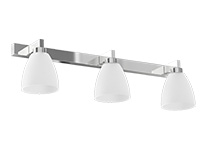

A hospital does not become one uniform lighting zone when the day changes to night. Some circulation continues, staff activities vary, and adjacent rooms may be used differently. At IMIGY Lighting, we recommend describing those activities before deciding what the controls should do. Explorer Down Lights and Phoenix Down Lights provide identifiable fixture configurations for that discussion. Their product data helps define the lighting equipment, while the required operating states and control interfaces need separate agreement. The aim is a plan that explains where light remains useful and how people can operate it, rather than a blanket instruction to reduce every fitting at a particular hour.
Plan Hospital Lighting around the activities that continue in each area. Define the required daytime and quieter period states, identify the fixtures that should operate together and specify any manual adjustment. Then confirm that the proposed driver and control arrangement can provide those functions. A colour temperature selector does not establish automatic scheduling, dimming or a complete night setting.
Separate operating needs by area. Describe what remains necessary after daytime activities change. Keep colour selection distinct from output control. Identify the actual electrical configuration and review transitions between adjoining zones. Test the intended sequence with the relevant users before extending it to other locations.
Start with an activity timetable, identifying which areas remain occupied and what people need to see. Discuss arrival, routine operation and any change in activity during quieter periods. The brief should say what the light must support rather than merely listing which circuits will be switched off. This gives the control discussion a practical purpose.
For LED Hospital Lighting, define zone boundaries using real relationships between rooms and routes. An open doorway can connect two areas visually even when their circuits are separate. Review what people see from either side under the proposed states. A locally acceptable change can still create an awkward transition if the neighbouring zone is considered independently.
Coordinate Healthcare Lighting with the people responsible for daily operation. Ask which adjustments they need to make and how the intended state should be restored afterwards. Do not assume that a dimmable driver, a timer and a colour selector provide interchangeable functions. Identify the requested behaviour first, then obtain confirmation of the equipment required to implement it.
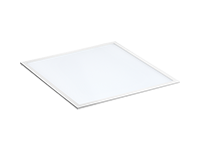
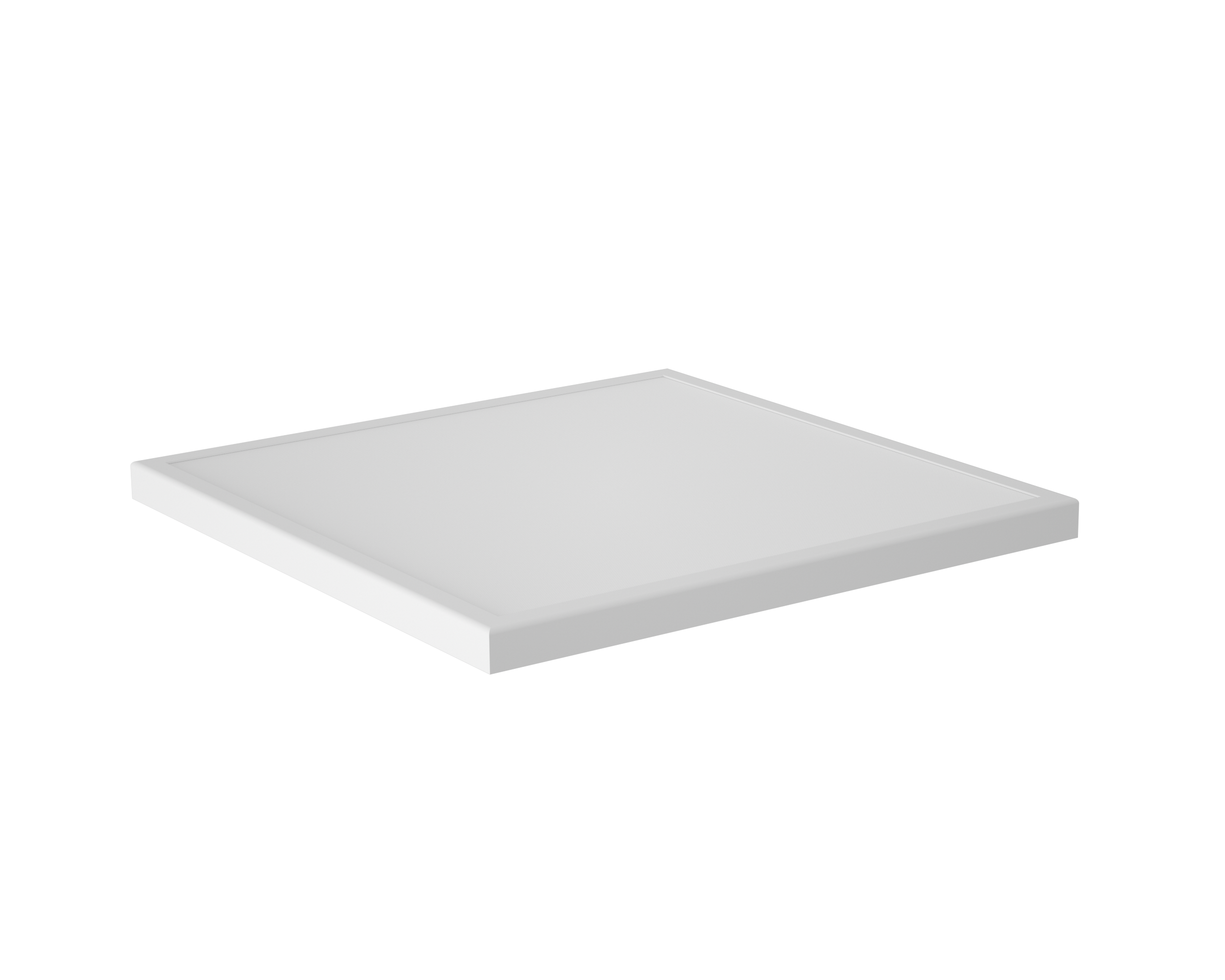
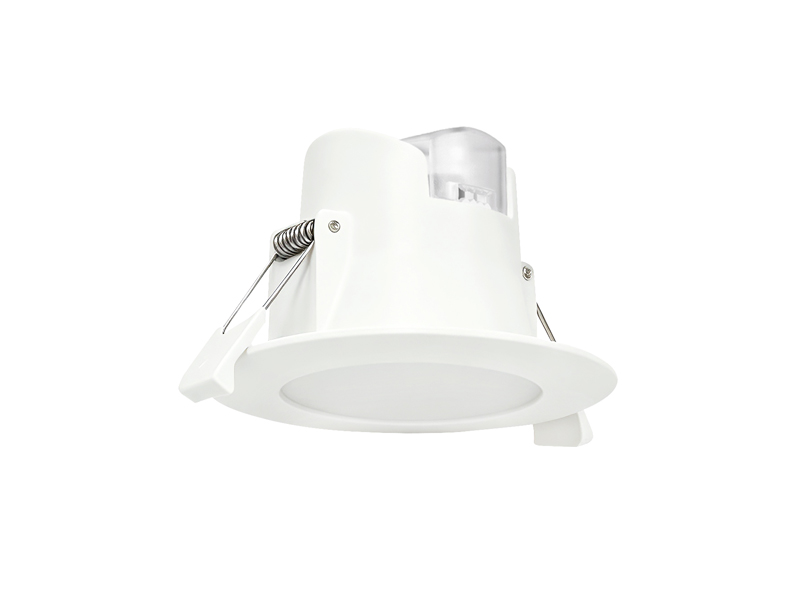
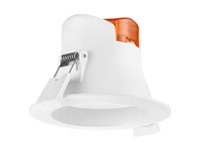
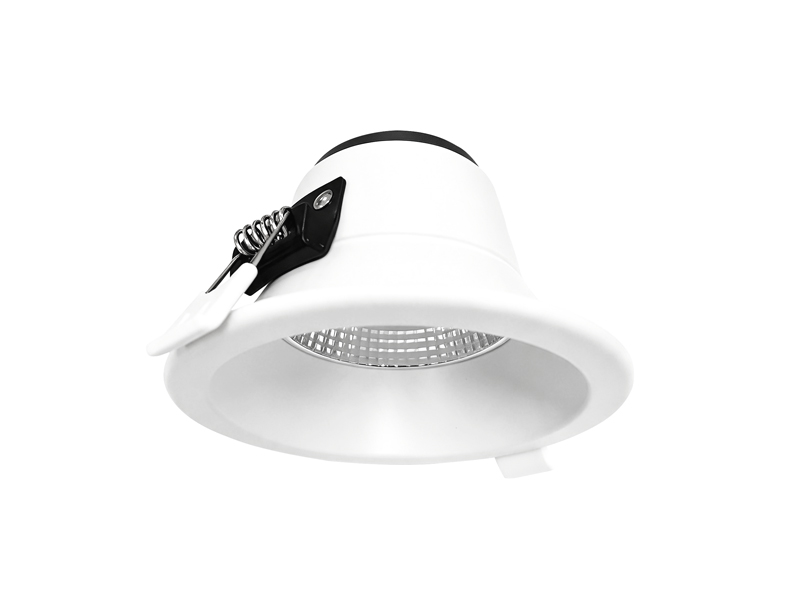
The selected Explorer Down Lights example establishes a particular output, colour configuration and electrical reference. Keep the complete code attached to the operating discussion so that a proposed control arrangement is not assessed against an unidentified family member.
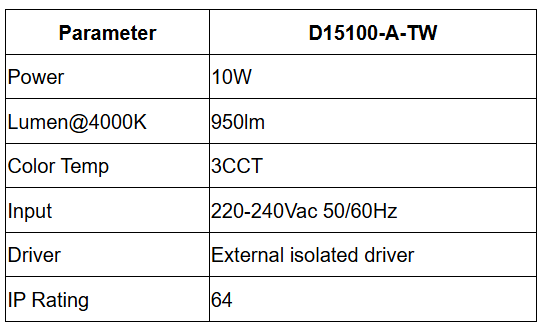
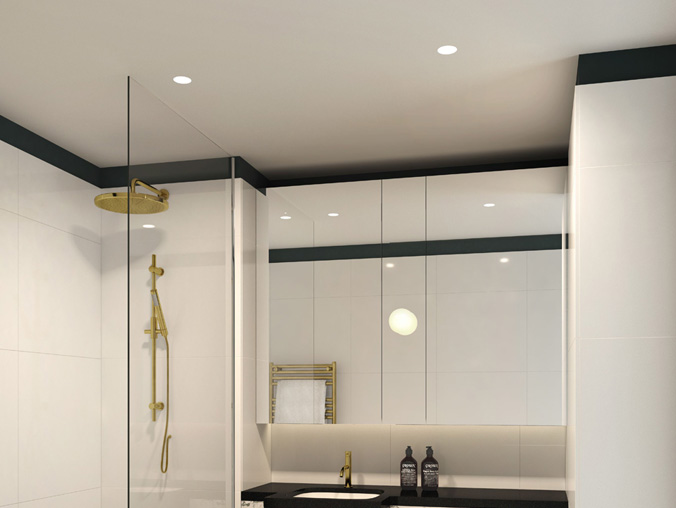
This model belongs to the reflector and lens version of Explorer. The family describes recessed installation and an external driver. Confirm the actual driver interface for the project; the fact that a driver is external does not establish any particular dimming or scheduling capability.
The listed colour selection can help establish the intended appearance during configuration. It should not be described as automatic colour adjustment through the day. Where a change in output or operating sequence is required, keep that requirement separate and ask which confirmed electrical version can support the proposed arrangement.
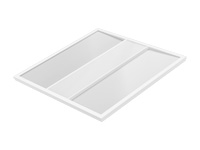
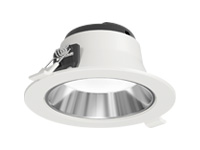
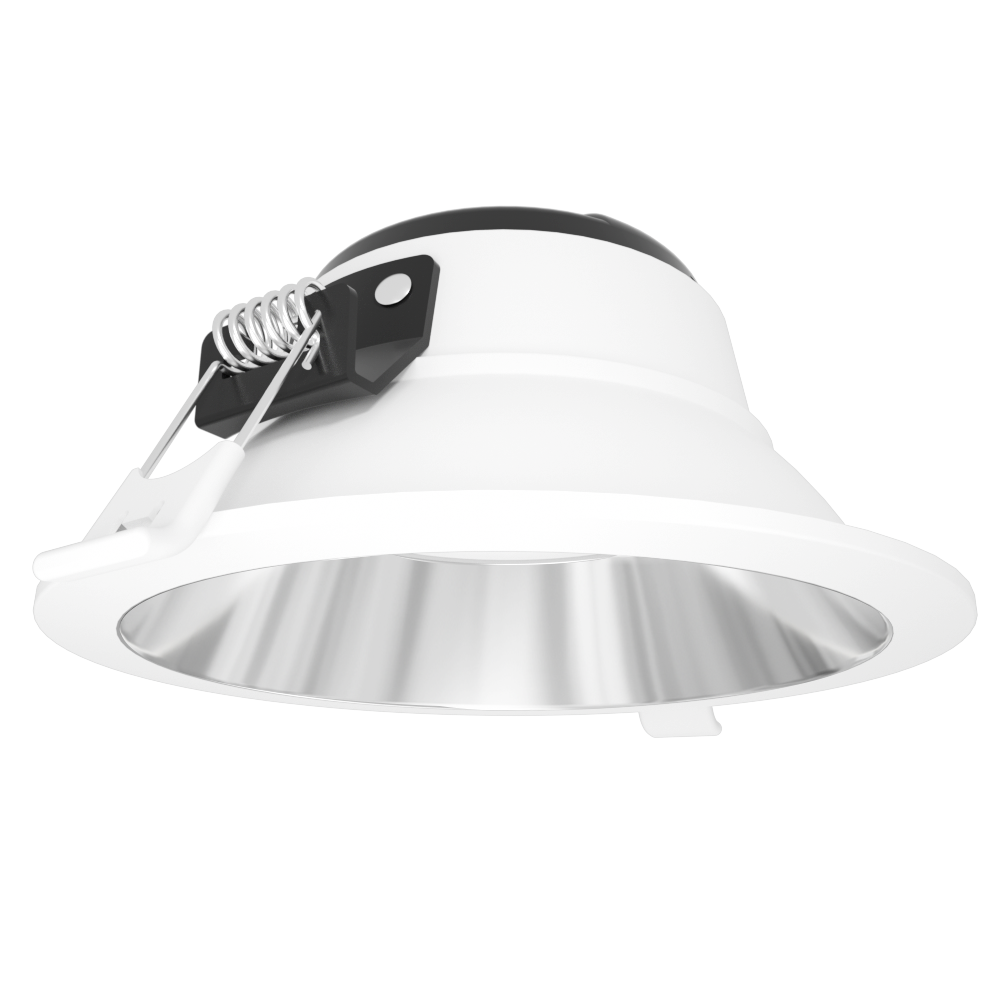
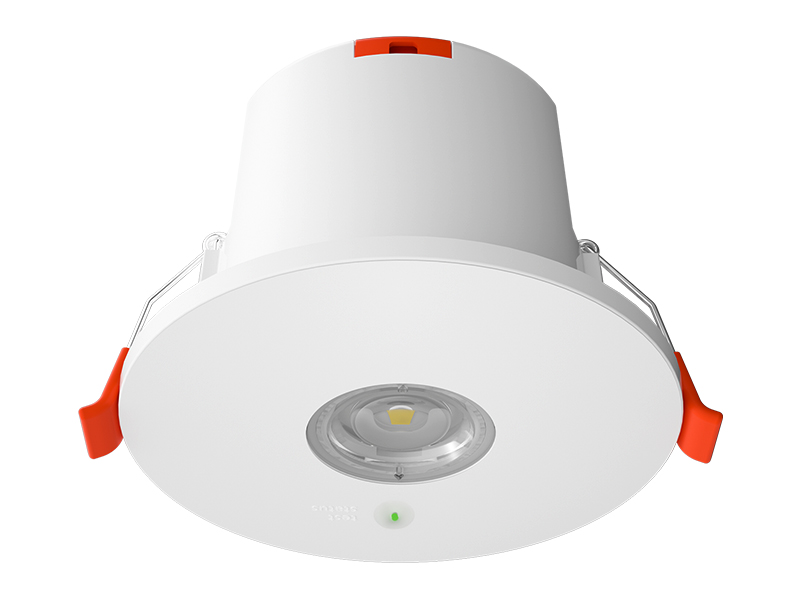
Phoenix Down Lights provides another documented fixture reference. Its output and protection data differ from the Explorer example, reinforcing the need to retain the selected code rather than treating all fittings on the control schedule as interchangeable.
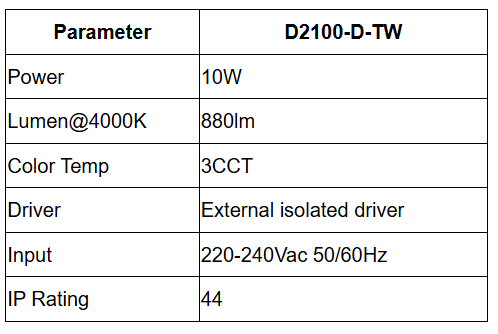

The Phoenix family describes alternative dimming arrangements through driver changes. That gives the project a point to investigate, not confirmation that every example includes every method. Identify the driver intended for the required controls and confirm how it relates to the proposed system before accepting the operating plan.
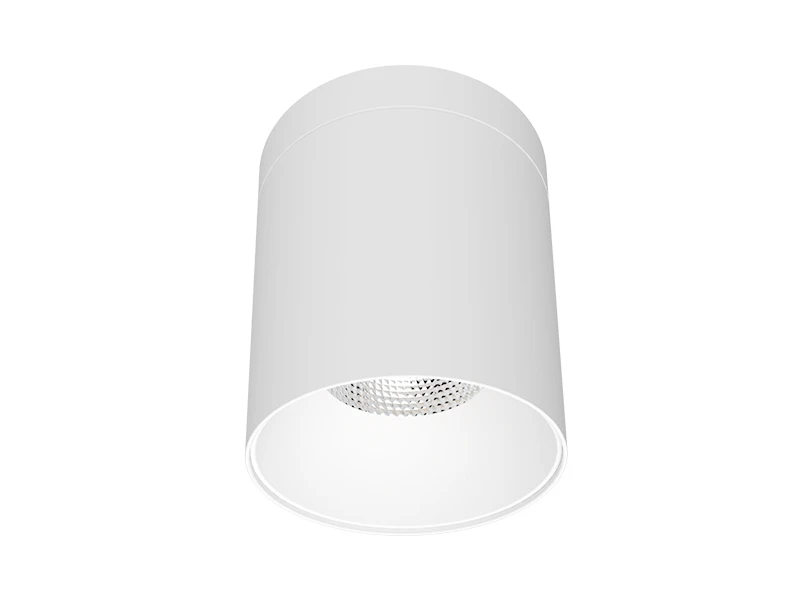
Recessed and surface mounting options are also described at family level. Confirm the applicable components and installation information for the chosen arrangement. The control proposal should remain connected to a physically defined product configuration, including any equipment that needs space or access beyond the visible fitting.
Review LED Healthcare Lighting under the states that users will actually encounter. Check the activity, neighbouring zones and manual operation rather than testing only whether a command reaches the fixtures. Any proposed reduced output needs assessment against the task it is expected to support; the product’s rated output alone does not answer that question.
At IMIGY Lighting, we recommend developing Hospital Lighting Solutions through a written operating brief and an identified Explorer or Phoenix configuration. Review the sequence in a representative area, record the accepted settings and retain the conditions that differ elsewhere. This makes day and night planning understandable to the people using the building and gives the installation team a clearer reference for implementing the intended operation.
A practical operating record should distinguish an ordinary transition from an exception. For example, a room may remain occupied after an adjacent area has changed state. Ask the team how that situation will be recognised, which adjustment is available and how normal operation resumes afterwards. Describe these actions without assigning them to a product until the proposed configuration has been confirmed.
Use the same record during the trial. Note the starting state, the action taken and the resulting light in the occupied area and at its boundary. If users cannot tell which area a control affects, review the grouping and instructions together. A successful electrical response is only one part of the assessment; the intended lighting condition must also be understandable in daily use.
A clear handover should explain the accepted sequence, identify the relevant zones and show how an operator can return each area to its agreed state after a temporary change during normal use.
Q: Should every hospital area move to the same lighting state at the same time of night?
A: Not automatically. Activities and occupancy vary between areas, and some functions continue while others change. Establish the lighting task and intended operation for each zone, then coordinate the boundaries. A shared clock time should not replace the assessment of what people need to see in the actual location.
Q: Can the listed colour temperature selection provide an automatic programme for daytime and nighttime use?
A: The selection feature does not establish that programme. Scheduling, output changes and manual adjustments require their own confirmed control arrangement. Keep colour configuration separate from the question of when and how much light is provided. Review the resulting state in the intended area before accepting it.
Q: What should a control trial include beyond checking that the fixtures respond to a command?
A: Check the lighting available for the activity, views into adjoining areas and the intended manual operation. Observe the transition and confirm what happens after an adjustment. Retain the tested fixture configuration and settings, so that the accepted sequence remains connected to the conditions actually reviewed.
It is recommended that you upgrade the latest browser
 Chrome
 Firefox
 Edge