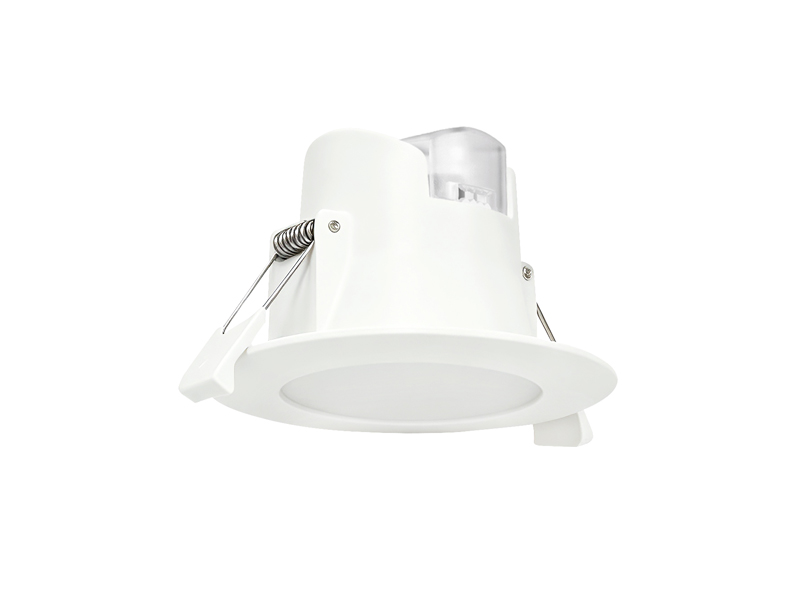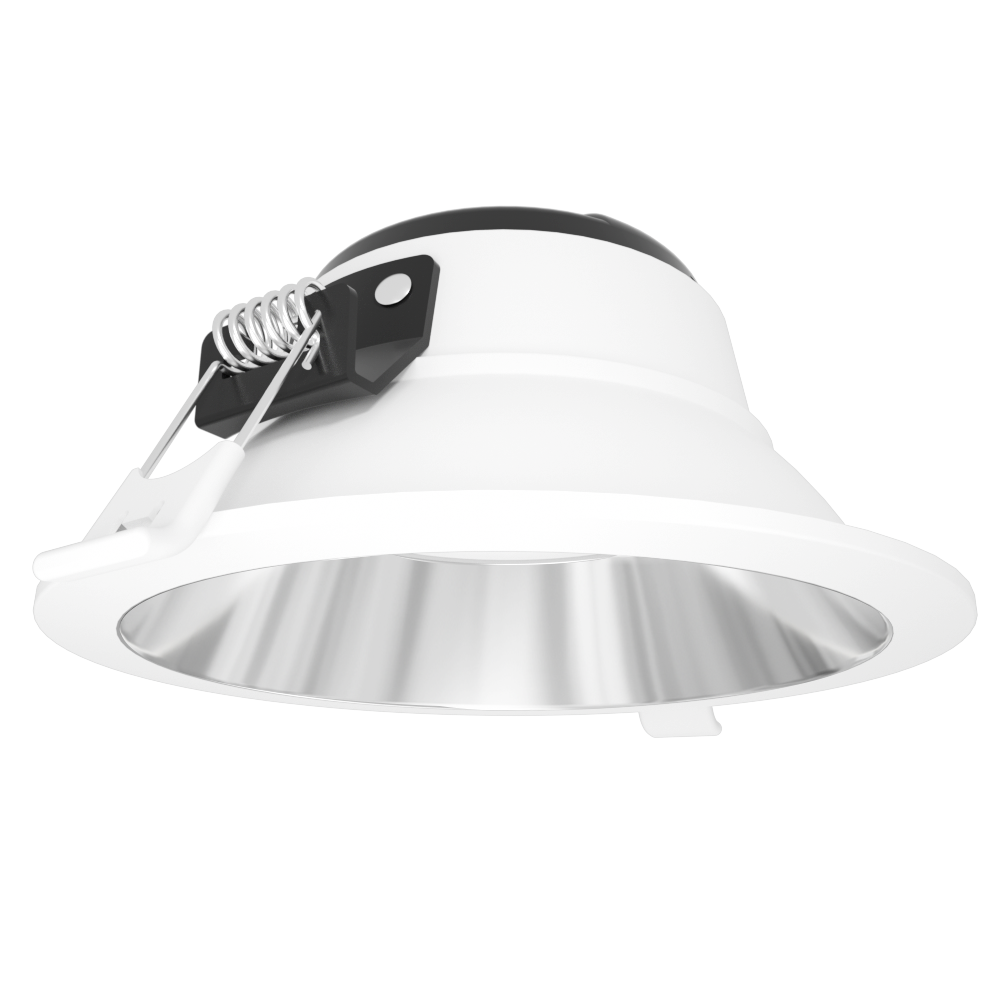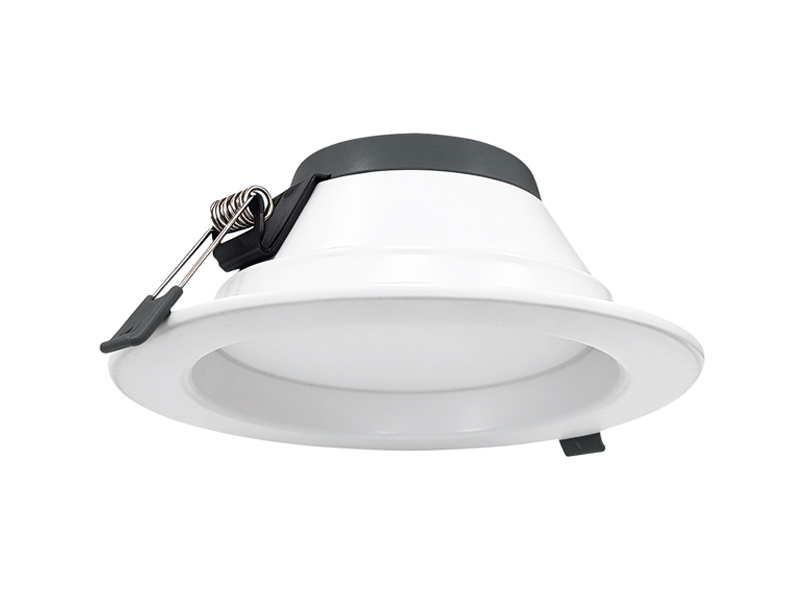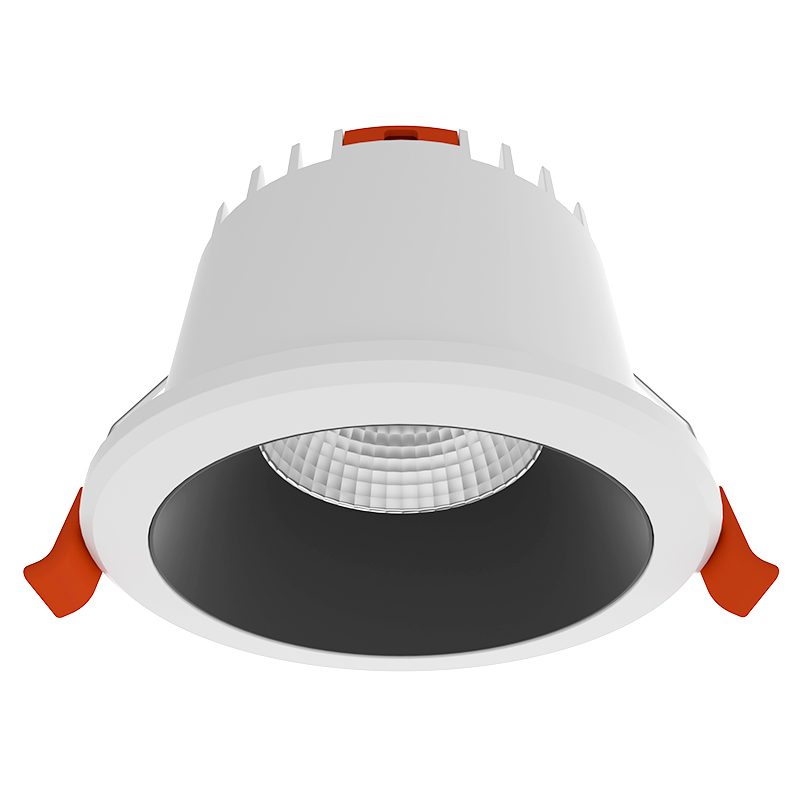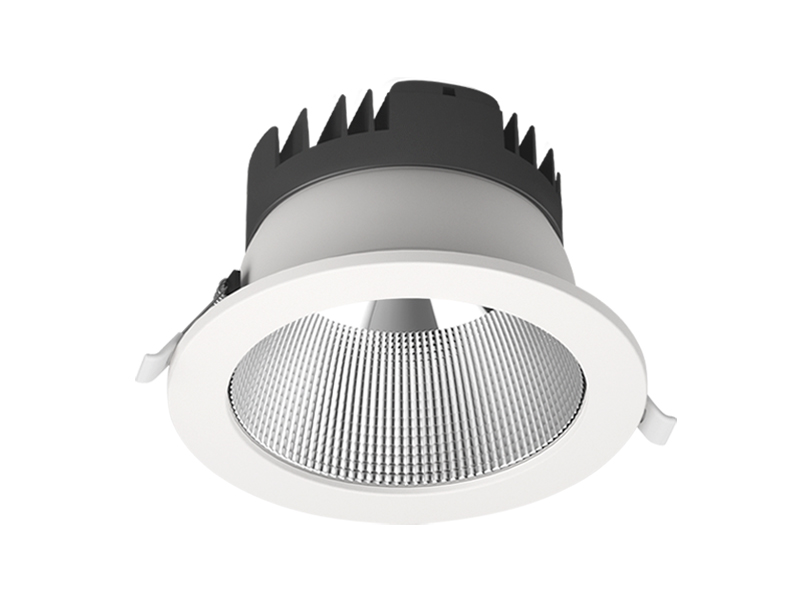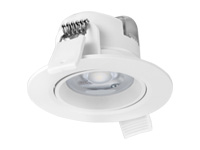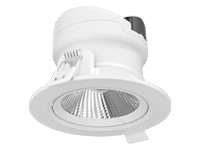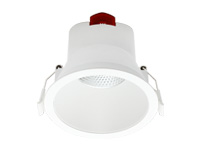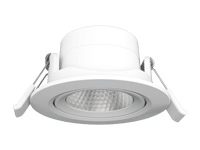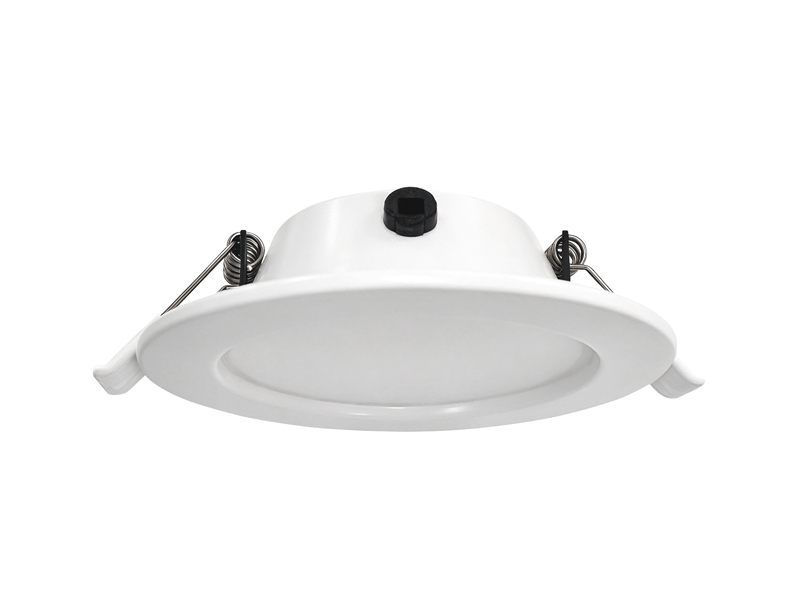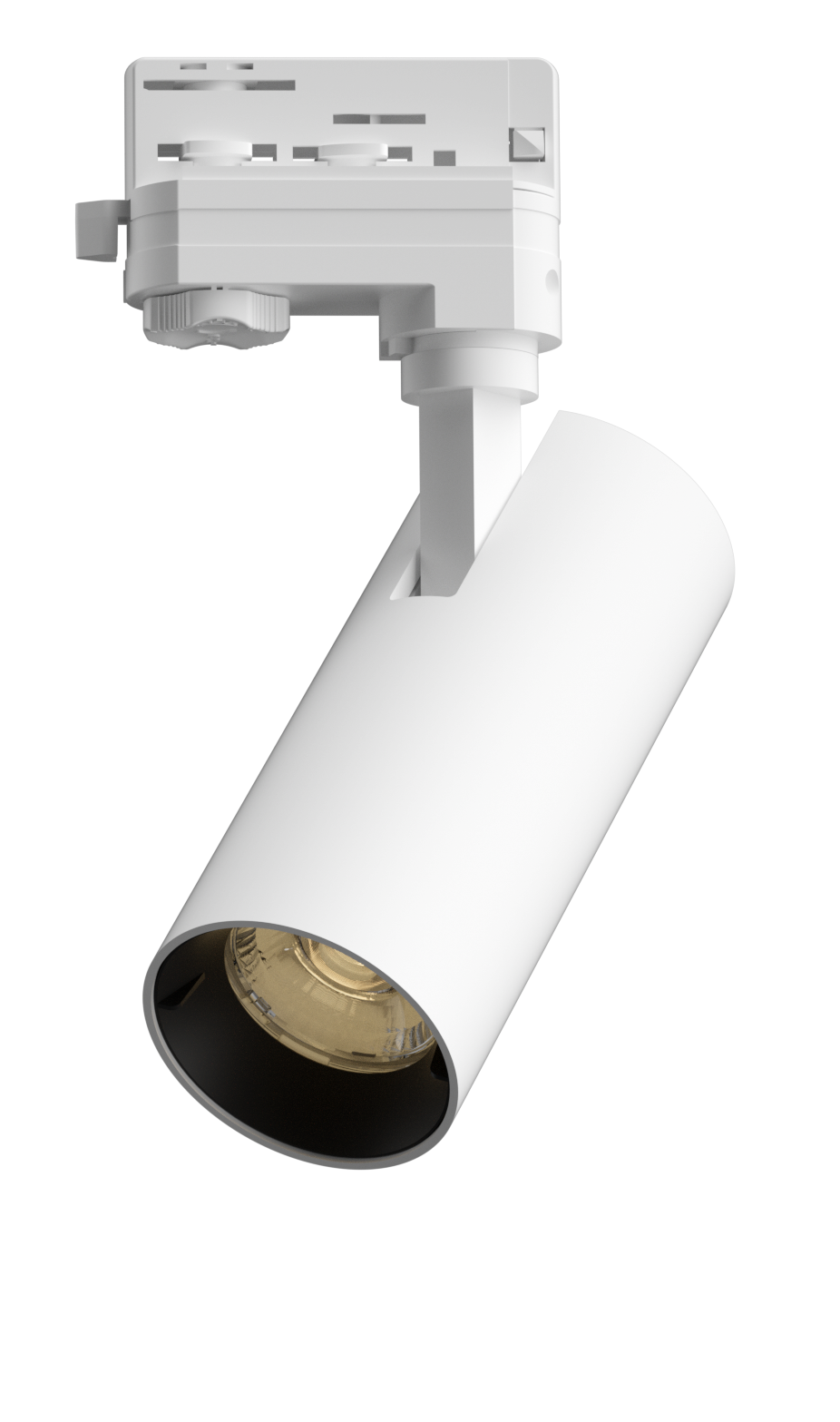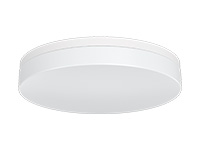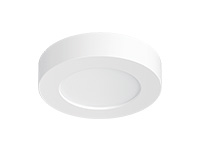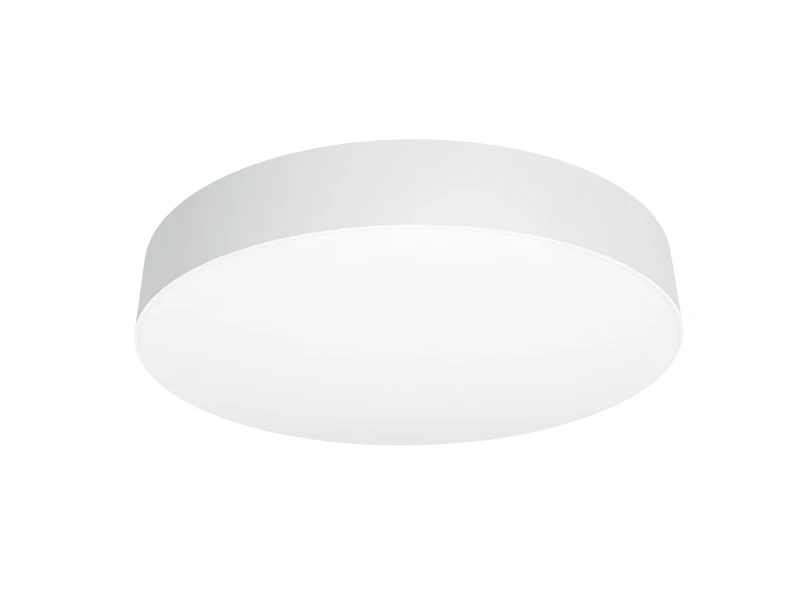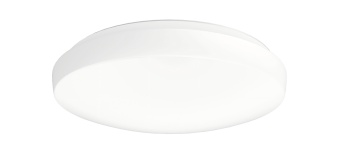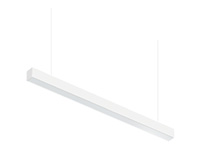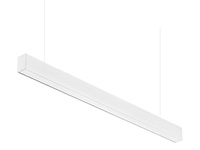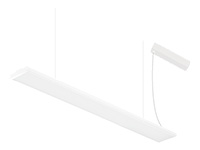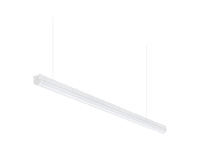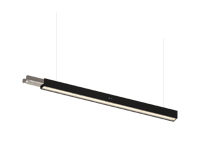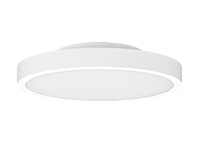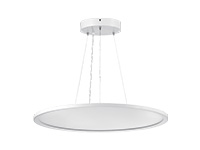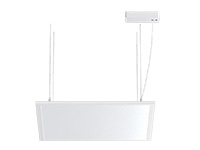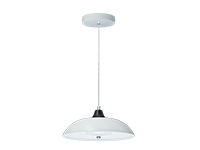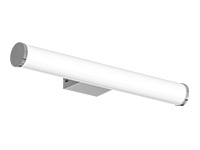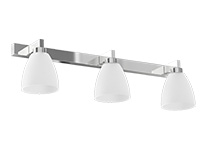

A patient room supports several activities within a small shared space. General movement, conversation, rest and staff tasks do not always need the same light at the same time. At IMIGY Lighting, we recommend defining those activities before choosing the ceiling layout. Explorer Down Lights and Phoenix Down Lights can be considered as documented ceiling lighting candidates, while local task and rest requirements need their own design decisions. A layered plan gives each activity a clear role and identifies the controls needed to support it, rather than expecting one ceiling circuit to answer every requirement throughout the day.
Plan Hospital Patient Room Lighting by separating general room illumination, local activities and the intended quieter period operation. Identify where each layer is needed and what should operate independently. Then confirm the fixture and driver configuration for the required controls. Neither selectable colour temperature nor a suitable lumen figure alone establishes a complete layered lighting solution.
Define each activity before assigning fixtures. Keep general ceiling illumination distinct from task lighting that needs separate specification. Review the room from the bed and the working positions. Confirm how layers are switched or adjusted. Check the actual driver configuration and assess the combined arrangement, including light entering through the doorway.
Begin with a room activity plan. Identify the route between the entrance and occupied areas, locations used for conversation or reading, and the staff tasks identified by the hospital team. Describe what each layer should help people see. This makes it easier to decide when general ceiling light is useful and when a local solution needs separate attention.
For Hospital Ward Lighting, also consider whether a change intended for one occupied position affects another. A single circuit may offer limited independence where several activities occur together. The control brief should describe the intended behaviour, including any need for staff adjustment, without assuming that the selected ceiling model already provides the necessary interface.
Review Hospital Corridor Lighting at the open doorway as part of the room conditions. Corridor light should not be mistaken for a planned room layer, and a bright opening can change the apparent balance inside. Assess the room under the intended operating arrangements on both sides of the door, keeping the responsibilities of each lighting zone clear.
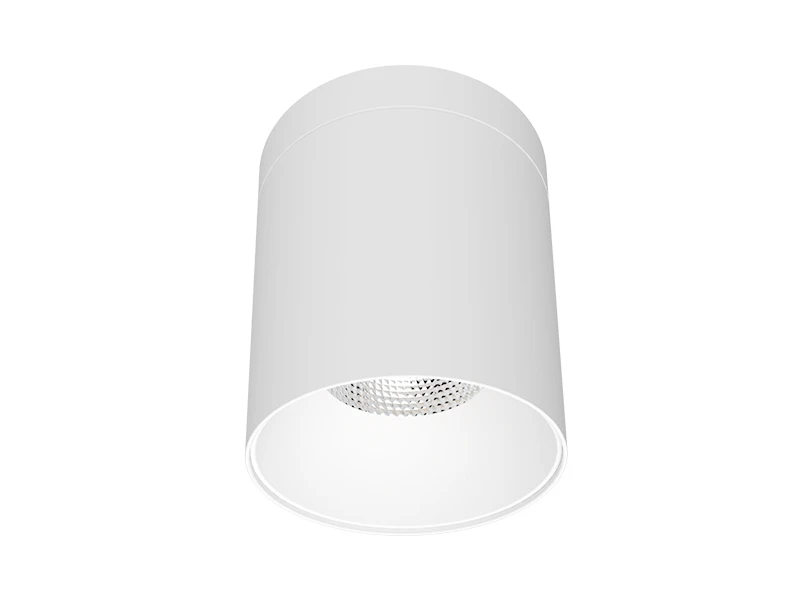
The following Explorer Down Lights example provides a specific output and colour selection configuration. Use these figures to define the proposed ceiling contribution, then assess the layout against the room’s actual requirements.
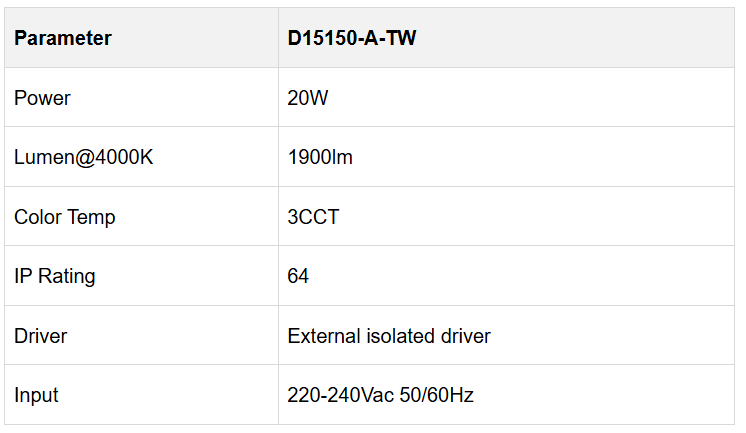

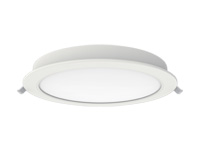
This example belongs to the Explorer reflector and lens version, described for recessed installation with an external driver. Its family information lists several colour settings and optional ring accessories. Confirm the selected trim and installation details so that the product reviewed during planning matches the intended ceiling arrangement.
The colour selector can help establish a chosen room appearance. It does not demonstrate automatic changes through the day or independently controlled bedside functions. If the project requires either, identify the relevant controls and ask for confirmation of the appropriate configuration. Keep the proposed ceiling product separate from local task equipment that has not been specified.
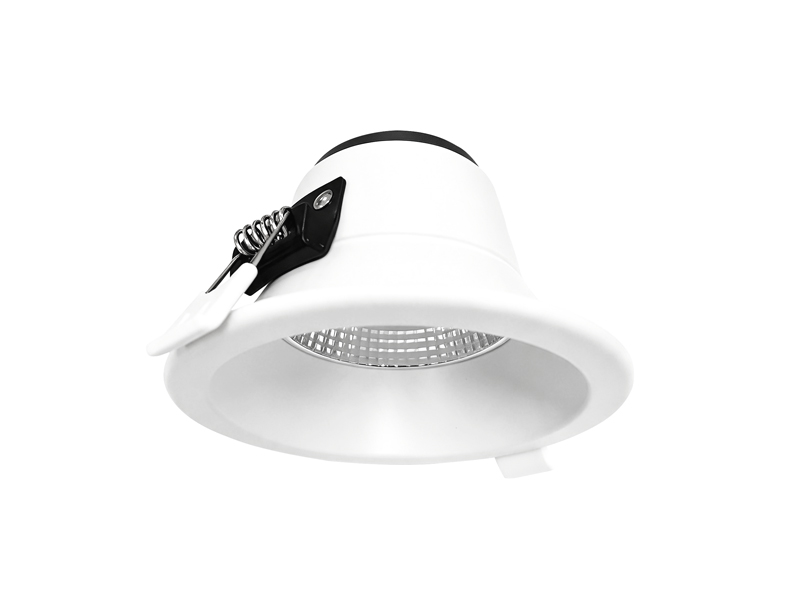
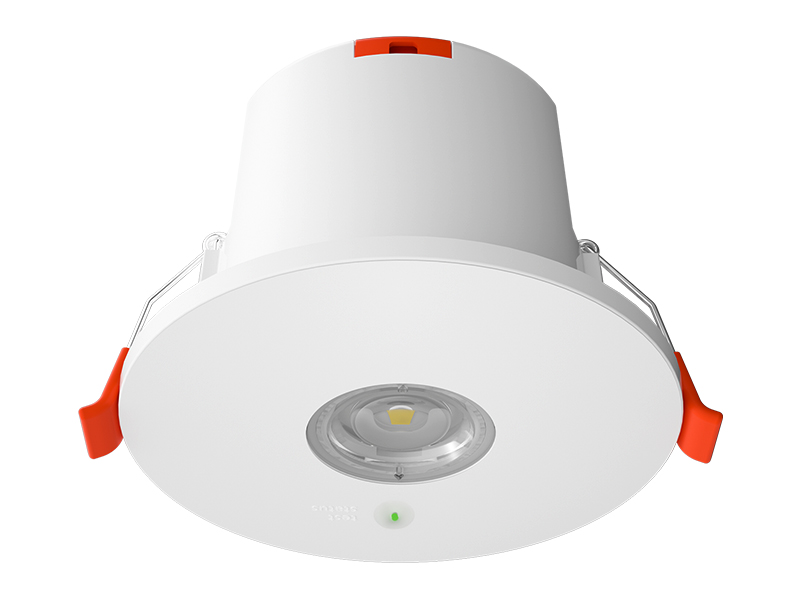
Phoenix Down Lights provides another model reference with a different documented output and protection rating. Its role should follow the room plan, rather than being selected solely as a lower power alternative to the Explorer example.
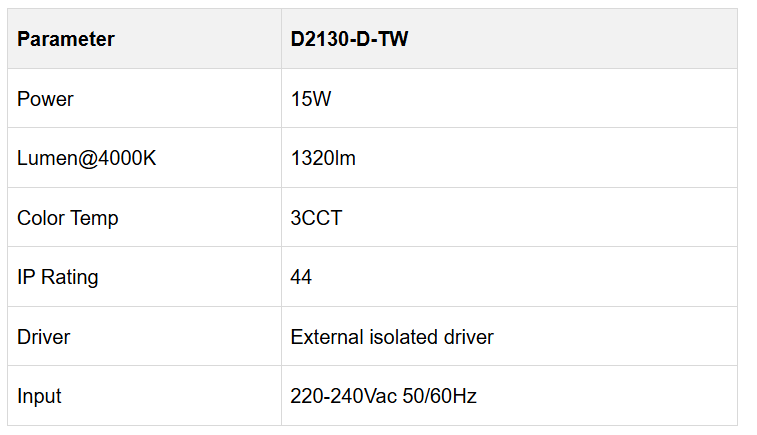

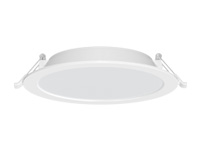
The Phoenix family describes recessed and surface mounting options and different dimming arrangements through driver changes. This supports a technical discussion about the intended configuration; it does not establish that the example already includes every control method. Confirm the driver, mounting components and actual operating arrangement required by the room.
When assessing a proposed zone, check whether the light contributes where intended without unnecessarily affecting another occupied position. A separate circuit can offer a useful design route only if the electrical and control arrangements actually provide the requested independence. Record the agreed operation alongside the model, rather than leaving it as an informal expectation.
Use the same activity based approach when coordinating Hospital Waiting Area Lighting and Hospital Reception Lighting, while recognising that patient rooms have different occupancy patterns and viewing positions. Within the patient room, review each proposed layer alone and then in combination. This can reveal whether an independently useful light becomes intrusive when another layer is operating.
At IMIGY Lighting, we recommend reviewing an identified Explorer or Phoenix configuration with the hospital team before extending the arrangement. Include furniture, the open doorway and the intended operating states. Record which tasks are covered by the ceiling proposal and which need separately specified lighting. A clear layered plan does not rely on a single fixture doing everything; it connects each lighting role to a defined activity and a confirmed means of operation.
A useful room review can follow a sequence of activities instead of testing only the brightest state. Begin with entry and movement, then check a local activity while another occupied position remains quieter. Finally, review the proposed staff adjustment and the return to the previous state. These are design questions to be agreed with the hospital team, not operating functions established by the product tables. Writing the sequence down helps identify whether independent switching is sufficient or whether another confirmed control arrangement is required. It also gives the sample review a practical purpose: testing the intended relationship between activities rather than simply demonstrating that all fixtures illuminate.
Review any unresolved task separately before accepting the ceiling proposal as the final room arrangement.
Q: Can one ceiling downlight arrangement provide every requirement for movement, rest and staff tasks in a patient room?
A: That should not be assumed. Define the activities first and assess whether the ceiling arrangement addresses them. Some tasks may require separately specified local lighting or independent operation. The room plan should identify those needs explicitly, rather than extending a general ceiling product description into an unsupported claim about every activity.
Q: Does selecting a warmer colour temperature automatically create a suitable rest setting for the whole room?
A: Colour appearance is only one consideration. Source visibility, light distribution and which layers remain active also affect the experience of the room. The listed colour selection does not itself create a scheduled scene. Review the complete intended arrangement and confirm the controls required to operate it as planned.
Q: How should the project team check whether independently controlled layers work together without disturbing another occupied position?
A: Review the proposed layers separately and in combination from the positions people actually use. Observe where light falls, which sources remain visible and how the doorway affects the view. Confirm that the intended controls provide the requested independence, and retain the tested positions and settings as part of the agreed arrangement.
It is recommended that you upgrade the latest browser
 Chrome
 Firefox
 Edge