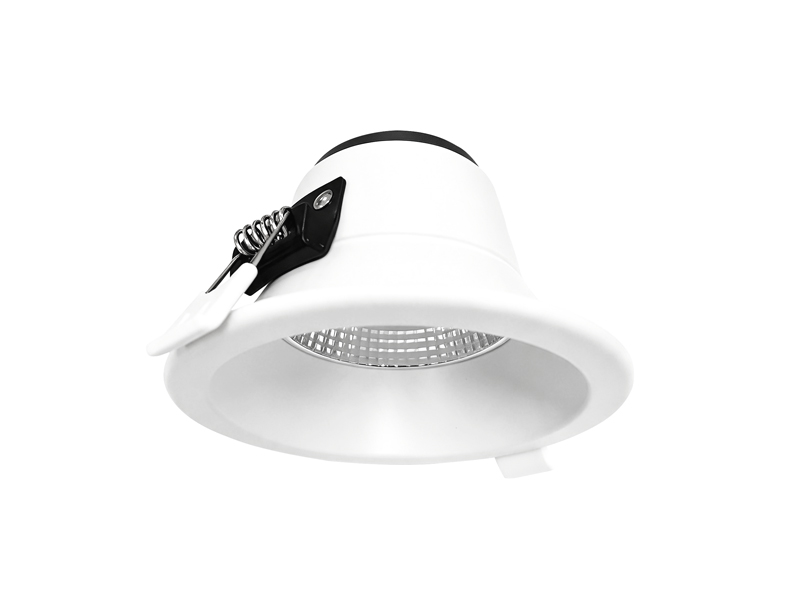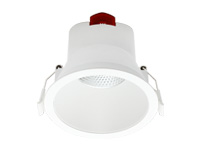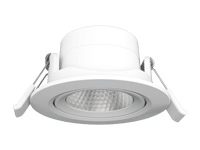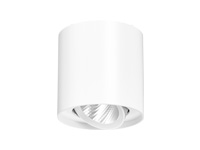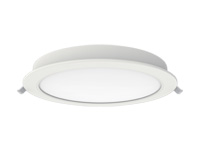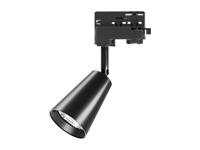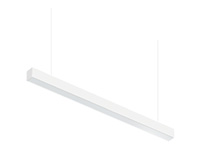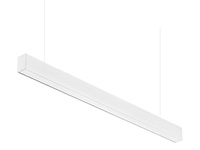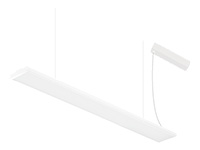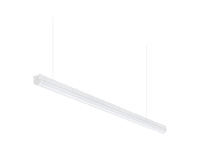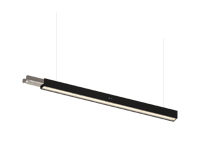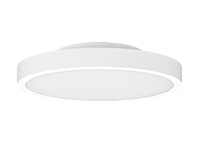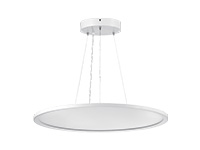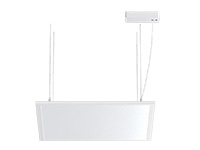

If an office track light creates a bright reflection on a screen, review its position and aiming from the user’s seated viewpoint before changing the fitting. AtIMIGY Lighting, our Flame Track Lights offer adjustable direction, while our Uranus Track Light range provides several beam options. Product selection should support the desk layout: neither a beam specification nor a glare-related product claim guarantees a reflection-free workstation.
An unwanted screen reflection is best described from the position where someone actually works. Before changing the whole lighting scheme, identify the fitting image or bright source that creates the complaint. Our Flame directional fitting and Uranus optical options provide specific configurations to discuss once that relationship is understood. The aim is to improve the proposed arrangement while preserving useful light on the desk, rather than reducing illumination without understanding the cause.
Identify whether the problem is a reflected light image or direct visibility of a bright source. Review screen orientation, fixture aiming and light distribution together. An LED track lighting system should be assessed with the furniture and screens in their intended positions.
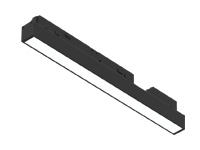
Observe the screen from the normal working position and identify the reflected fitting. Try a different aiming direction or a position along the compatible rail, then check both the display and desk lighting. A linear track light also needs this review. If considering magnetic track light recessed mounting, remember that recessing a magnet light track alone does not establish a comfortable viewing arrangement.
Record the normal chair position, screen angle and desk direction. Check whether the problem is visible throughout ordinary work or only from a particular angle. Those observations help the positioning discussion focus on the relevant source rather than every fitting in the room.
Where practical, compare a change in aiming separately from a change in location. Keep the screen and viewing position consistent during the comparison so the effect can be understood. A different beam option is another design variable and should be recorded rather than changed unnoticed at the same time.
Review more than one workstation orientation before repeating the proposed solution. A fitting placed outside one screen’s reflected view may still appear in another. The product’s movement range describes adjustment capability, not a universal position that suits every desk.
Distinguish the user’s complaint from a general description of brightness. A reflected fitting image, a directly visible source and an insufficiently lit working surface describe different observations. Record the one being addressed so the proposed change can be evaluated against a defined problem.
If the furniture arrangement is fixed, mark that limitation before exploring a new track position. If the screen can move, retain a realistic position for ordinary work during the review. The aim is not to find an unusual angle that hides the source temporarily, but to understand the relationship under normal use.
Keep the chosen optical configuration visible when a position is adjusted. A different beam may change the useful illumination as well as the appearance of a bright area. Review the resulting desk light alongside the screen view before extending the adjustment to another workstation. This gives the positioning decision a specific purpose and makes it easier to explain why different desks may require different arrangements within one office.
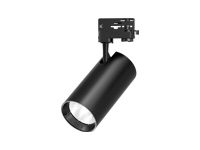
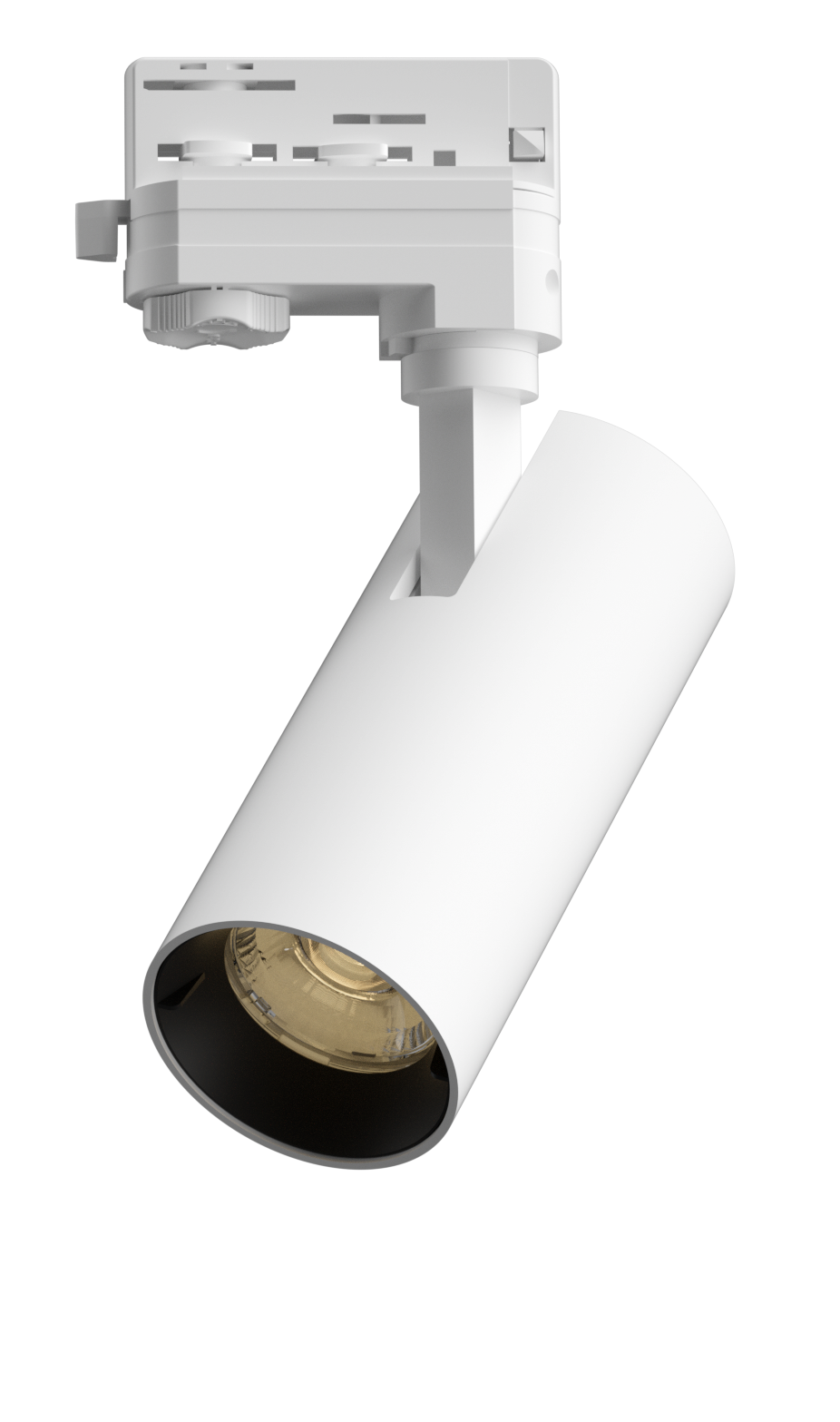
Our Flame series lists horizontal rotation and vertical adjustment, allowing the light direction to be considered during positioning. Specify the selected model and beam option, then assess the result at the workstation. Adjustment range describes movement, not a guarantee that every position will remove glare.
Flame’s listed directional adjustment gives the team a defined movement range to consider. Check the selected beam and target surface before deciding where to aim the fitting. The range does not guarantee the desk receives sufficient useful light after an adjustment, so the screen and task surface should be reviewed together.
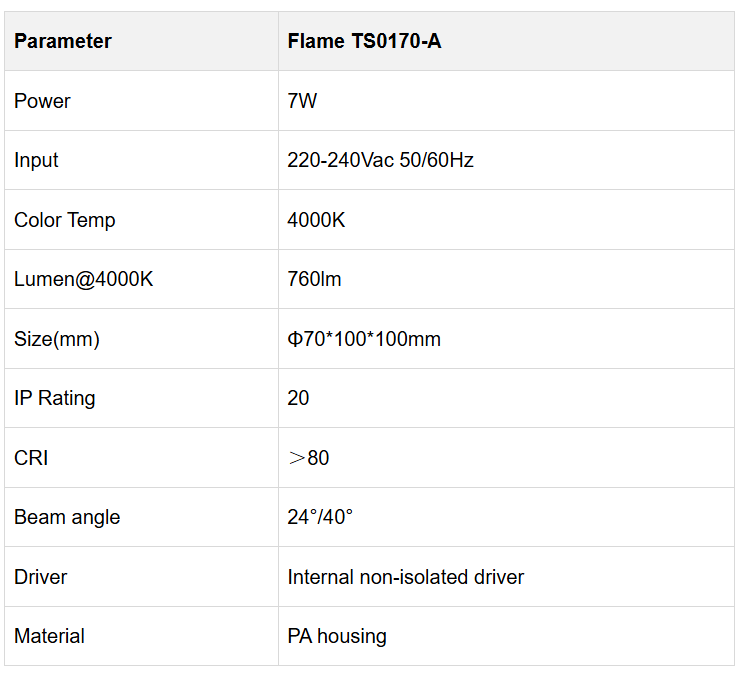

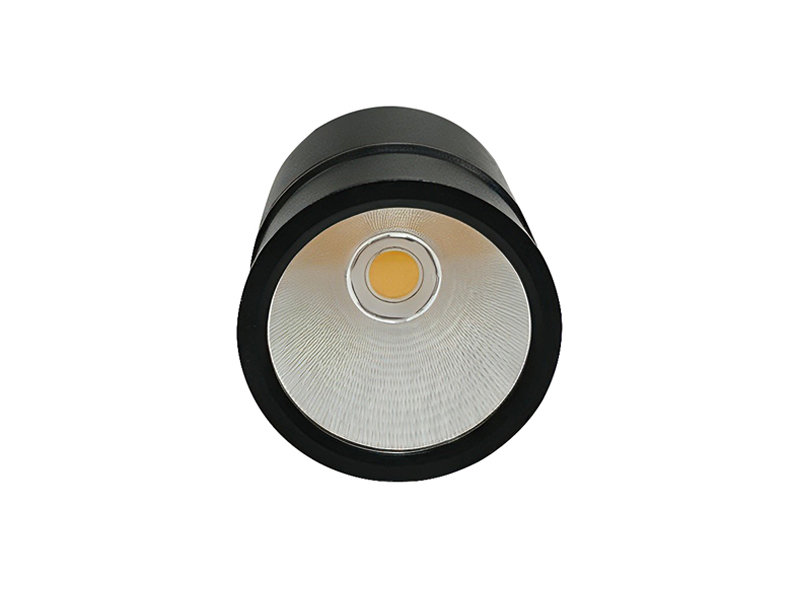
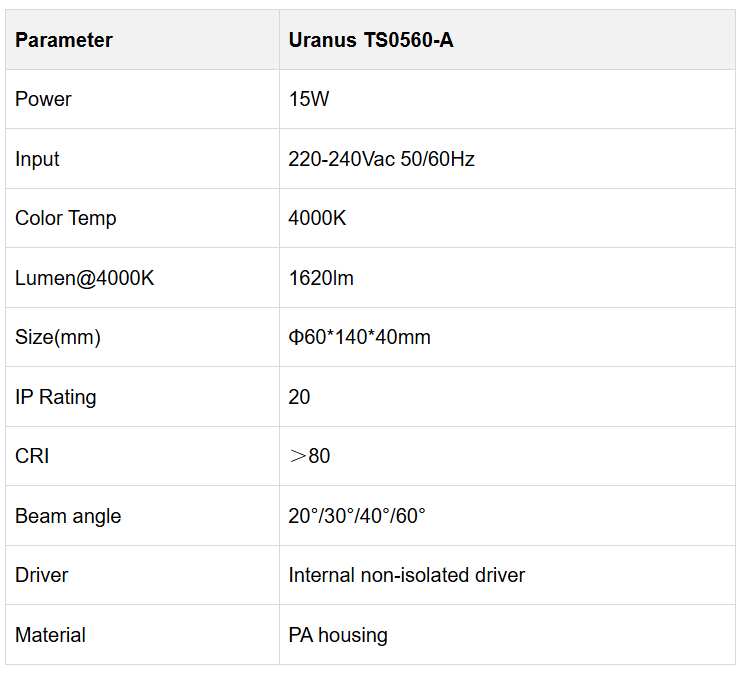
Our Uranus model below lists several beam choices for matching light distribution to a target area. Choose the optical configuration before assessing its placement. These listed angles do not mean that the fixed model provides continuous zoom adjustment.
For Uranus, distinguish the fixed optical configuration from a version described as zoomable. The selected TS0560-A table records beam options for that model; it should not be interpreted as a continuous adjustment instruction. Choose the required optical version first, then examine how its proposed position relates to the workstation view.

Send IMIGY Lighting a desk plan, ceiling height and the position of the troublesome reflection. We can discuss a Flame or Uranus configuration around the intended target surfaces. After positioning, check representative seats and screen angles while maintaining useful task illumination. The aim is a workable lighting arrangement that responds to how the office is actually used.
Keep a record of the original complaint, proposed adjustment and workstation conditions. After a position is reviewed, check representative desks and any different screen orientations. This gives the project team a basis for deciding where a repeated arrangement is appropriate and where a separate treatment is needed.
Send IMIGY Lighting the desk plan and the location of the troublesome reflection, together with the selected Flame or Uranus code. We can discuss the documented optical and physical options around that task. A positioning proposal should explain which source relationship it changes, rather than claiming that a particular fitting or beam angle automatically eliminates screen glare.
Retain the screen angle and selected optical version with the review record. If the workstation moves, check the new viewing relationship before reusing the earlier aiming decision. A position should remain connected to the conditions under which it was assessed, including the task surface and the normal seated view.
Q: Will choosing a narrower beam automatically remove reflections from computer screens?
A: No. A narrower beam changes distribution but may still appear in a screen. Check the reflected source from the seated position and review its location and aiming.
Q: Should I reduce brightness before trying a different track light position?
A: First identify the source of the reflection. Position and aiming may be relevant, while reducing brightness alone can also reduce useful desk light. Any dimming must match the selected configuration.
Q: Can one adjusted fixture position be applied to every workstation in the office?
A: Not reliably. Desk directions, screen angles and viewing positions differ. Check representative workstations before repeating a layout across the room.
Q: Does a product glare statement prove that computer screens will show no reflections?
A: No. A product statement and a screen reflection describe different aspects of the installation. Review the actual source, screen and viewing relationship while retaining the required desk illumination in the assessment.
It is recommended that you upgrade the latest browser
 Chrome
 Firefox
 Edge