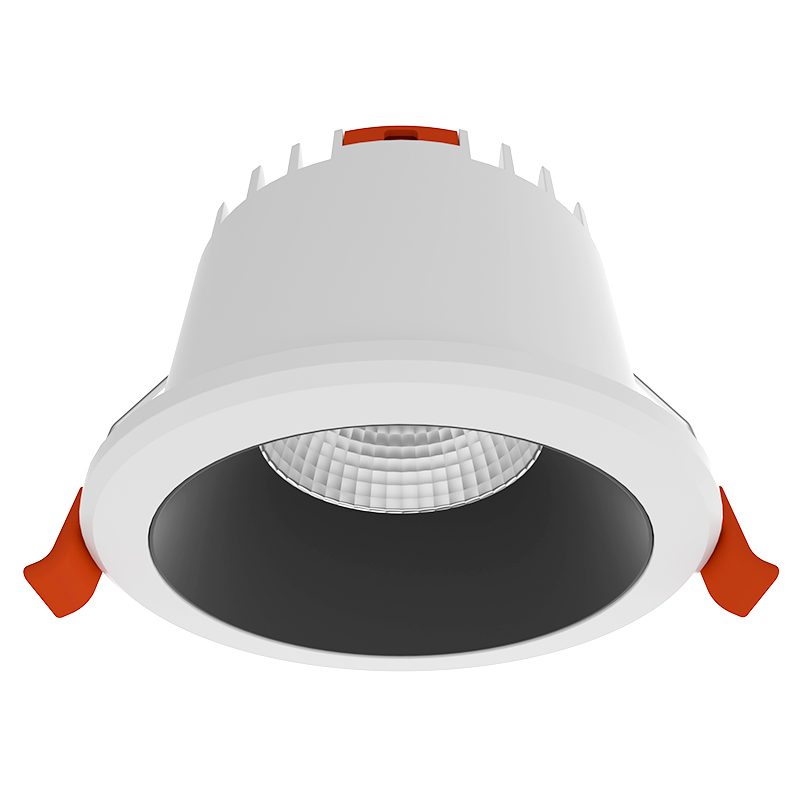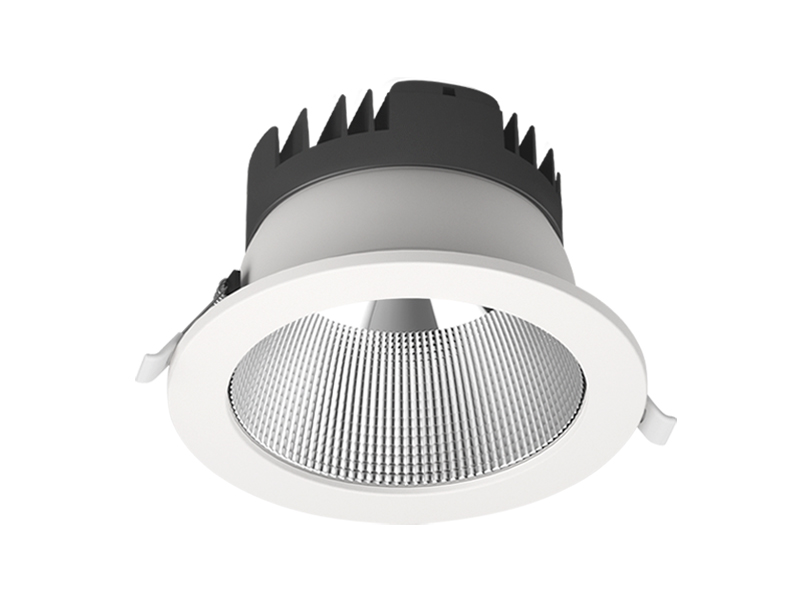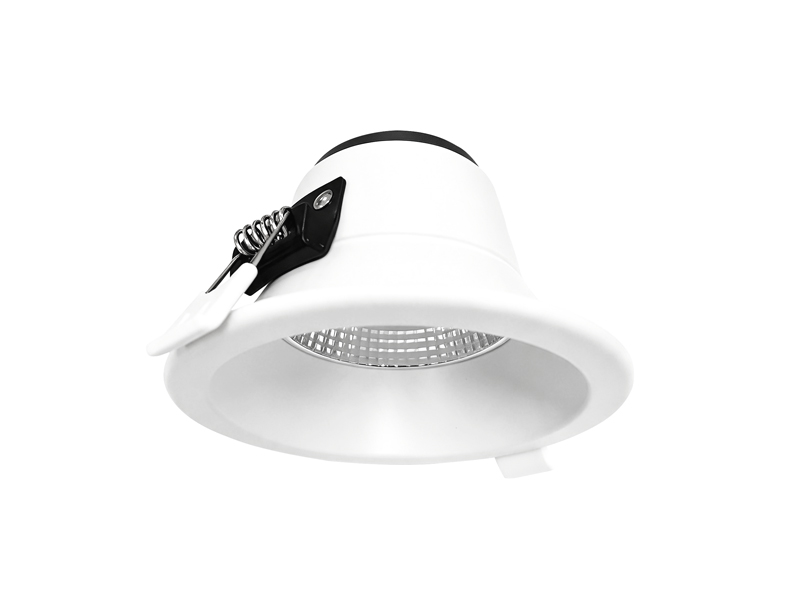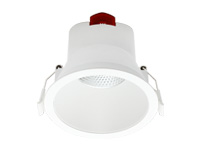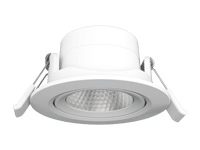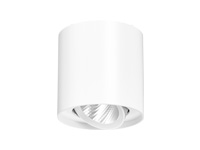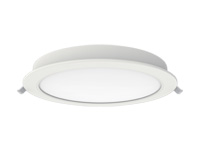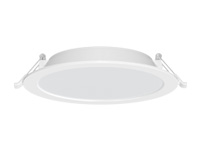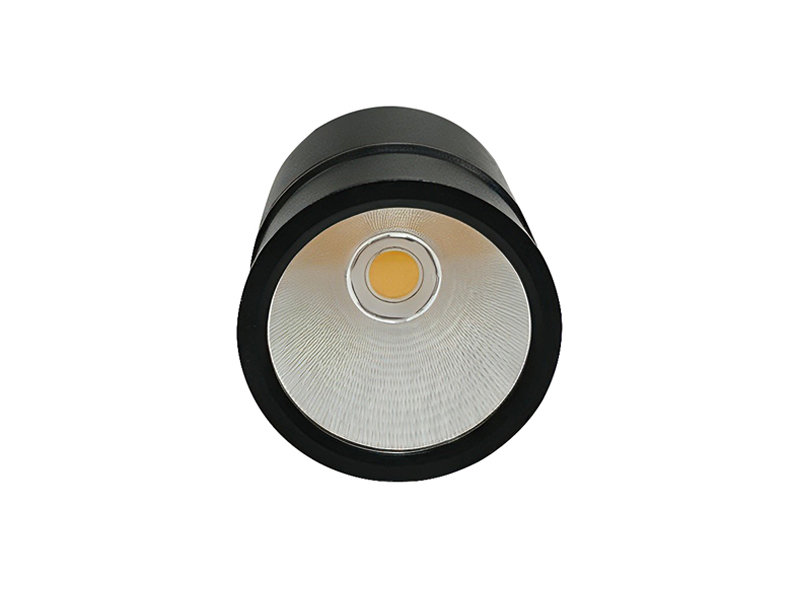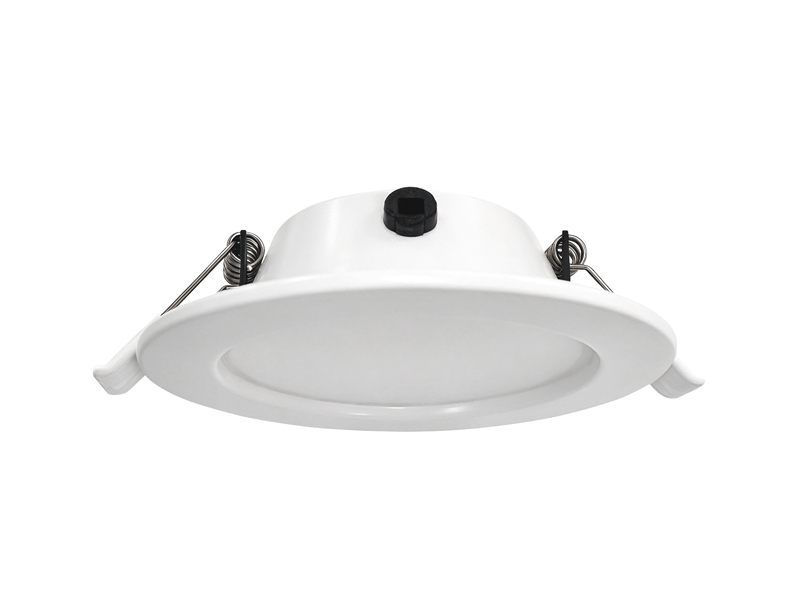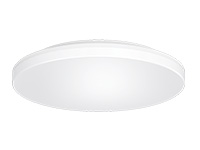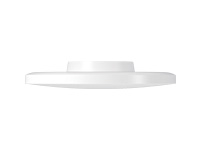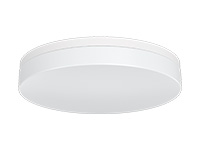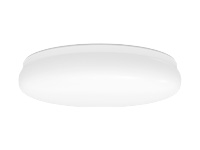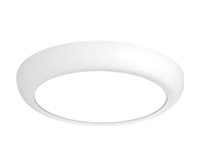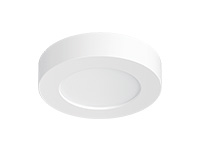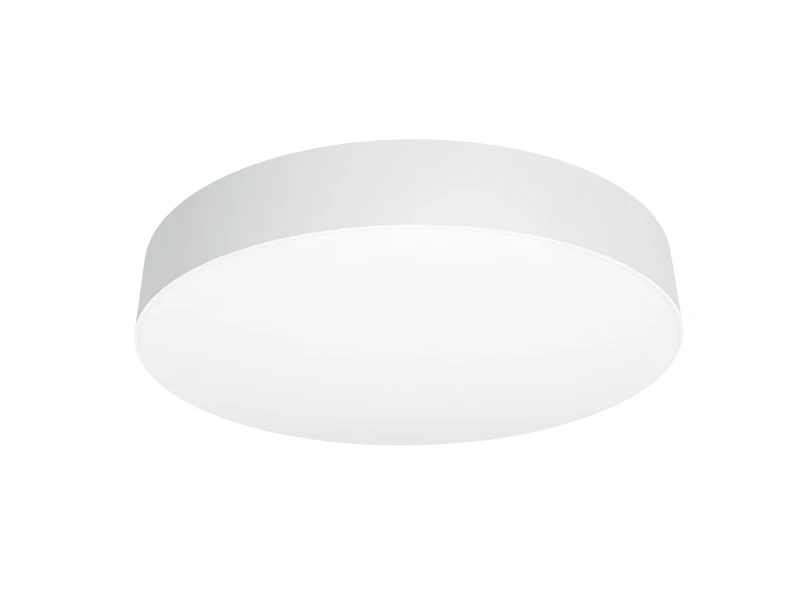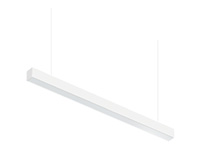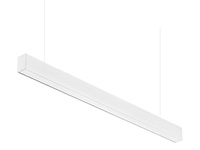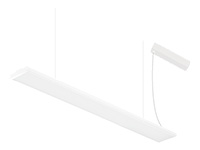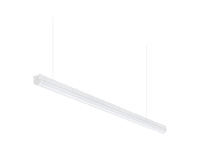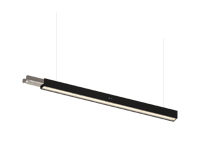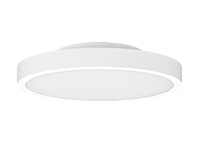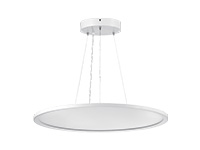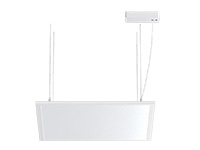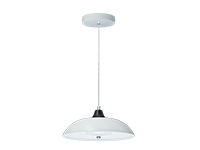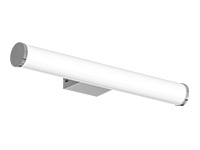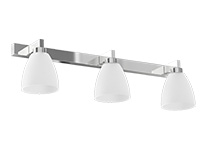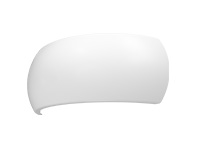

When an Office ceiling light appears as a reflection on a screen, assess the actual workstation before replacing the fitting. At IMIGY Lighting, our UFO Ceiling Lights and Sunflower Ceiling Lights provide different dimensions, mounting choices and functional options. Their product sheets do not establish a reflection-free result, so placement should be assessed at the intended desk and screen positions. Begin with observation, then compare the available product configurations.
A bright image on a monitor is a specific observation that can be investigated. It does not automatically mean the entire room needs brighter or dimmer lighting. Our UFO and Sunflower ranges provide different fitting sizes and configurations, so the first useful question is where the reflected light image appears during normal work. That observation helps distinguish a positioning issue from a product selection issue and gives the next layout discussion a concrete starting point.
Check the workstation as a complete arrangement. Record the screen position, normal viewing direction and visible reflection before changing the layout. Product dimensions and mounting choices support selection, but do not independently guarantee screen comfort.
Observe the screen from the user’s normal seated position. Compare practical screen or workstation positions before fixing the final lighting location, and assess the proposed arrangement under its intended use conditions.
A Square ceiling light may suit the ceiling design, but shape alone does not establish reflection performance. Likewise, a Microwave sensor ceiling light describes a sensing requirement, not a guarantee against reflections.
Keep the screen, chair and desk in their normal working positions while reviewing the problem. A reflection that disappears when someone stands up may still matter to the seated user. Note whether the bright image covers the main viewing area, sits near an edge or becomes visible only at a particular screen angle.
Compare one practical change at a time. If the screen can be adjusted within the normal workstation arrangement, observe what changes before altering the lighting proposal. If the desk direction is fixed, mark that constraint on the plan so a later fitting position is assessed against the real viewing direction.
Include representative users and different workstation orientations in the review. A single view from the doorway does not describe the whole office. The objective is to understand which source and viewing relationship creates the unwanted image, while keeping useful illumination on the working area.
When several ceiling sources are visible on a screen, identify them individually before deciding that one replacement will resolve the whole complaint. Note which image remains troublesome during ordinary work. This provides a more useful record than a general statement that the room causes glare, and helps separate a repeated layout issue from a single constrained location.
Keep any proposed change realistic for the user. A screen position that removes a reflection but prevents normal work is not an adequate layout decision. Likewise, a lighting position that avoids the screen still needs to serve the intended surface. Bring those two requirements into the same review. If another fitting configuration is proposed, compare its dimensions, output and mounting method before treating it as a direct replacement. This makes the product discussion specific to the workstation and avoids claiming that a different cover shape alone establishes the final result.
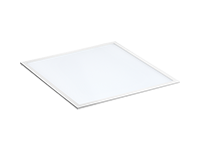
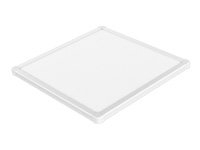
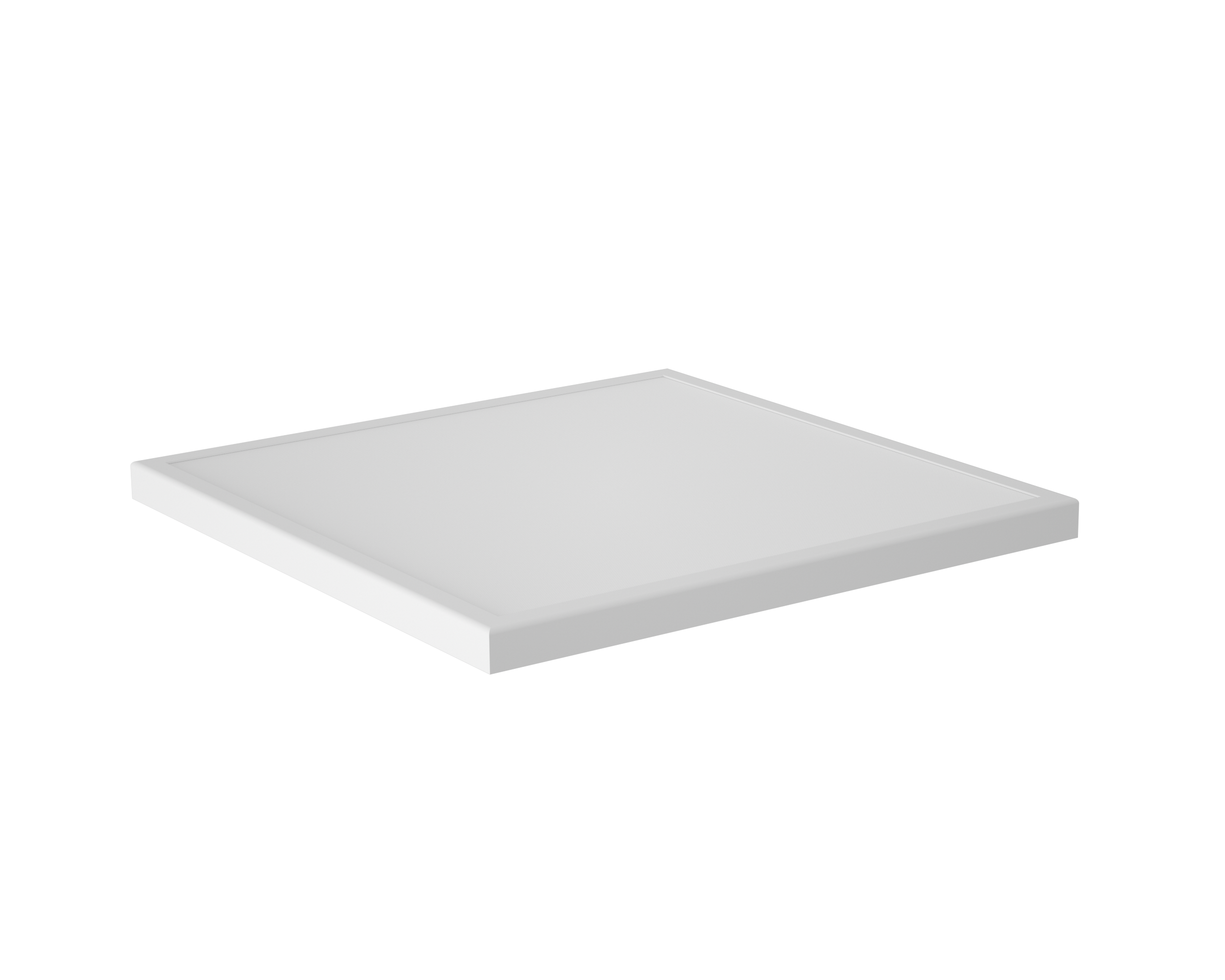
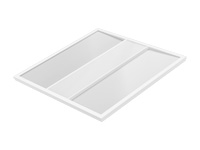
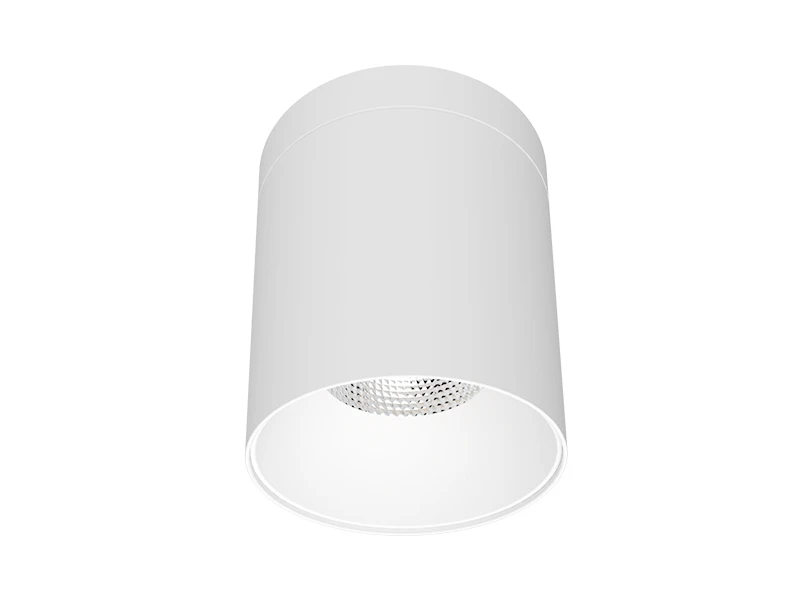
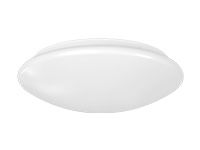
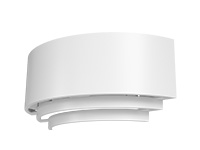
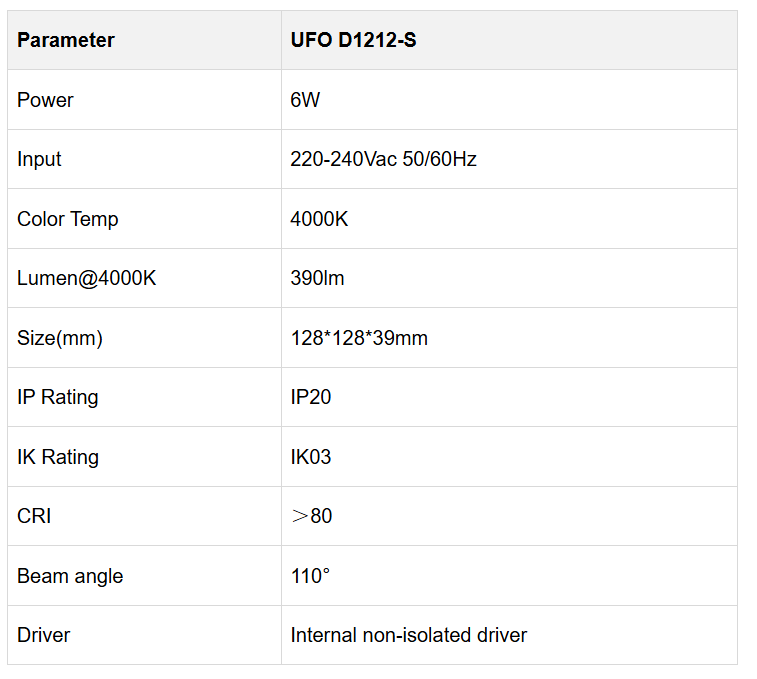
Our UFO Ceiling Lights offer round and square configurations with built-in drivers and surface or wall mounting. Their different dimensions allow the physical format to be considered alongside the workstation layout.
The selected UFO square fitting is compact, with a defined body size and output. That makes its physical format easy to compare with a proposed ceiling location. Use those dimensions to judge its relationship with surrounding ceiling details, not to predict the size or intensity of a screen reflection. The cited model data does not supply such a calculation.

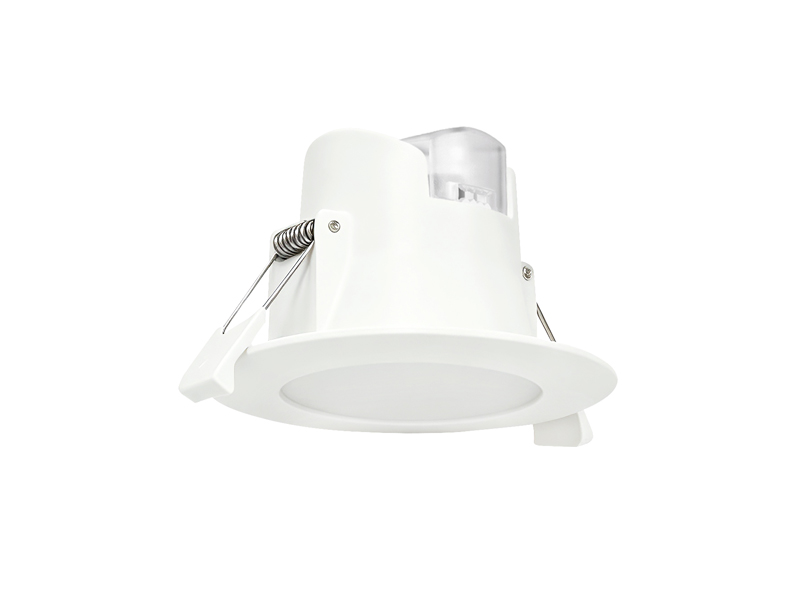
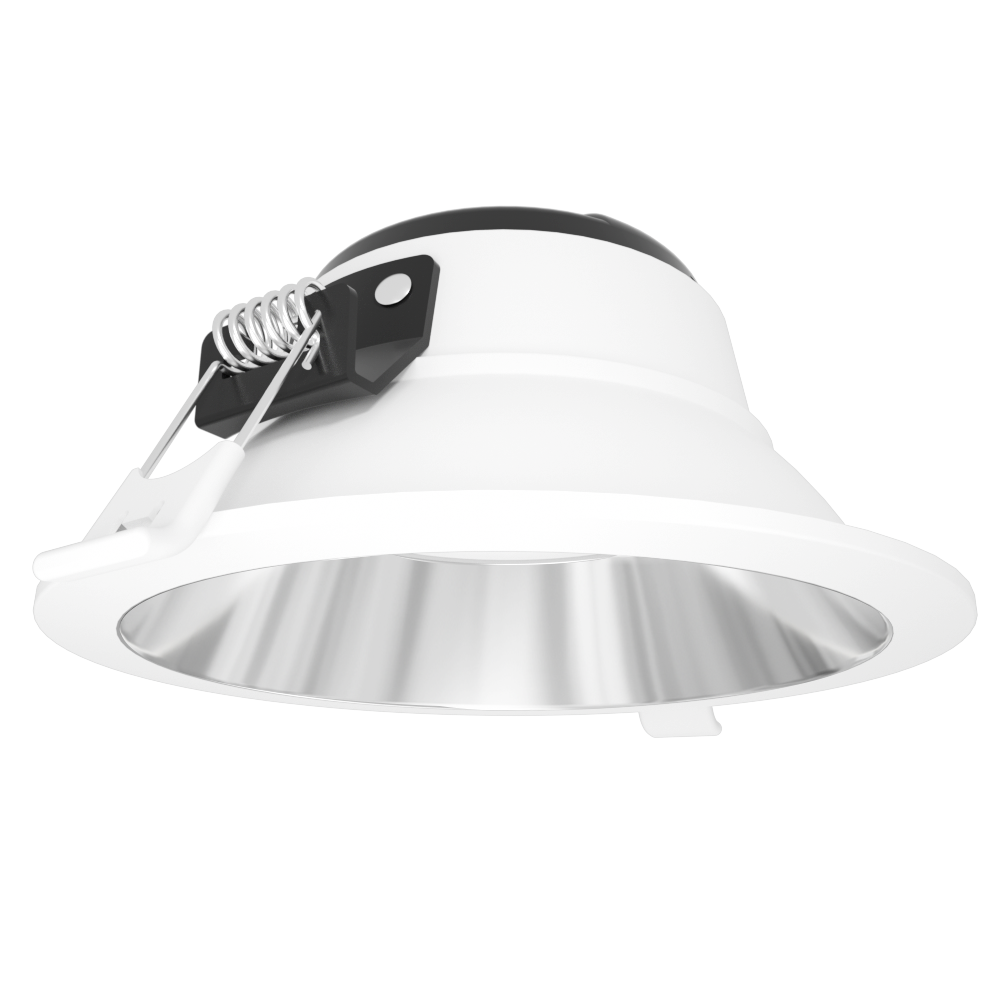
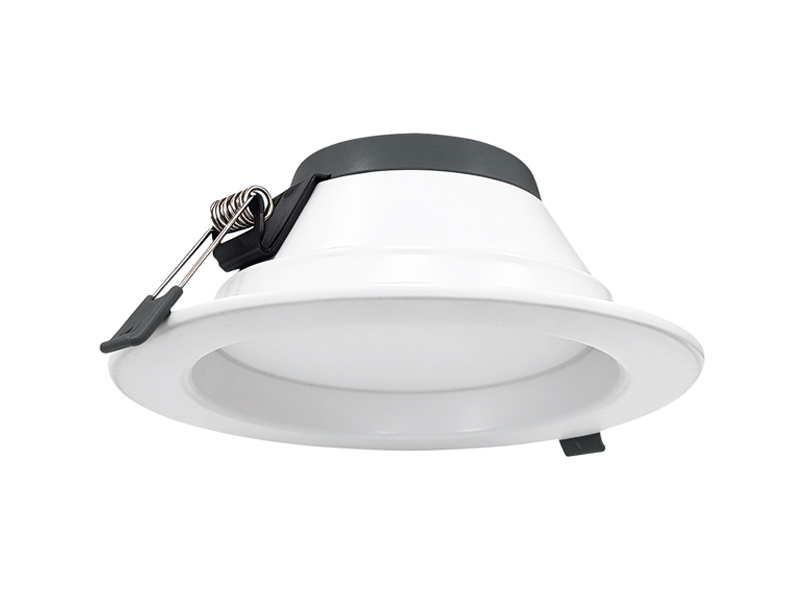
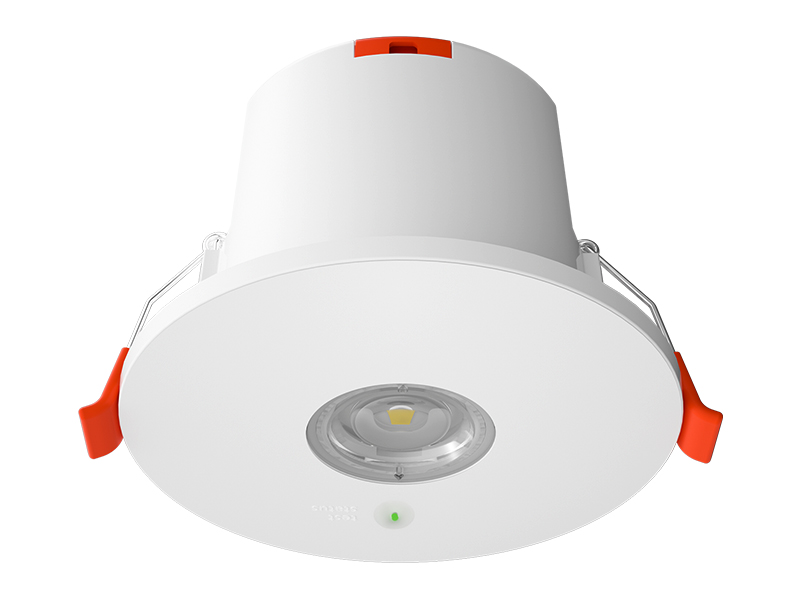
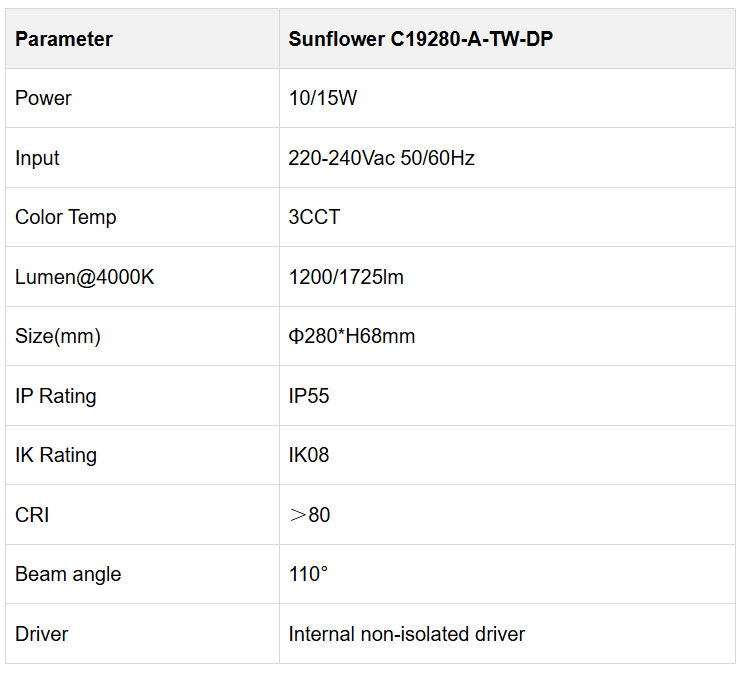
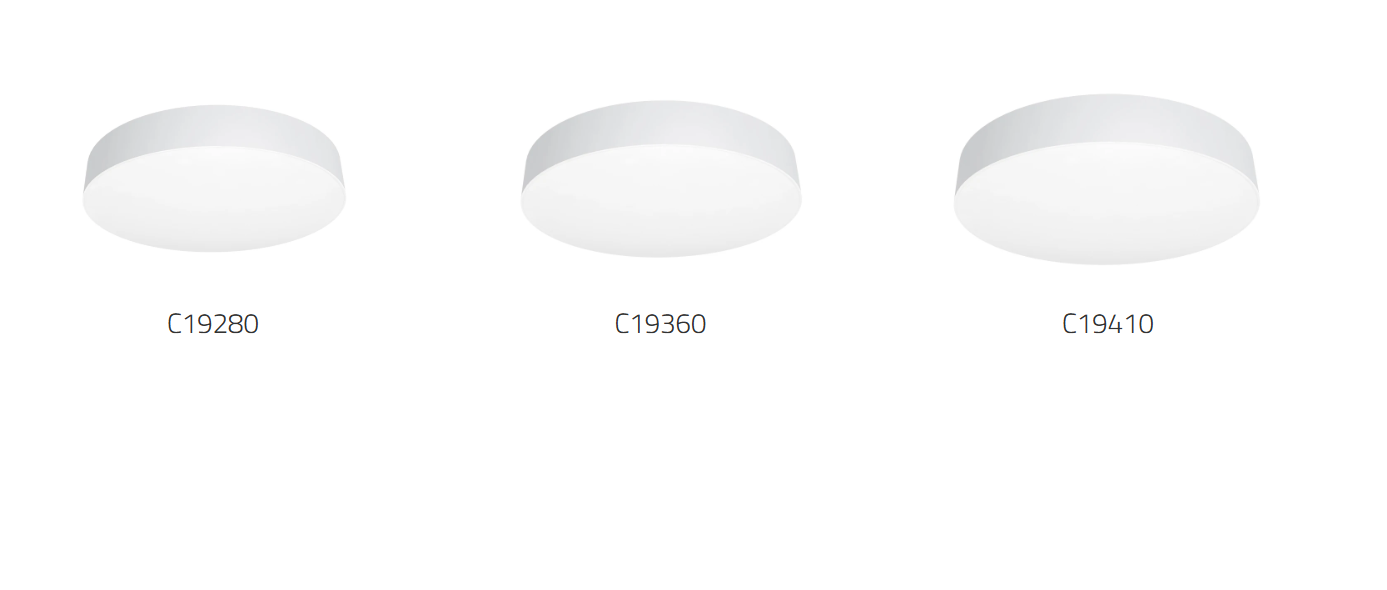
Our Sunflower Ceiling Lights provide uniform illumination with selectable colour temperature and dual-power configurations. The range also lists microwave and emergency options, which require confirmation for the selected version.
Sunflower provides a different configuration route where selectable colour temperature, power settings or an optional function is part of the brief. Those choices should be specified because the room needs them. They should not be presented as an automatic remedy for reflected light. Keep the sensing or emergency option attached to its confirmed version when discussing the fitting with the project team.
For a Commercial ceiling light project, retain the fitting’s dimensions and functions as selection criteria, then check the proposed workstation arrangement in practice. Do not describe either product as reflection-free without supporting evidence.
At IMIGY Lighting, we recommend reviewing the lighting and workspace together. UFO and Sunflower offer different product configurations; the final arrangement should reflect the actual screens and user positions. If a Dali ceiling light is also required, verify that control configuration separately, because the cited sheets do not confirm it.
After choosing a proposed position, review it with the actual workstation arrangement wherever practicable. Look at the screen from the normal seated location and check that the working surface remains usefully illuminated. Record the relevant desk direction and screen angle so the result can be understood later.
At IMIGY Lighting, we can use that information to discuss the physical UFO or Sunflower configuration without promising a universal reflection-free result. A useful brief identifies the troublesome source, the fixed furniture constraints and the lighting task. This makes a product comparison more relevant than simply replacing one fitting shape with another across the entire ceiling.
Record the normal viewing position so later comparisons address the same observed screen reflection consistently.
Q: Does uniform illumination guarantee that a fitting will not appear in a screen reflection?
A: No such guarantee is established by these product sheets. Review the actual screen and fitting positions rather than treating a general lighting description as proof of reflection performance.
Q: Is changing the fitting’s shape enough to resolve the problem?
A: Shape is only one product characteristic. Compare the proposed arrangement from the normal viewing position before deciding whether a different fitting or position is appropriate.
Q: Does this guide provide a fixed mounting distance for every workstation?
A: No. The available sheets do not provide a screen-reflection placement calculation. A fixed distance should not be invented from the product dimensions or protection ratings.
Q: Can I use a single test desk to approve the lighting position for the whole office?
A: Use it as a starting point, then check desks facing other directions and positions near different ceiling features. Keep the furniture constraints visible in the review. A layout that works for one screen orientation may need adjustment elsewhere.
It is recommended that you upgrade the latest browser
 Chrome
 Firefox
 Edge