
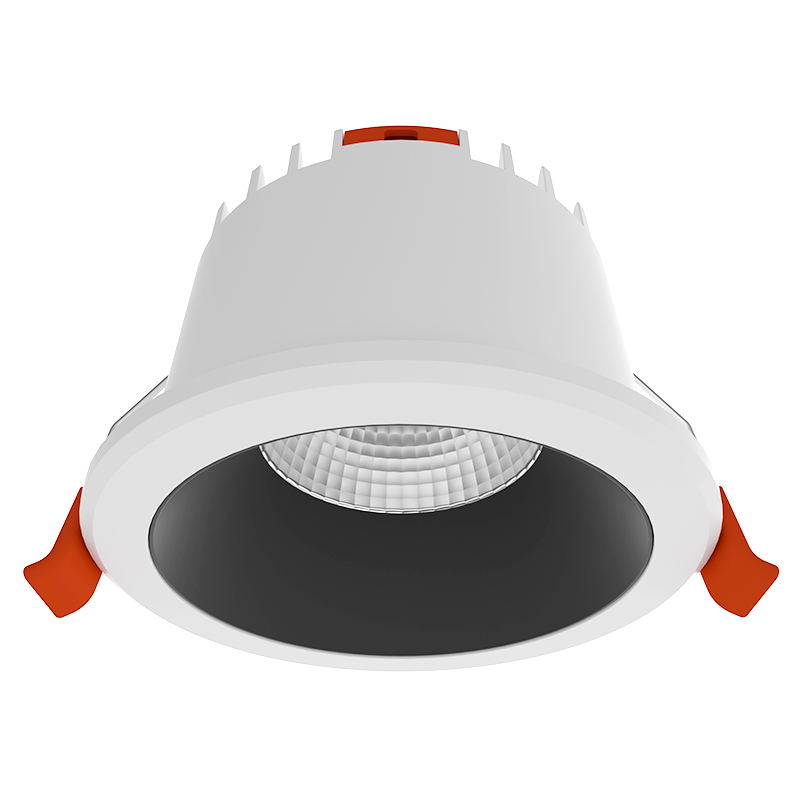
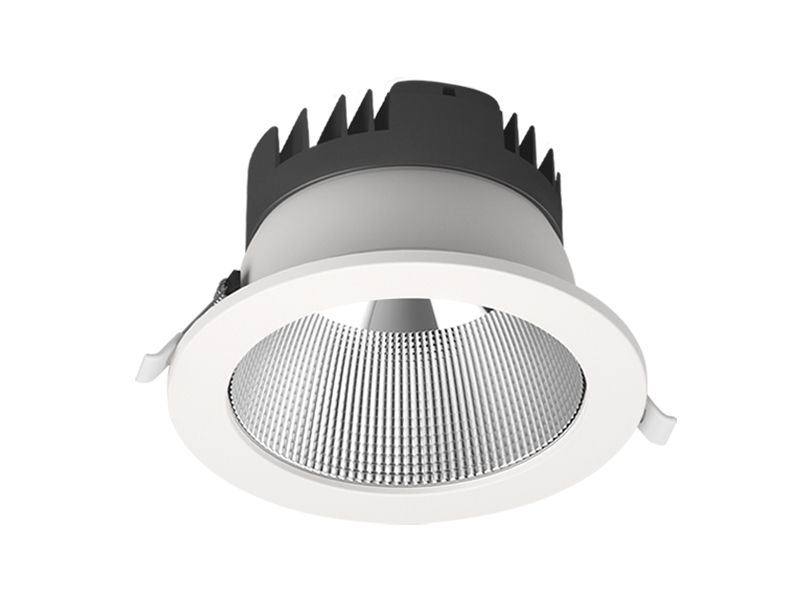
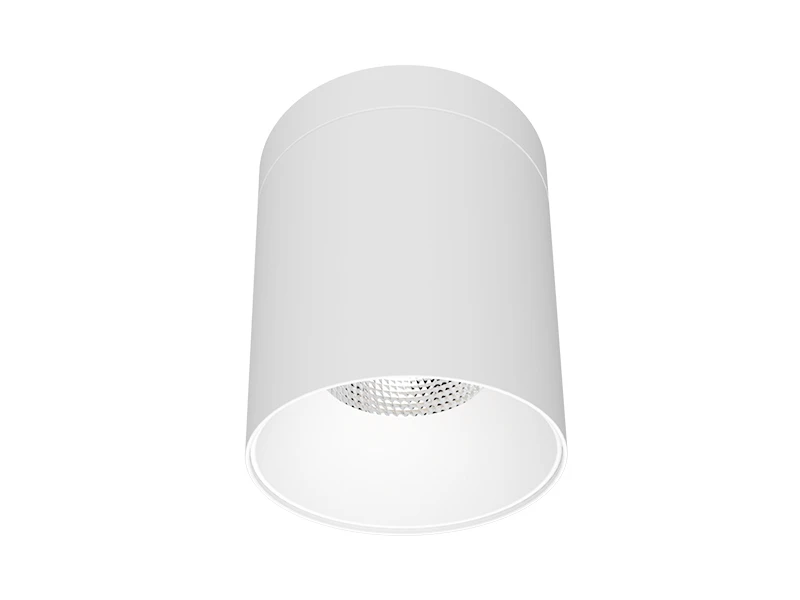
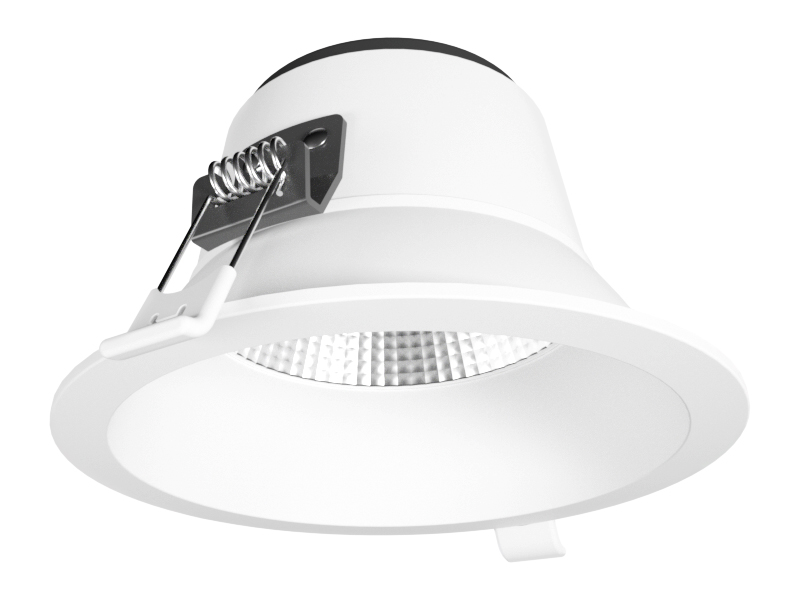
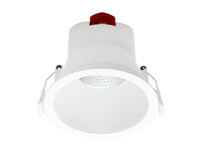
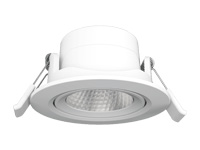
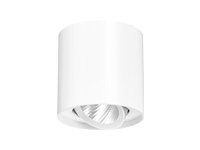
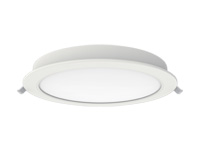
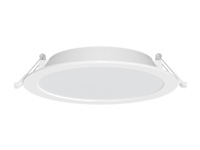
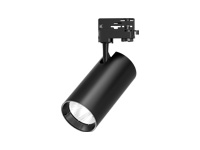
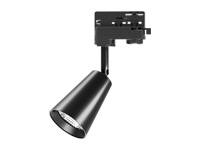
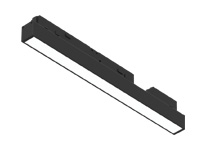
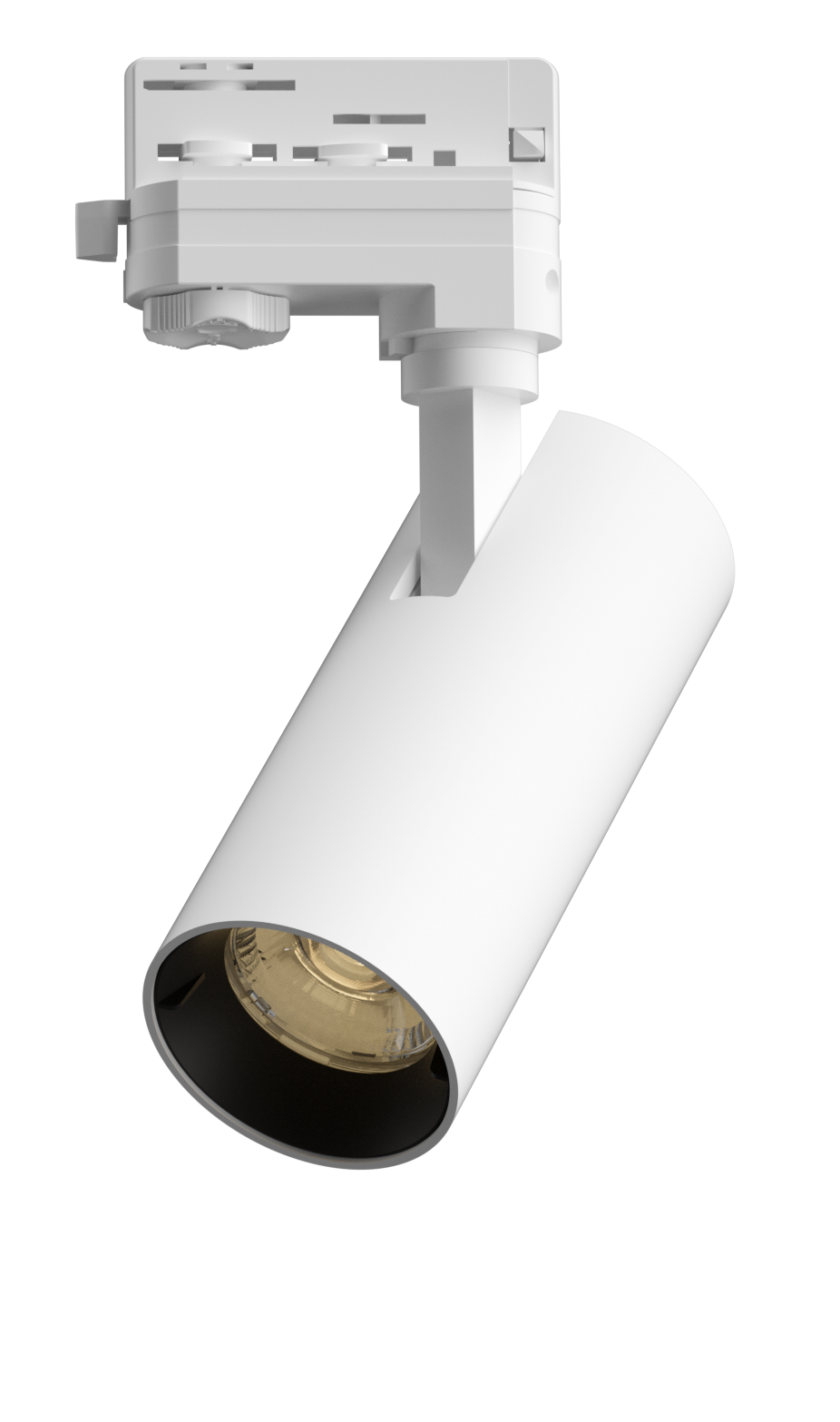
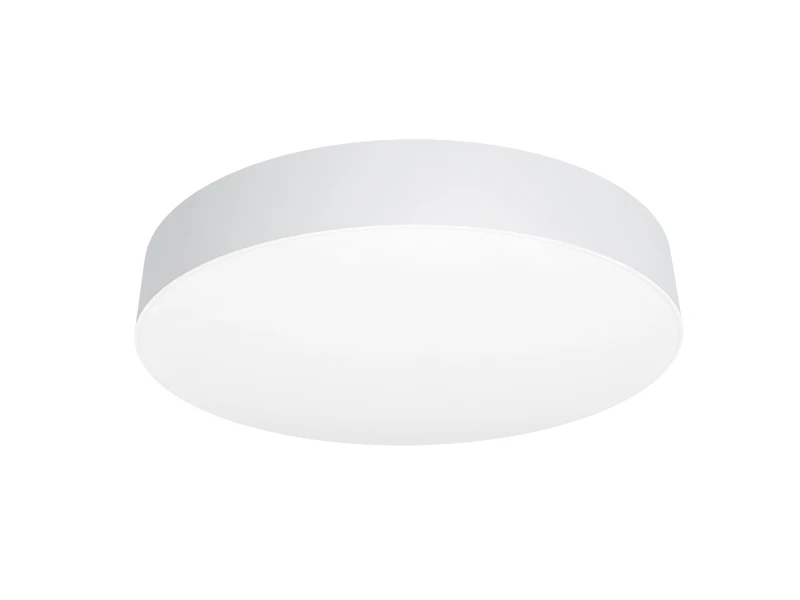
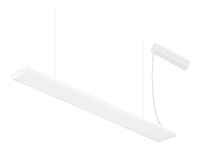
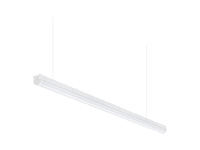
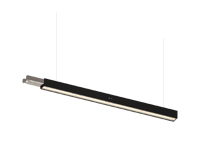
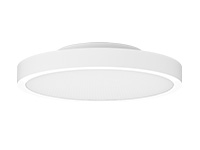

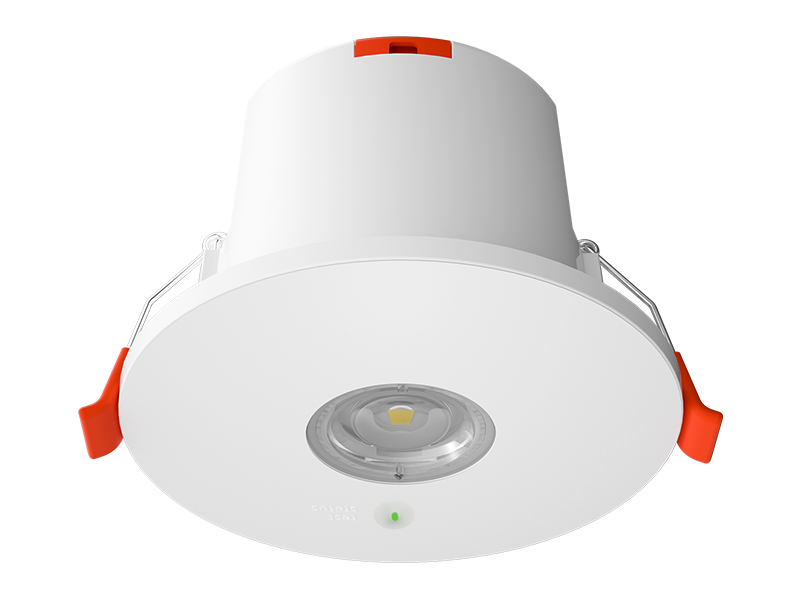


Installing an adjustable track lighting system by yourself may seem daunting, but with the right tools, clear steps, and user-friendly products like IMIGY’s Polaris Track Lights and Flame Track Lights, it becomes a simple and rewarding DIY project. Whether you’re upgrading your home studio, retail store, or living room, a properly installed system not only enhances lighting flexibility but also maximizes the performance of dimmable led track lighting. Unlike recessed light track (which often requires professional ceiling modification), ceiling track lighting has a modular design that minimizes complexity. This guide will walk you through the entire process, from preparation to final adjustments, ensuring you get a stable, functional, and stylish lighting setup without hiring an electrician.
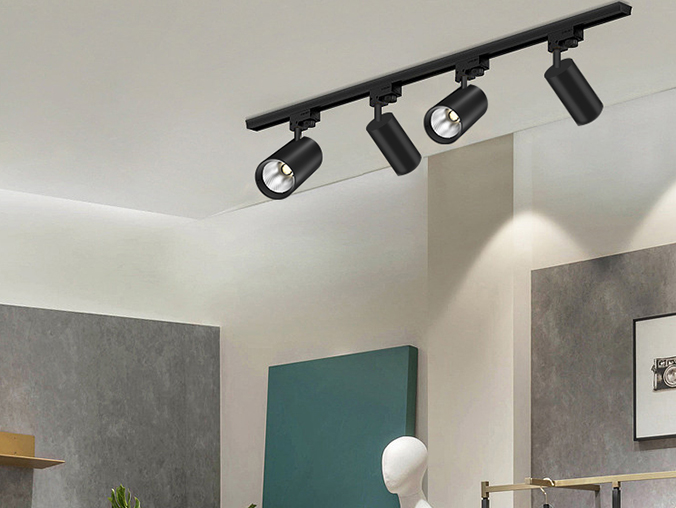
1. Prepare Tools and Materials
Gather essential tools and materials first to avoid interruptions. For the basic installation of IMIGY’s adjustable track lighting system, you’ll need a drill (with Phillips and flat-head bits), a pencil, a level, a tape measure, and a screwdriver. Safety gear like work gloves and goggles is also a must. As for the lighting components, IMIGY’s kits include pre-cut tracks (splicable for longer lengths), Polaris Track Lights or Flame Track Lights (depending on your needs), mounting brackets, screws, wire nuts, and a user manual. If you’re pairing with a dimmer (recommended for dimmable led track lighting), include a compatible TRIAC or smart dimmer. Pro tip: Check if your ceiling is drywall, wood, or concrete—concrete may require masonry drill bits, which IMIGY can provide upon request.
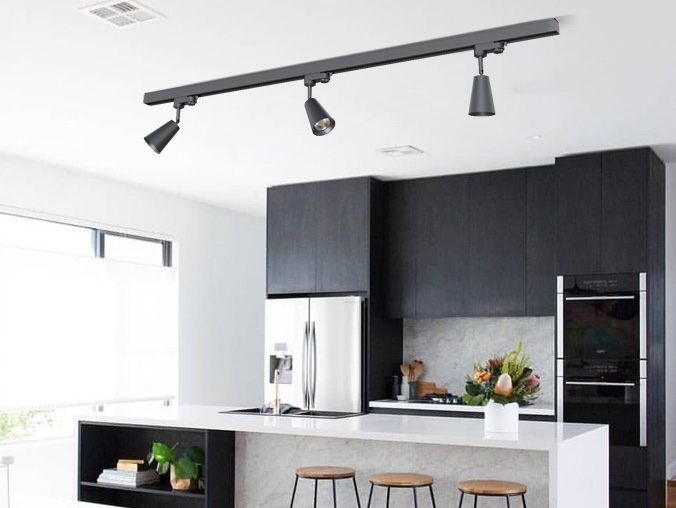
2. Plan the Layout and Mark Mounting Points
Proper planning ensures your ceiling track lighting meets your illumination needs. Start by determining the track position: for retail stores, align it above display racks; for homes, center it over a dining table or work area. Use a tape measure to mark the track length on the ceiling, then place mounting brackets every 40-50cm along the marked line—this ensures the track is stable. Use a level to confirm the marks are straight; uneven tracks will affect the appearance and adjustability of the light heads. If you’re splicing multiple tracks (for large spaces), mark the connection points clearly. Avoid placing brackets near ceiling joists if possible, but if you must, use longer screws to secure them firmly.
3. Install the Track and Connect Wires
First, turn off the power to the ceiling outlet you’ll use—safety always comes first. Attach the mounting brackets to the ceiling with a drill, making sure they’re tight. Then, snap the track into the brackets (IMIGY’s tracks have a quick-lock design for easy installation). Next, connect the track wires to the ceiling wires: match the black (hot) wire to black, white (neutral) to white, and green (ground) to green or copper. Twist the wires together and secure with wire nuts. Tuck the connected wires into the ceiling junction box, then push the track firmly against the brackets to lock it in place. For spliced tracks, use IMIGY’s dedicated connectors to join them—no extra wiring is needed, as the connectors transmit power seamlessly.
4. Mount Light Heads and Set Up Dimmer
Once the track is installed, attach the Polaris Track Lights or Flame Track Lights by sliding their bases into the track until they click—this ensures a secure connection and power supply. Adjust the light heads immediately: Polaris Track Lights (great for broad illumination) can be tilted to cover large areas, while Flame Track Lights (with narrow beam angles) should be focused on specific spots like artwork or retail displays. If you’re using a dimmer for dimmable led track lighting, install it according to the dimmer manual—most plug-in dimmers simply connect between the track and the outlet, while hardwired dimmers require wiring to the wall switch. Turn the power back on, and test the lights and dimmer to ensure everything works.
5. Final Adjustments and Safety Checks
Do a final walkthrough to perfect your adjustable track lighting system. Slide the light heads along the track to fine-tune their positions, ensuring no dark spots exist. Check that all connections are tight—loose wires can cause flickering or overheating. For retail environments, pair the track lighting with auxiliary recessed light track if needed, but ensure the total wattage doesn’t exceed the track’s capacity (IMIGY tracks support up to 300W). If you notice any issues like dimness or flickering, turn off the power and recheck the wire connections or light head installation. With IMIGY’s products, this step is rarely needed, thanks to their plug-and-play design and high-quality components.
It is recommended that you upgrade the latest browser
 Chrome
 Firefox
 Edge
Edge